Online Demos
You can try all features of the user interface as well as the admin area.
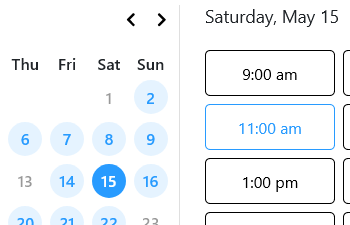
User Interface
You can create a user account, schedule, change or cancel appointments, and change your data in the user interface.

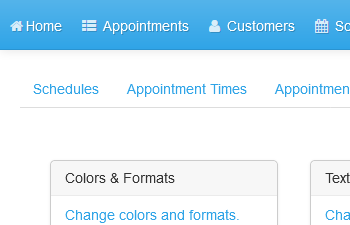
Control Panel (User and Appointment Administration, Configuration)
The control panel allows you to create and manage user accounts, schedule appointments, and change the configuration of the reservation system.
The username is info@example.com and the password is demo.