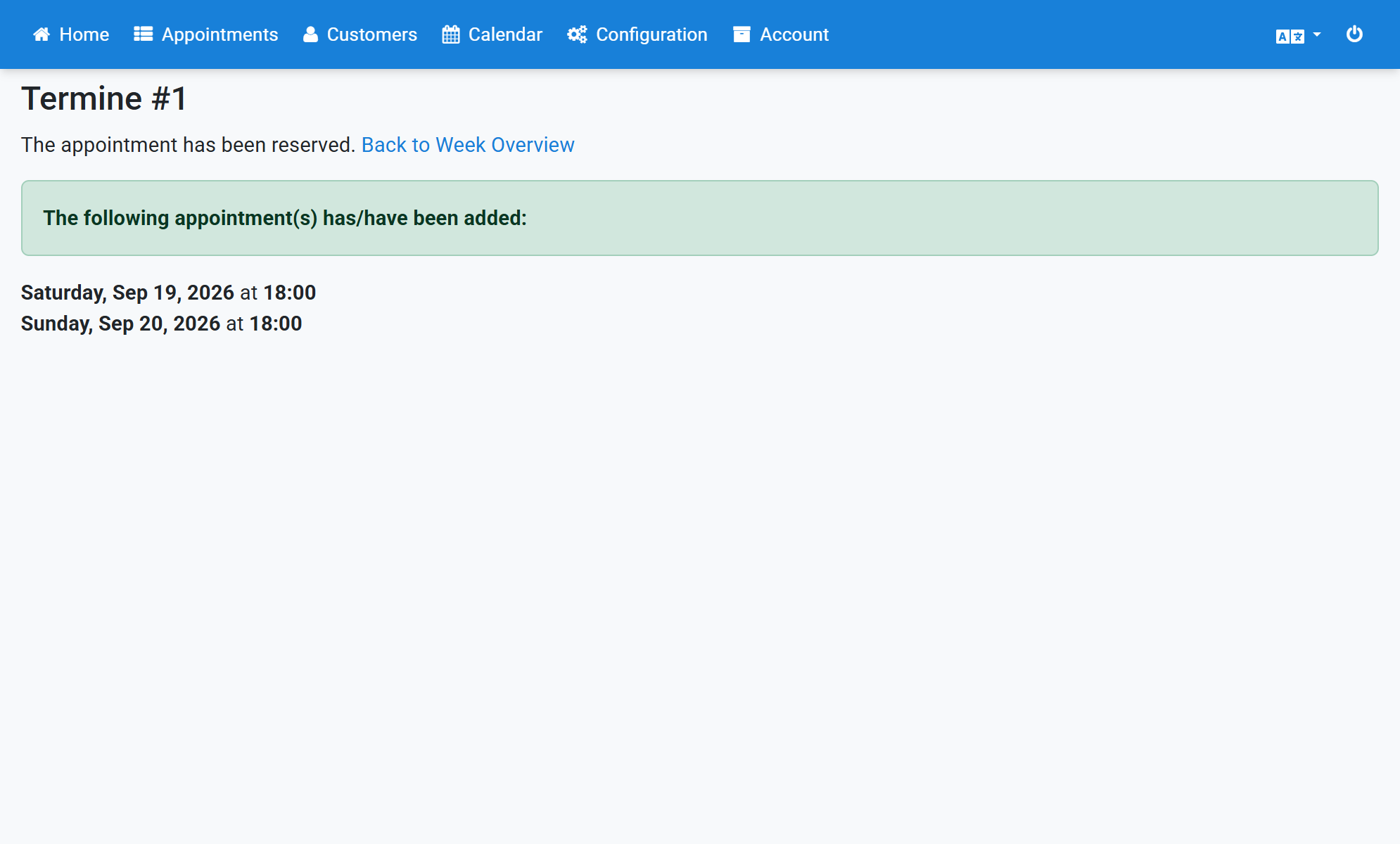
Book Administrative Appointments
- Click Calendar in the navigation.
- Select the desired appointment times.
- Scroll all the way down.
- Select Other reason.
- Enter a reason, for example Meeting.
- Click Reserve appointment(s).
- The confirmation lists the reserved appointments.
Screenshots
Click Calendar in the navigation
1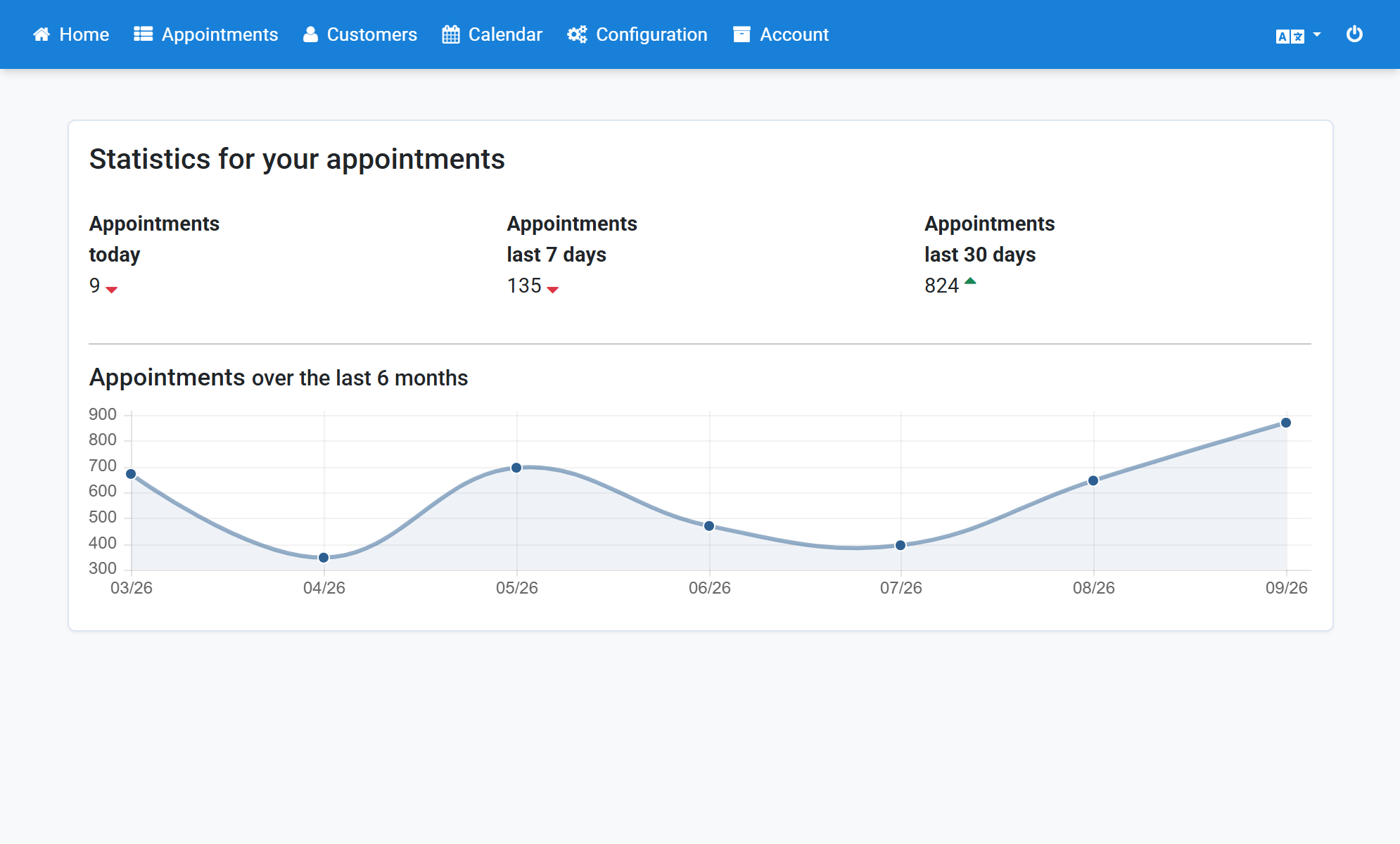
Select the desired appointment times
2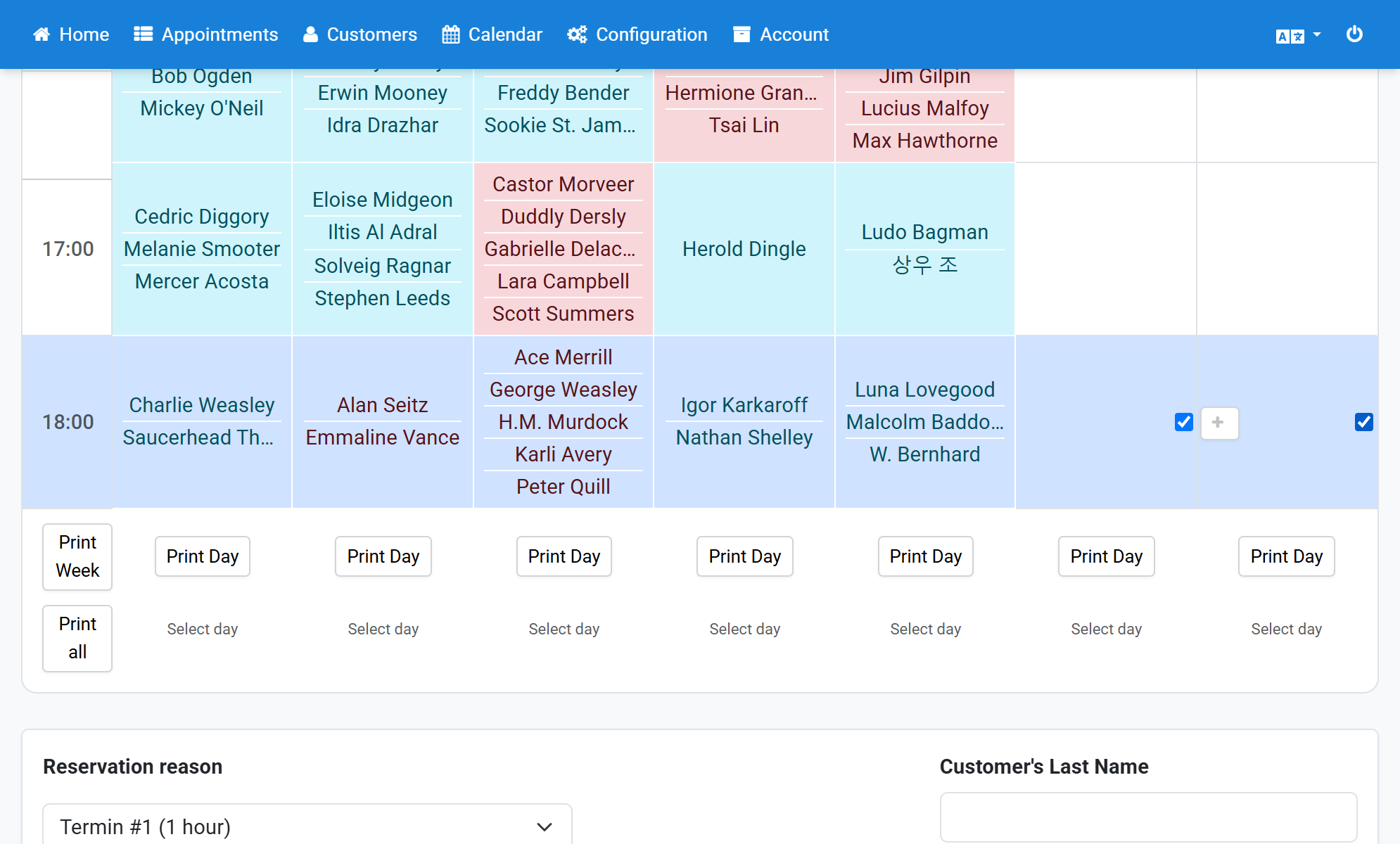
Scroll all the way down
3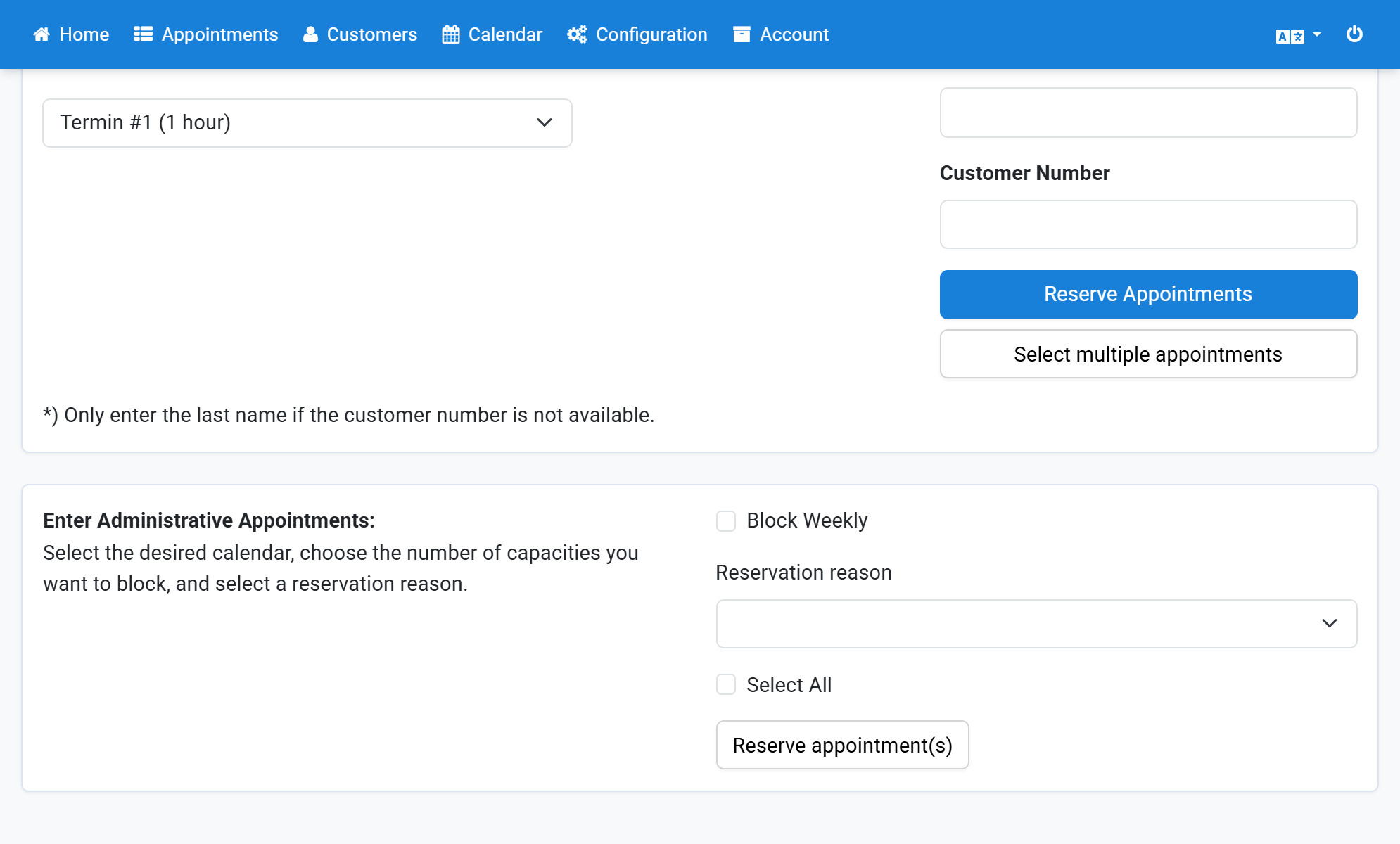
Select Other reason
4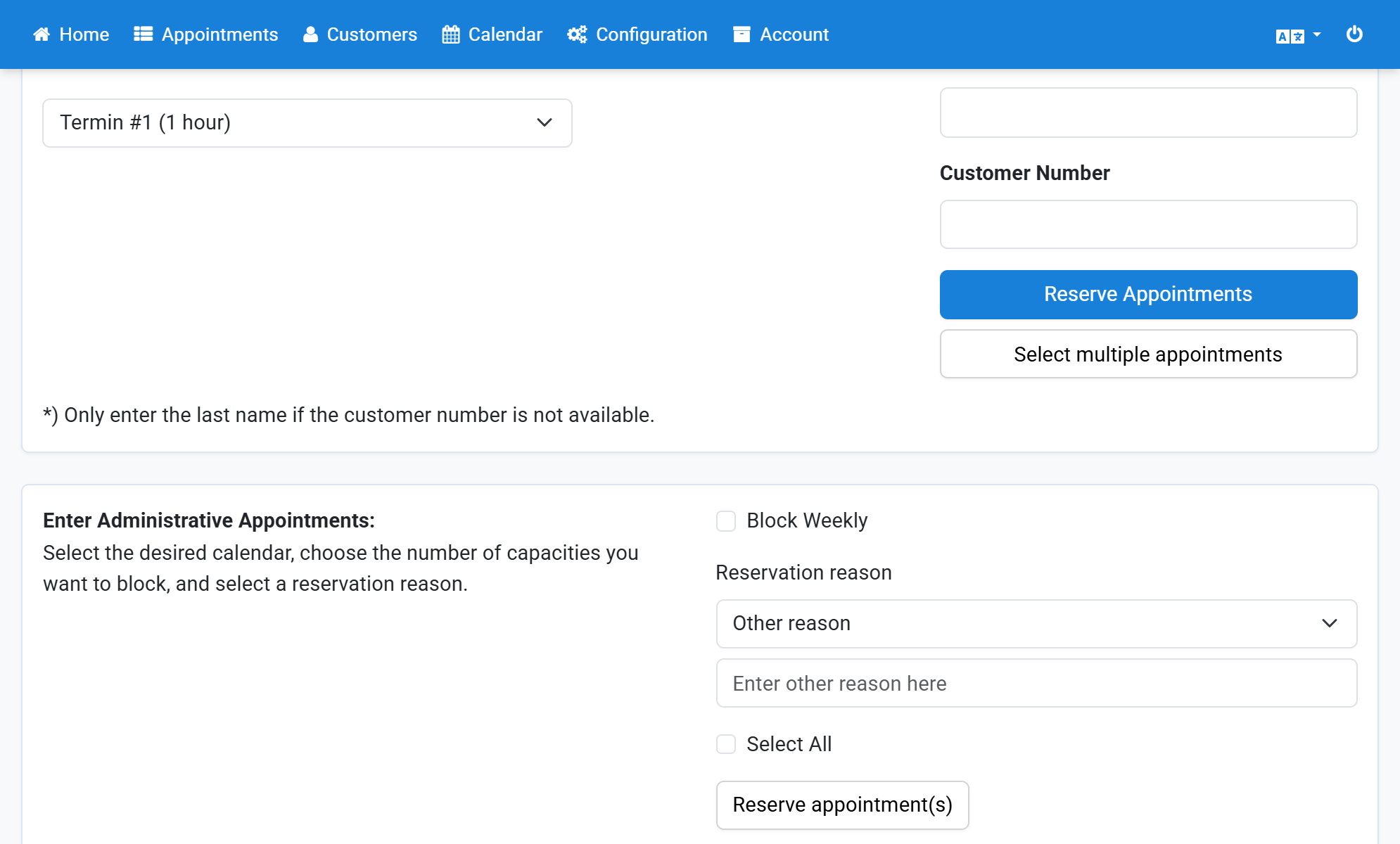
Enter a reason, for example Meeting
5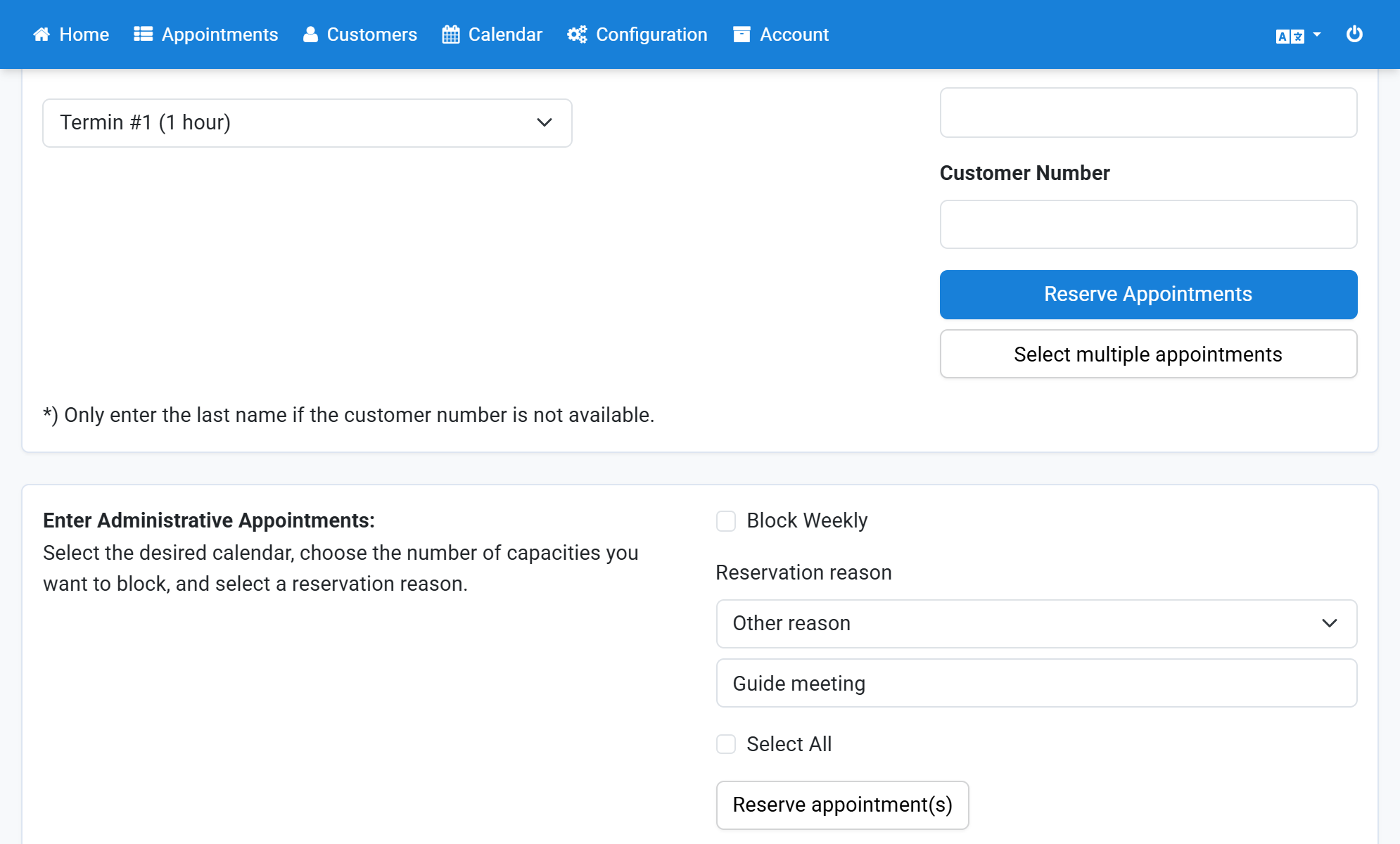
Click Reserve appointment(s)
6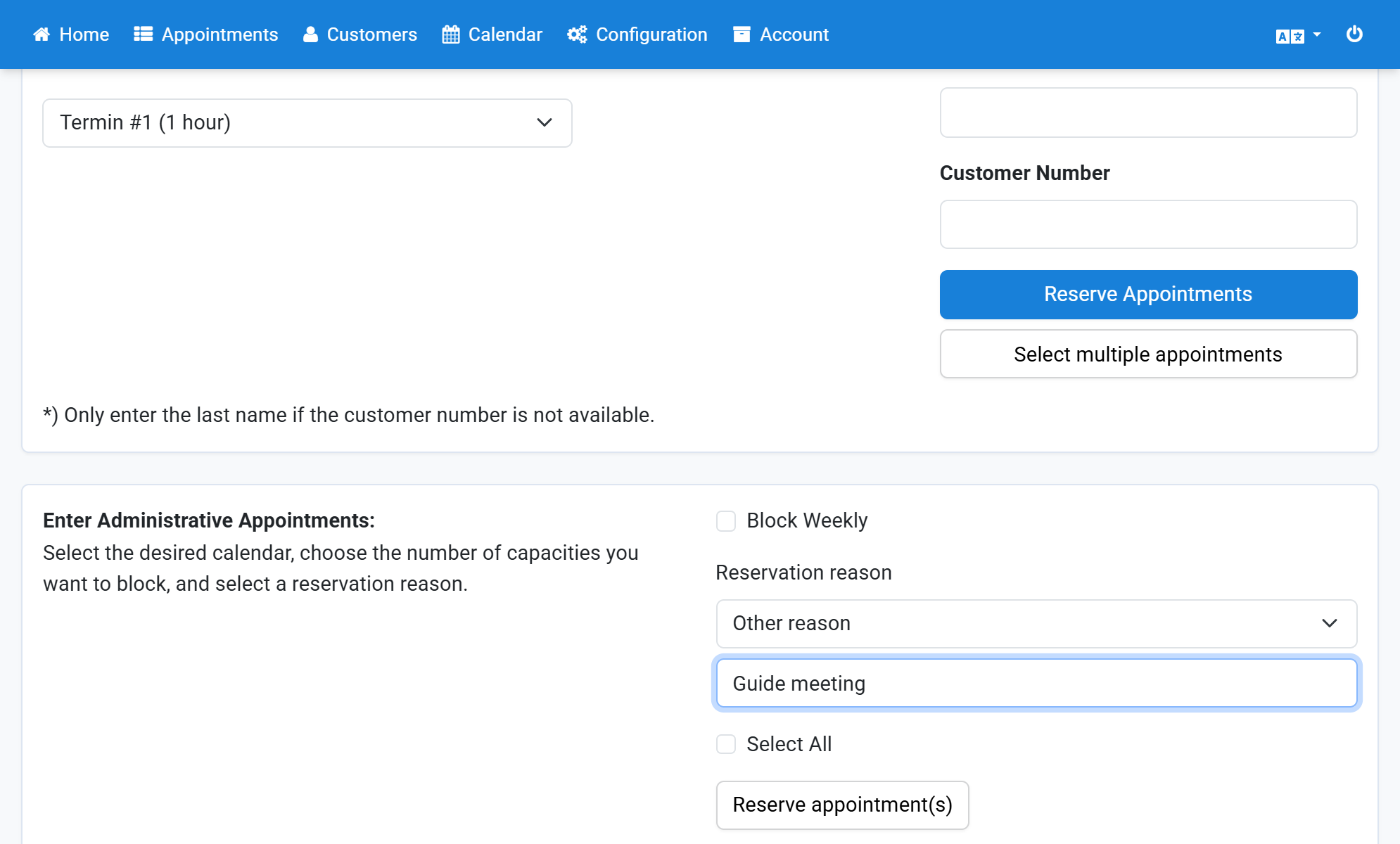
The confirmation lists the reserved appointments
7