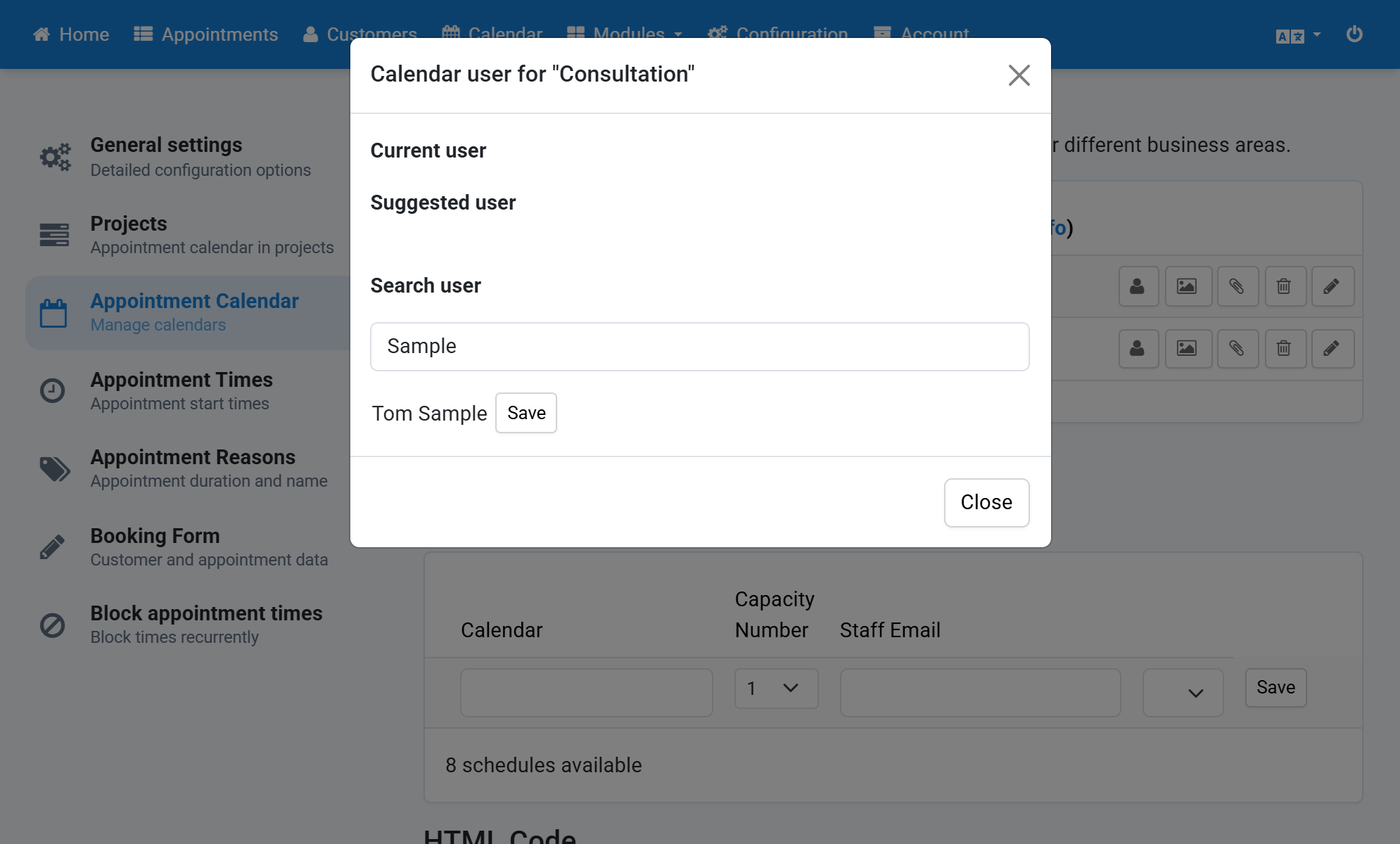
Assign Calendar User
- Click Configuration in the navigation bar.
- Click Appointment Calendar in the subnavigation bar.
- Click the user icon next to a calendar.
- Possible users for this calendar are suggested.
- Alternatively enter the last name of a user in the search field.
- Click Save next to the user you want.
Screenshots
Click Configuration in the navigation bar
1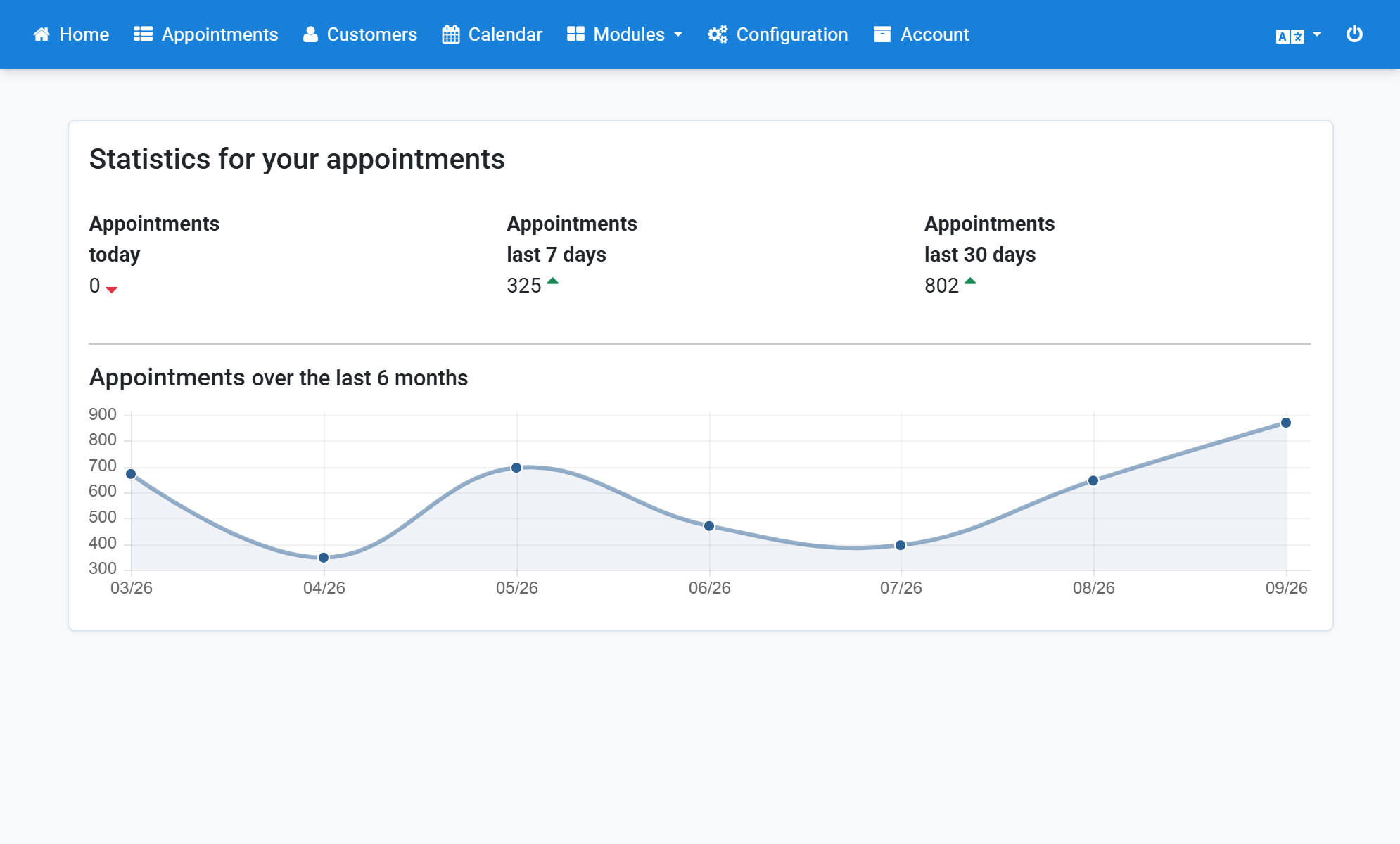
Click Appointment Calendar in the subnavigation bar
2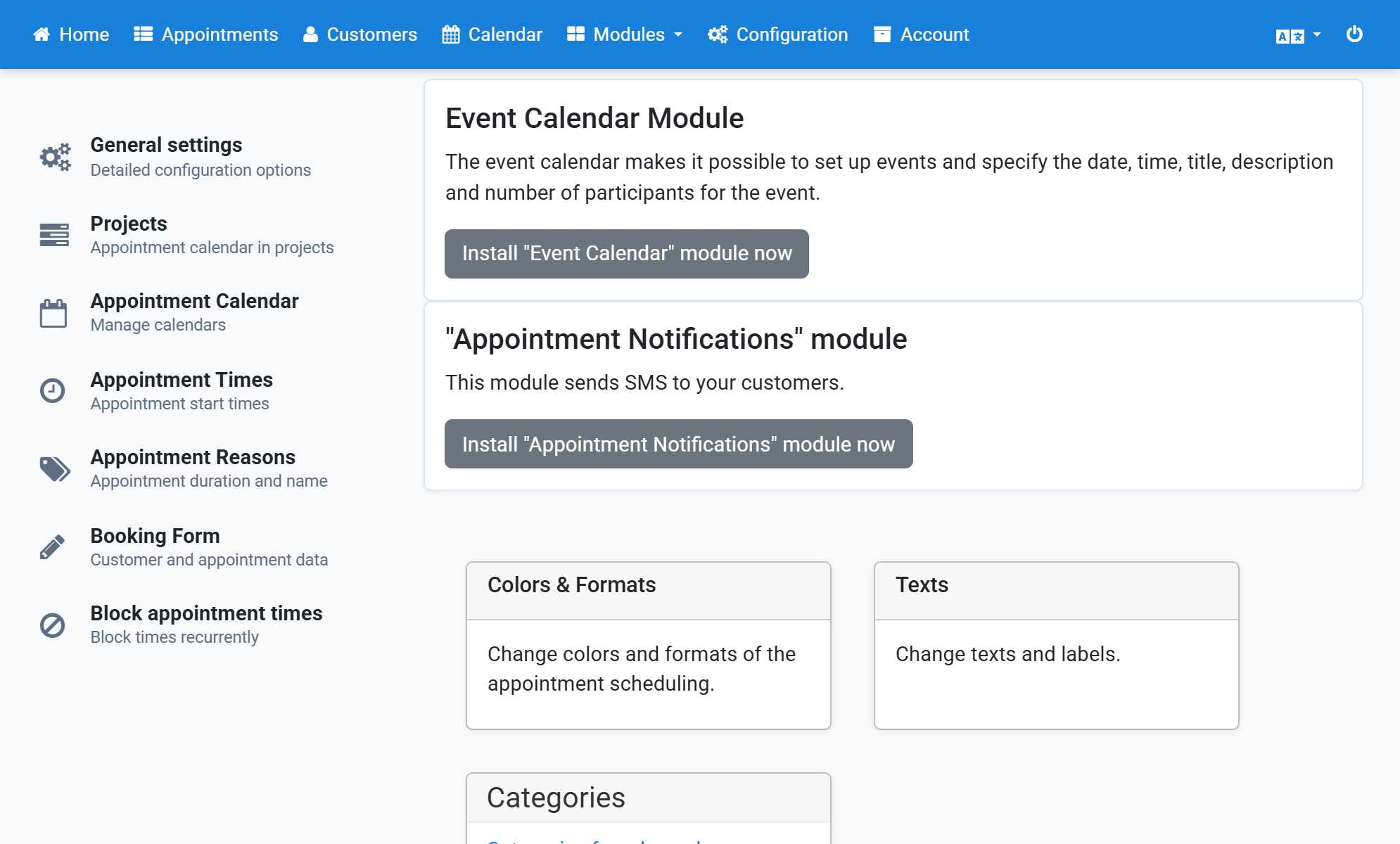
Click the user icon next to a calendar
3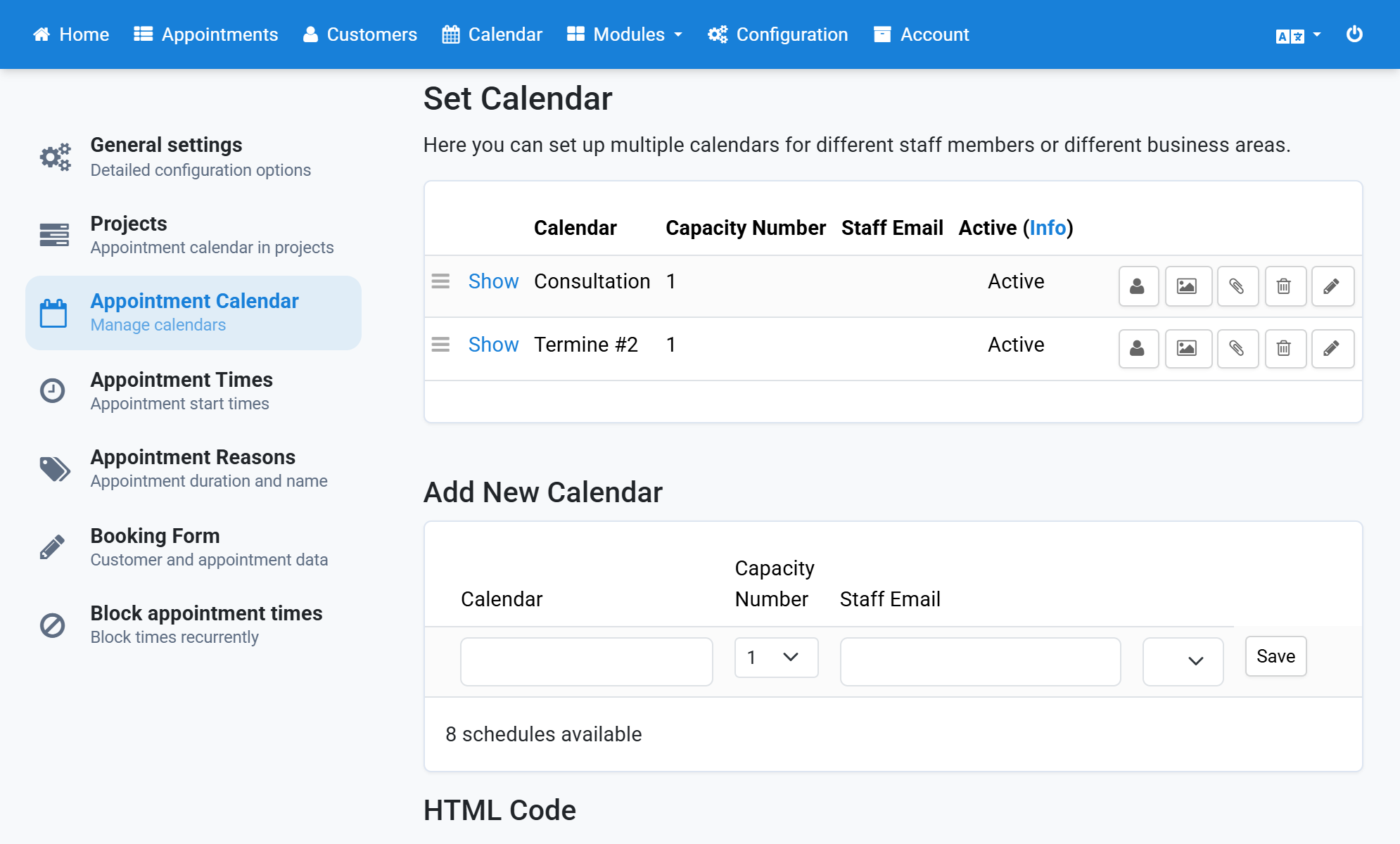
Possible users for this calendar are suggested
4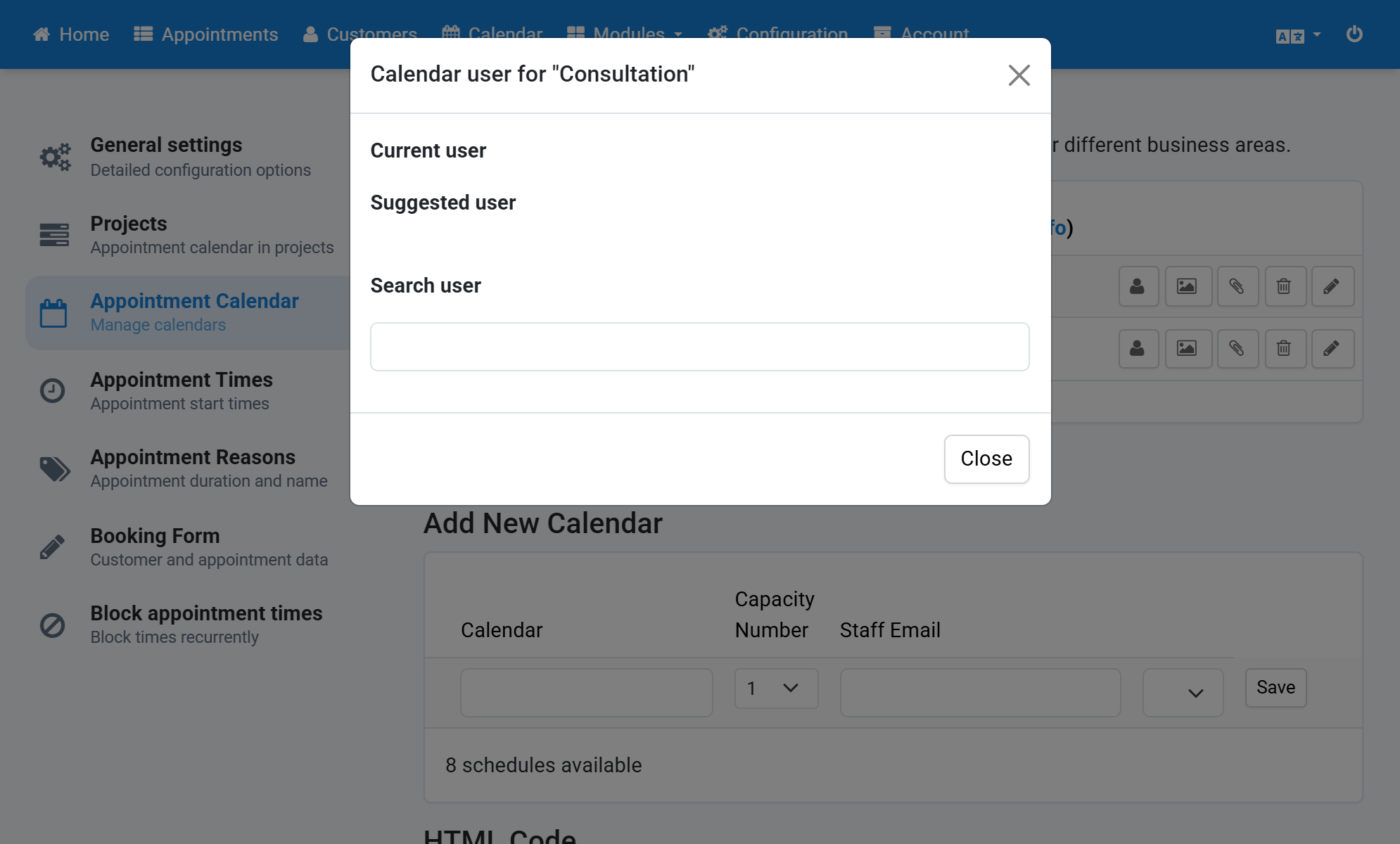
Alternatively enter the last name of a user in the search field
5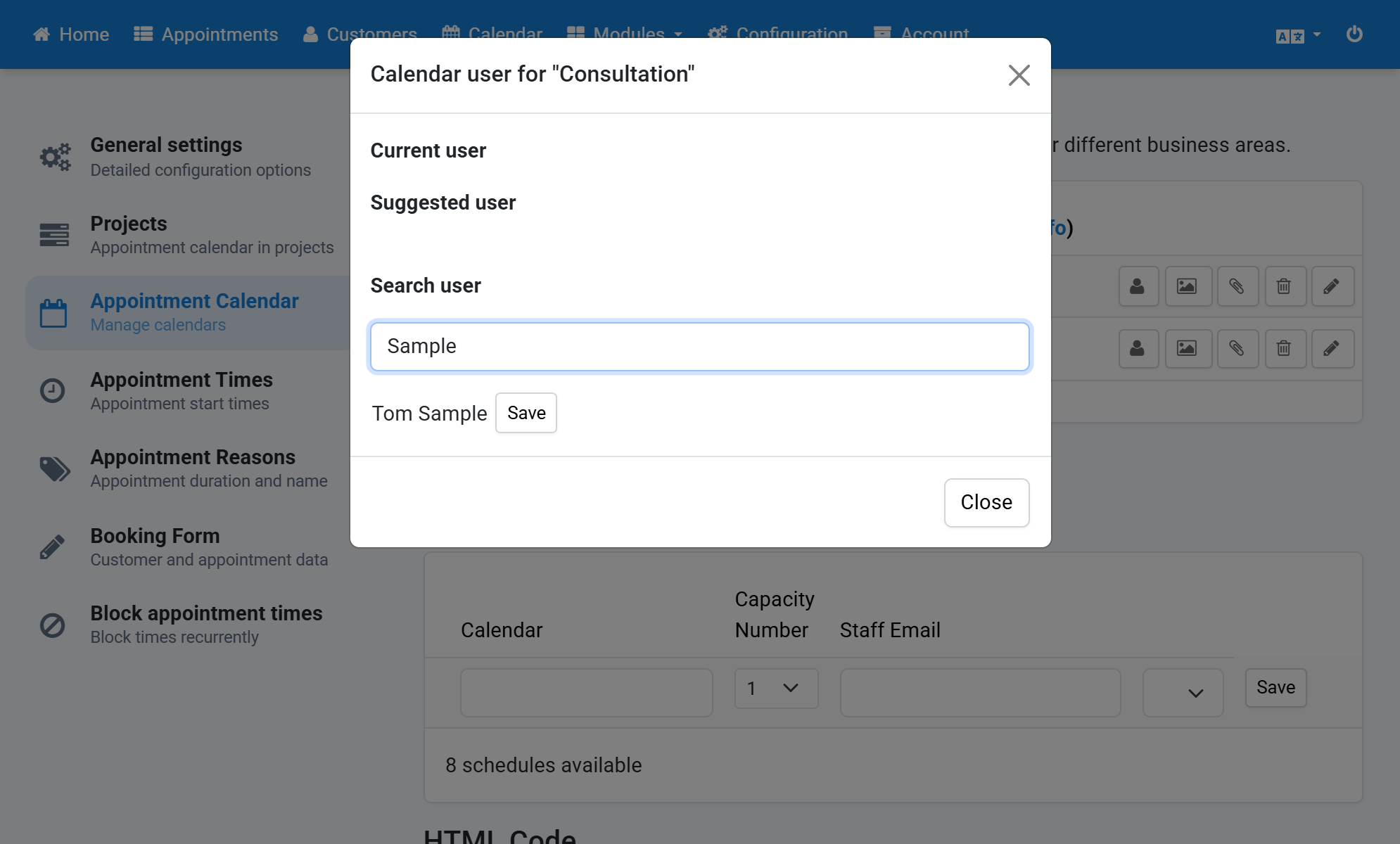
Click Save next to the user you want
6