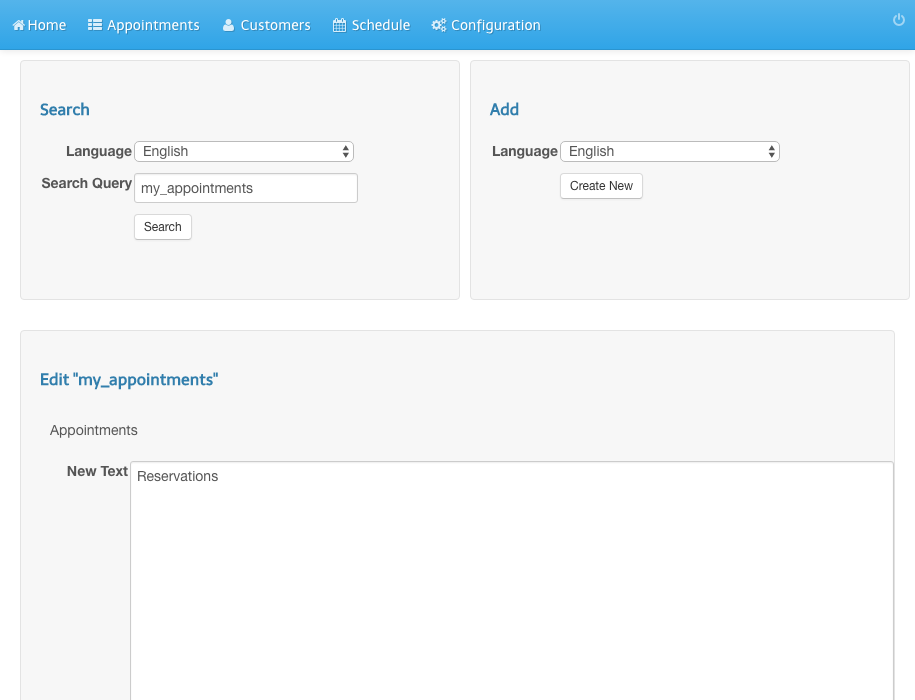
Change Text and Labels
- Click Configuration in the navigation bar.
- Click Texts (Change texts and labels).
- Enter Appointments as Search Query and click Search.
- Click Edit in the result list.
- Change Appointments in Reservations.
- Click Save.
- You will see a success message.
- Refresh the user calendar view in order to see the change.
Screenshots
Click Configuration in the navigation bar
1
Click Texts (Change texts and labels)
2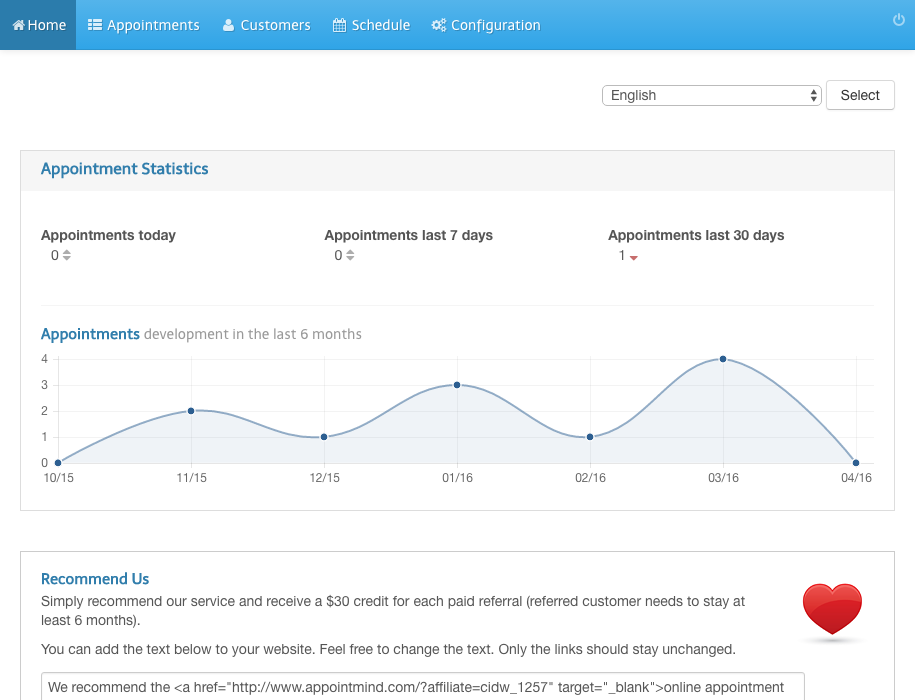
Enter Appointments as Search Query and click Search
3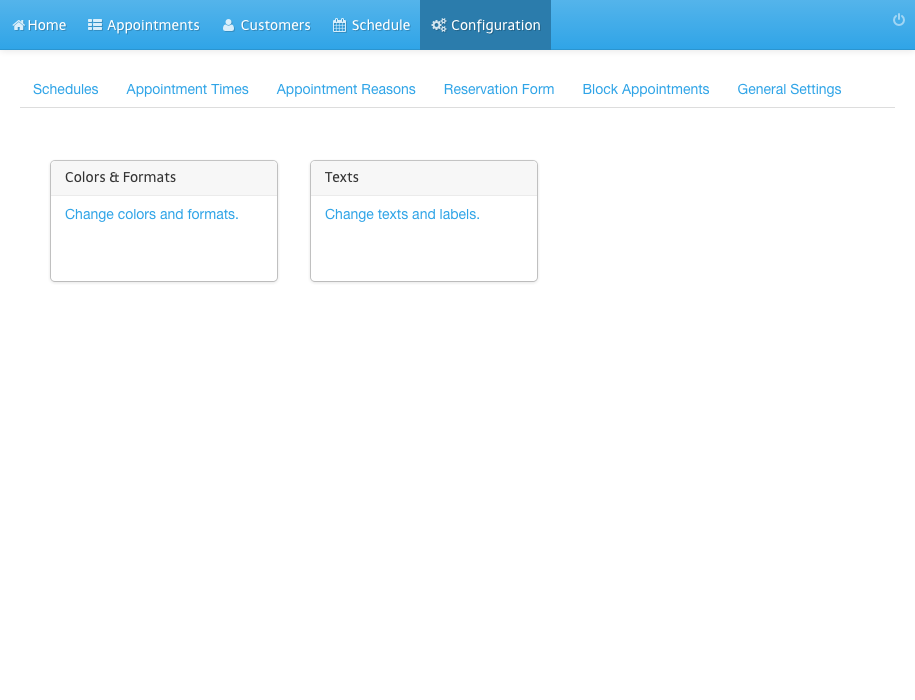
Click Edit in the result list
4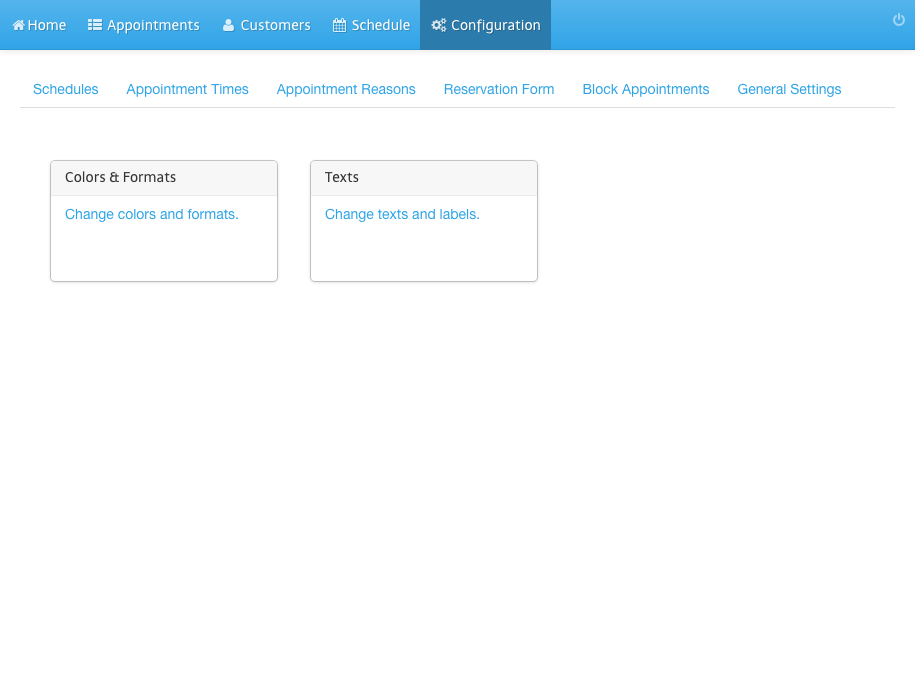
Change Appointments in Reservations
5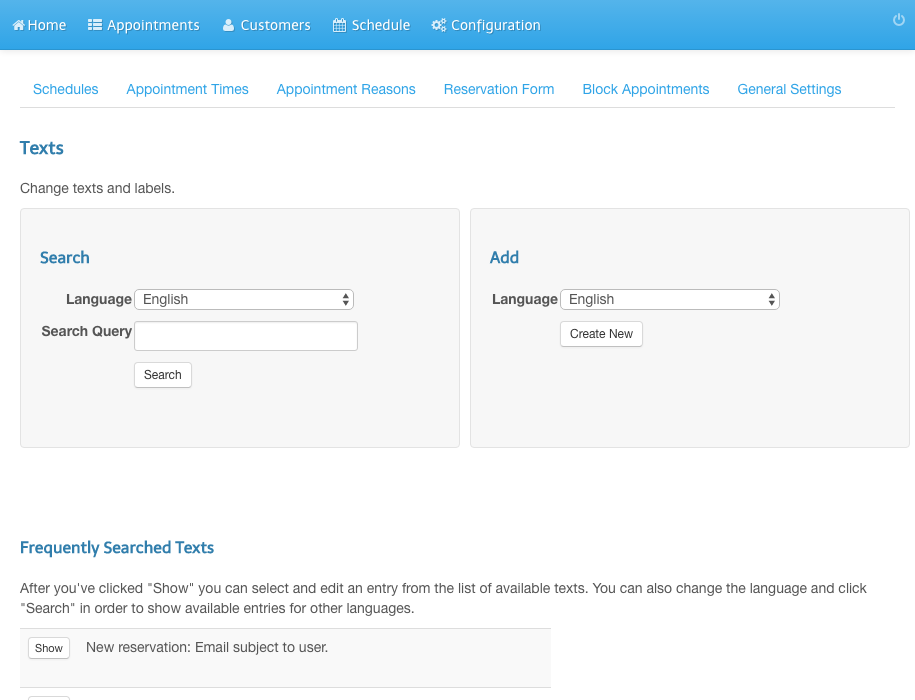
Click Save
6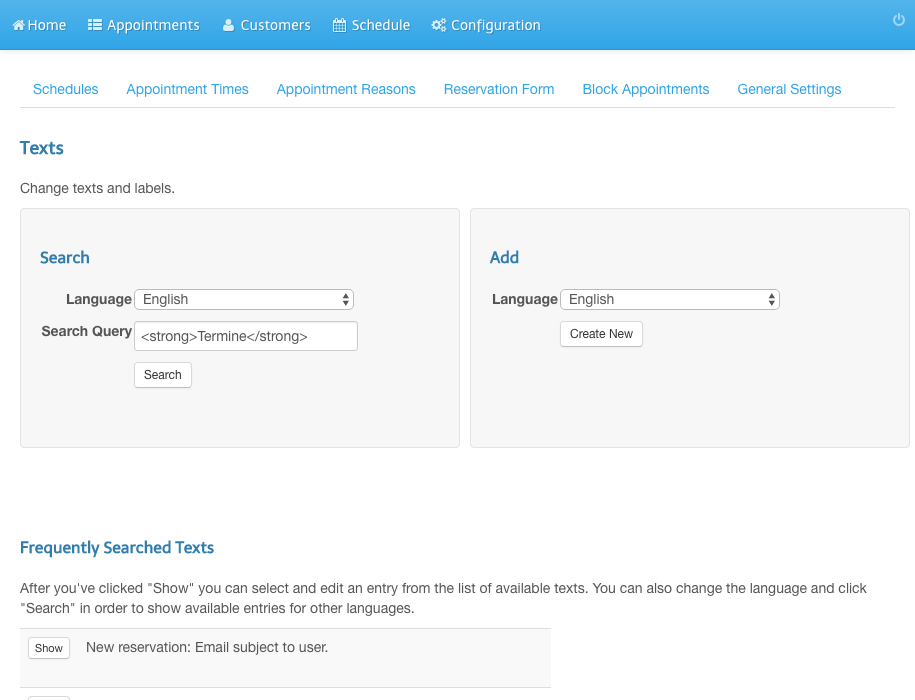
You will see a success message
7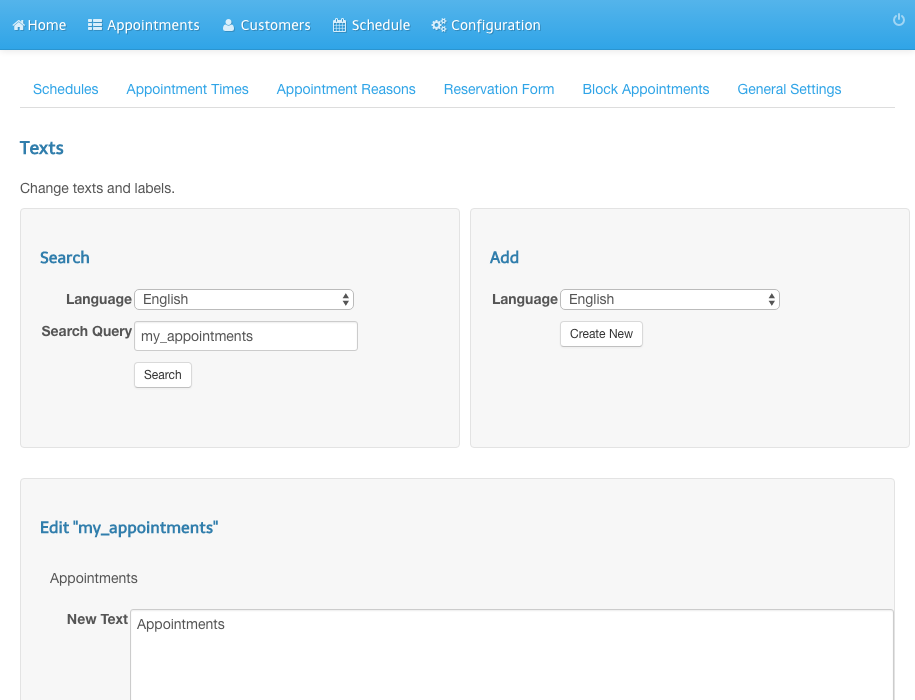
Refresh the user calendar view in order to see the change