Integrate Gut und fair beraten
Show reviews and ratings below your calendar
This guide shows you how to display your ratings and reviews from Gut und fair beraten below your calendar.
- Sign in to Gut und fair beraten.
- Open Account.
- Select and copy the partner ID.
- Sign in to Appointmind and open Configuration.
- Open General settings.
- Open the Gut und fair beraten settings.
- Enable Gut und fair beraten.
- Paste the partner ID.
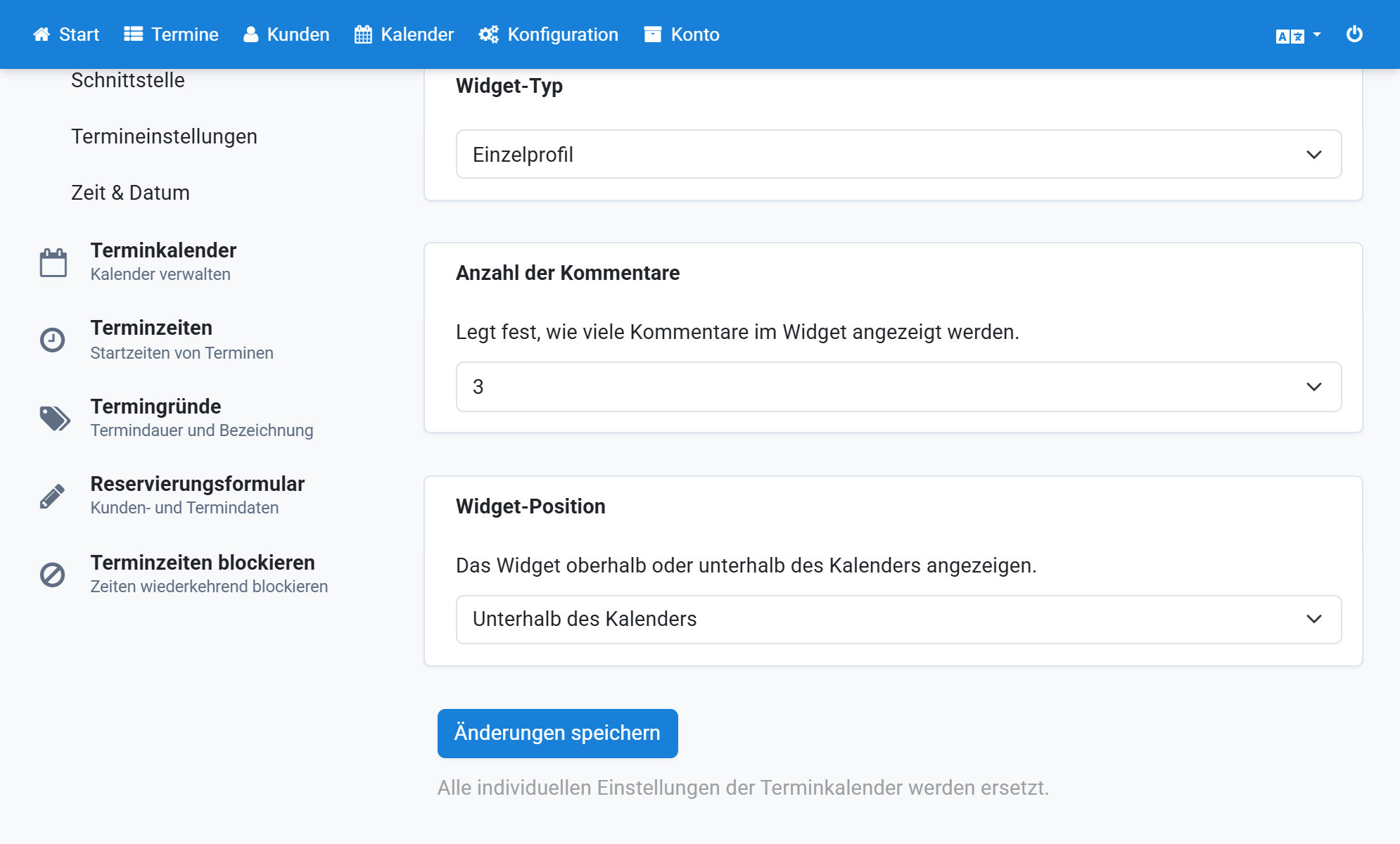
- In most cases, choose Single profile as widget type.
- Set the number of displayed comments.
- Choose the widget position.
- Save the changes.
Screenshots
Sign in to Gut und fair beraten
1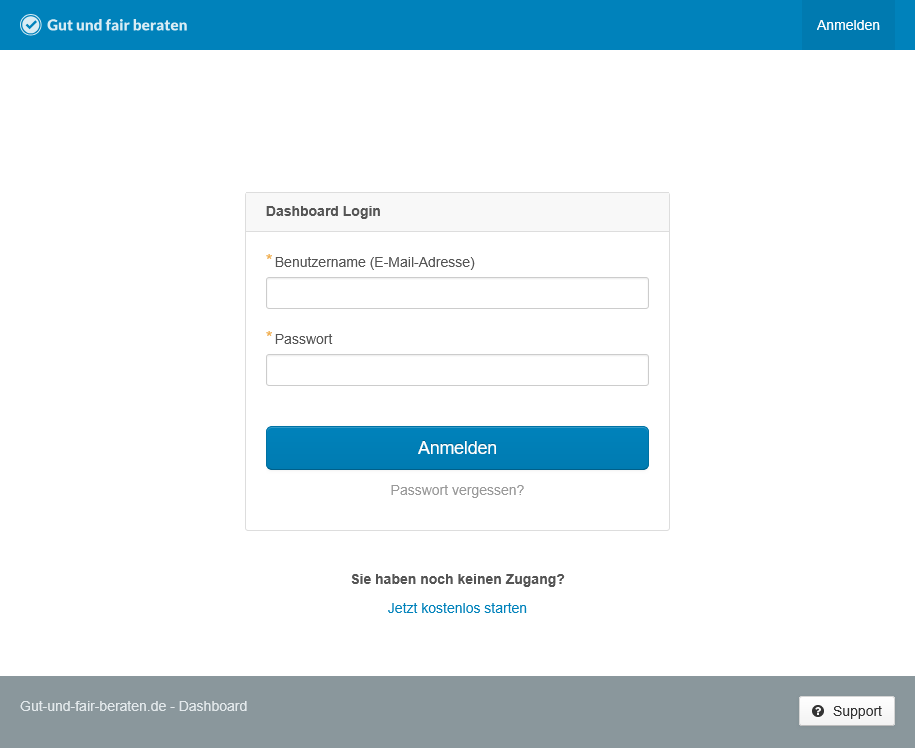
Open Account
2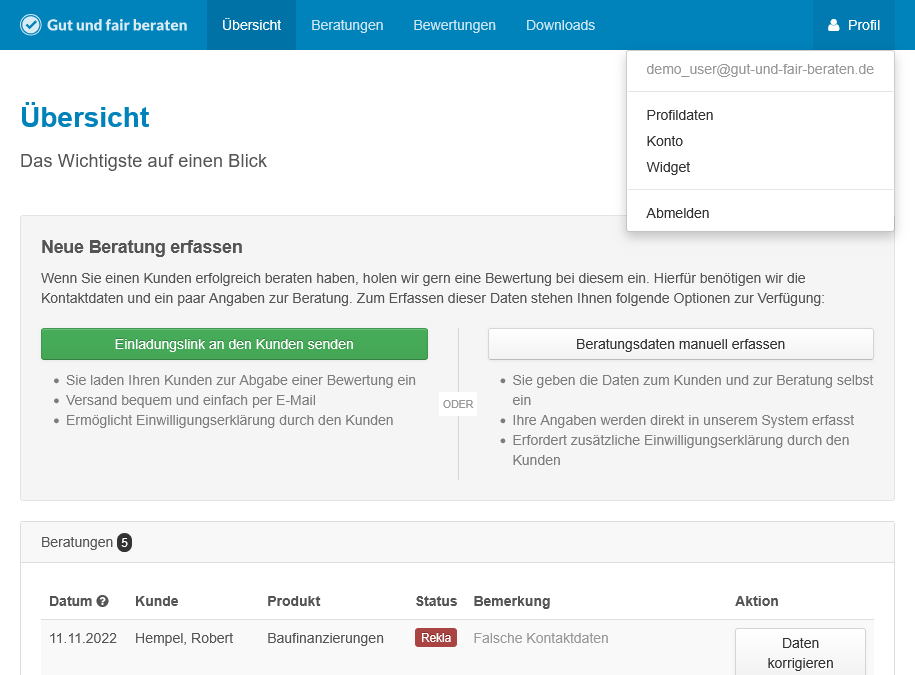
Select and copy the partner ID
3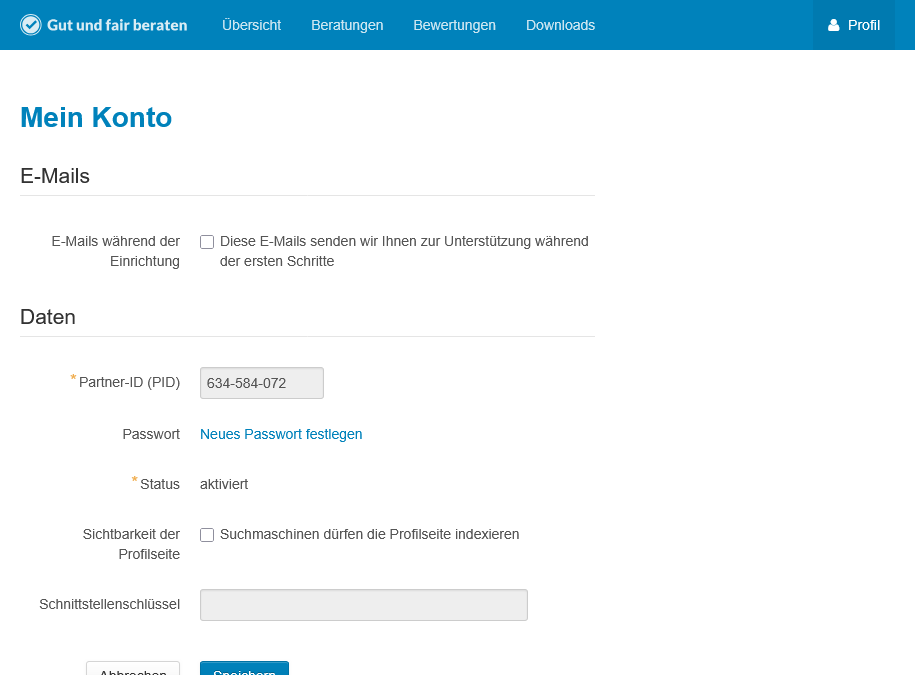
Sign in to Appointmind and open Configuration
4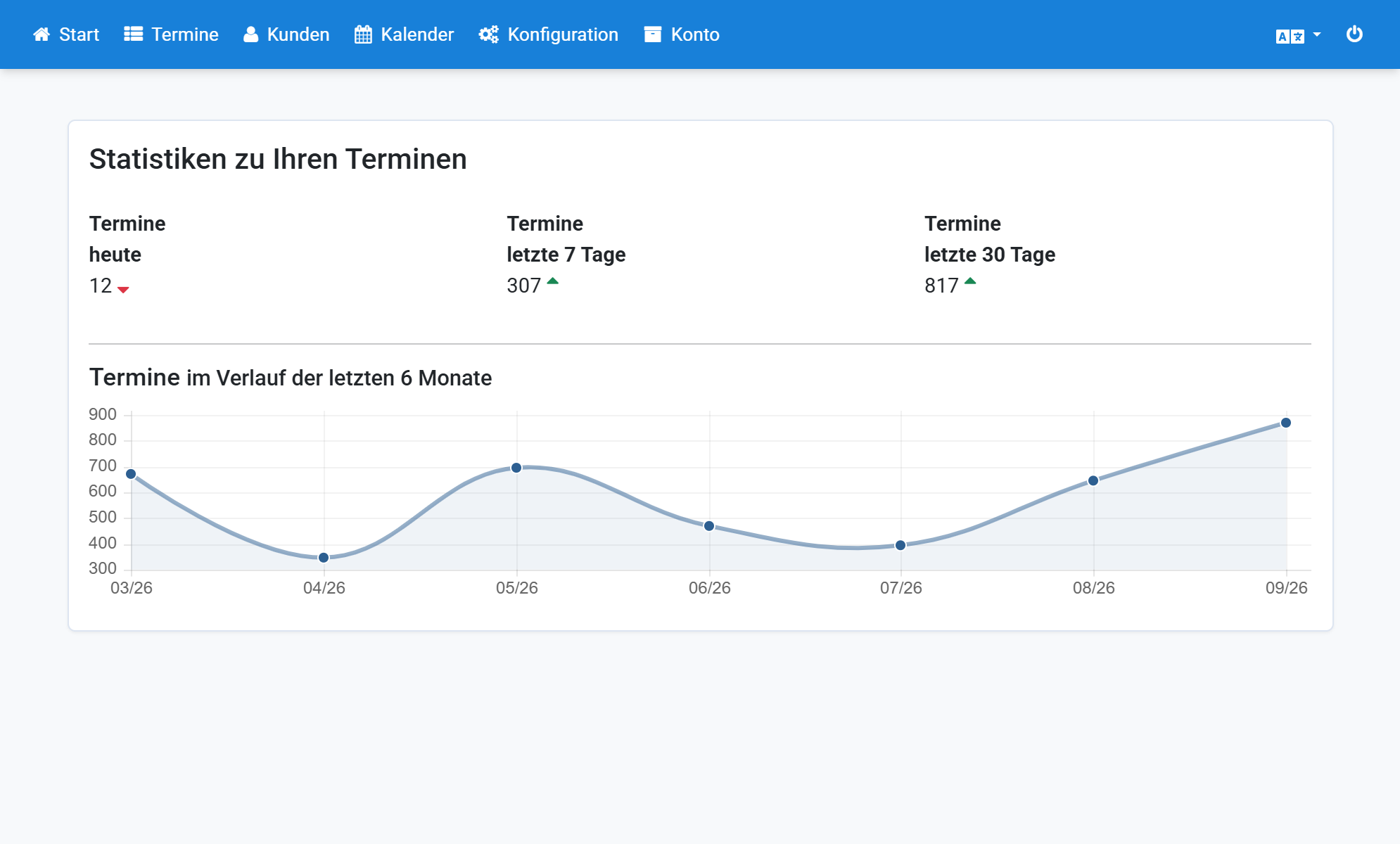
Open General settings
5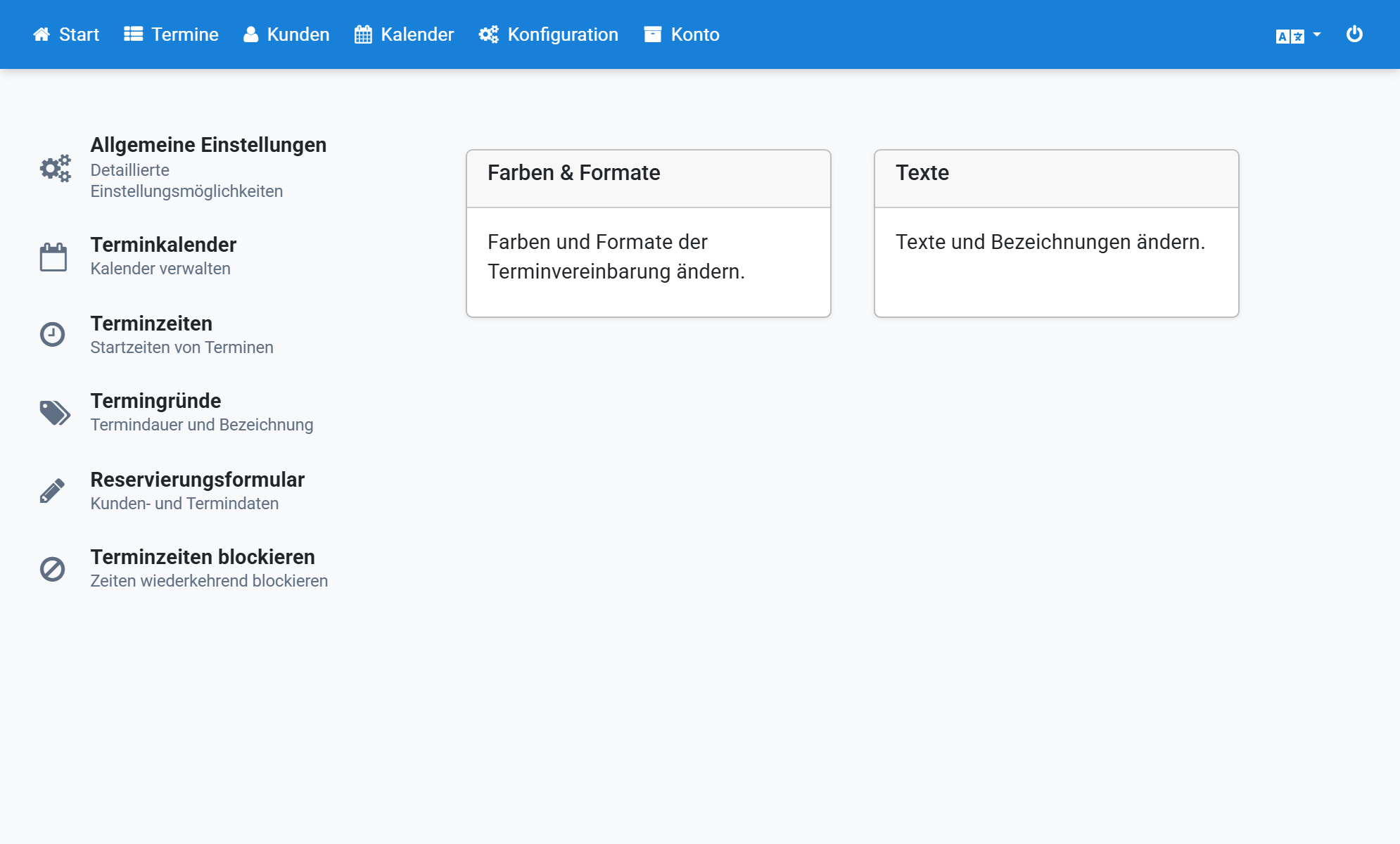
Open the Gut und fair beraten settings
6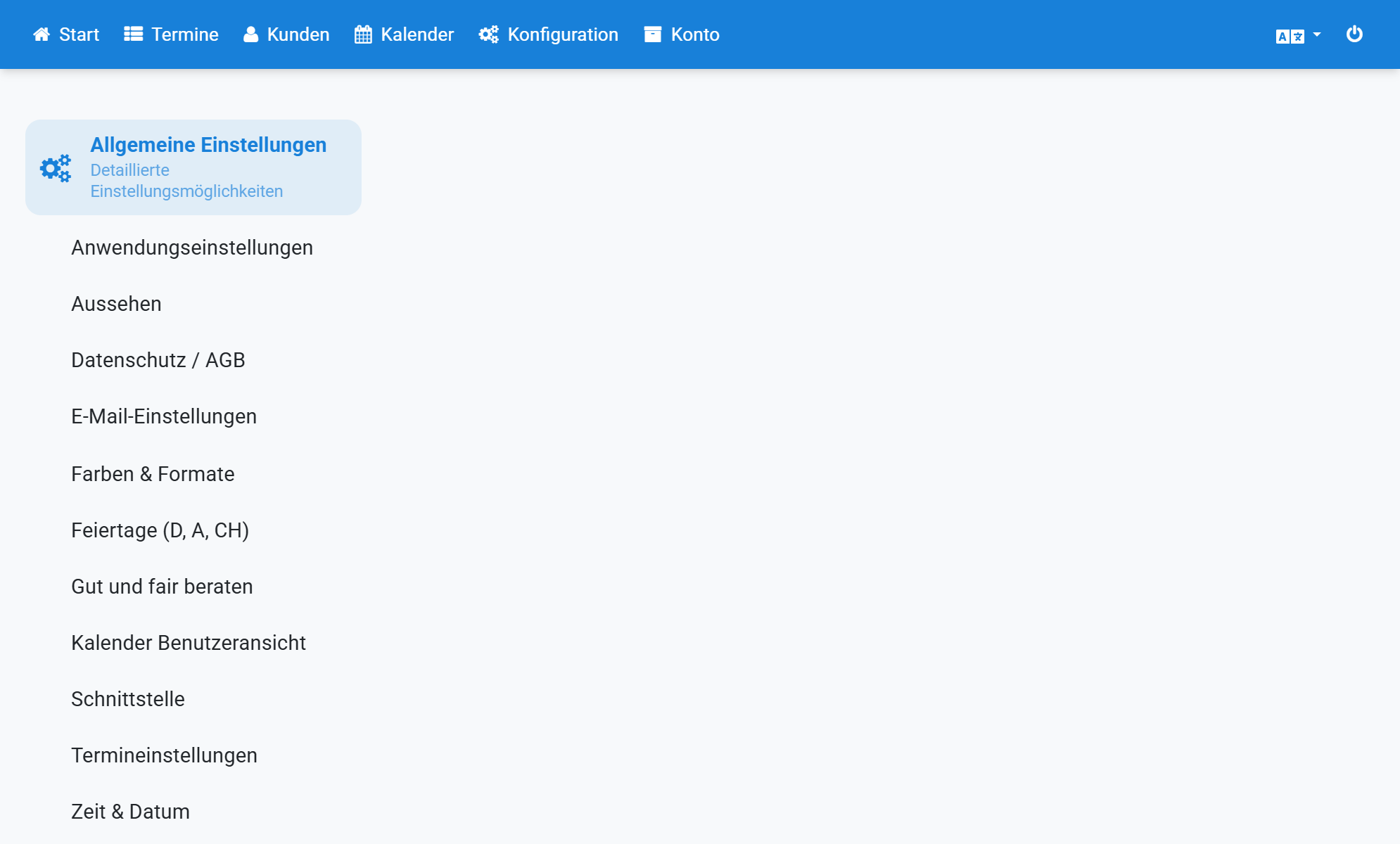
Enable Gut und fair beraten
7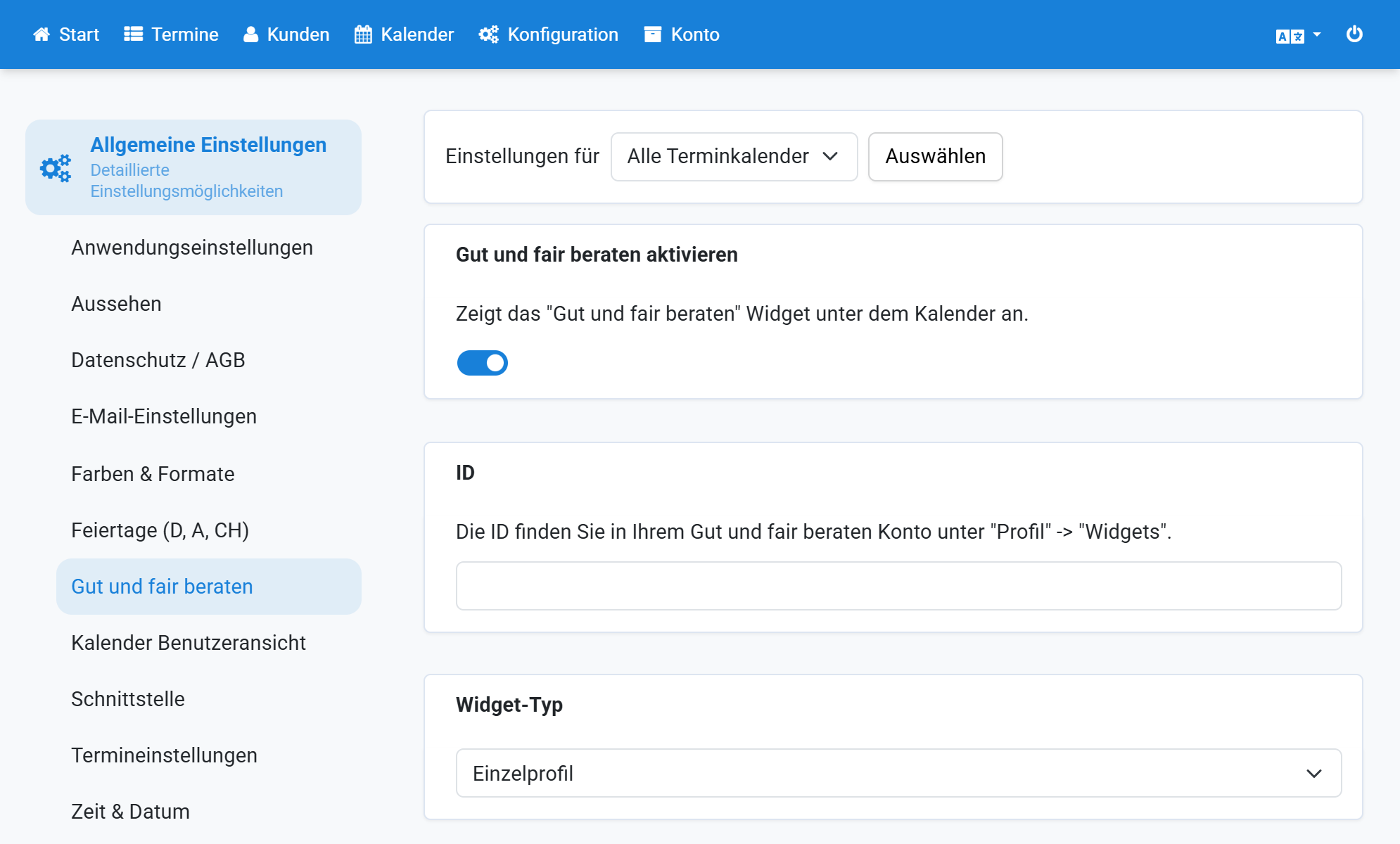
Paste the partner ID
8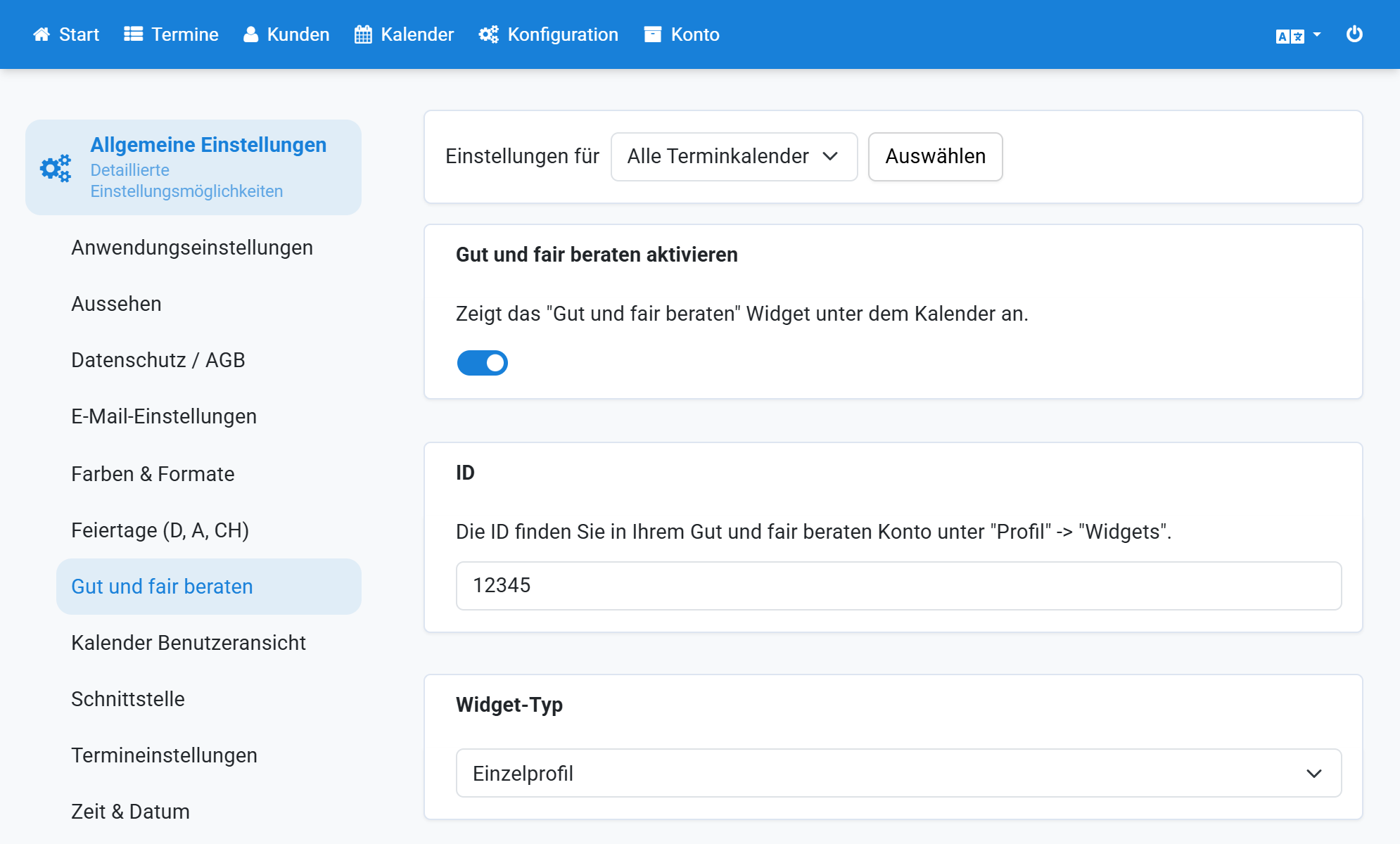
In most cases, choose Single profile as widget type
9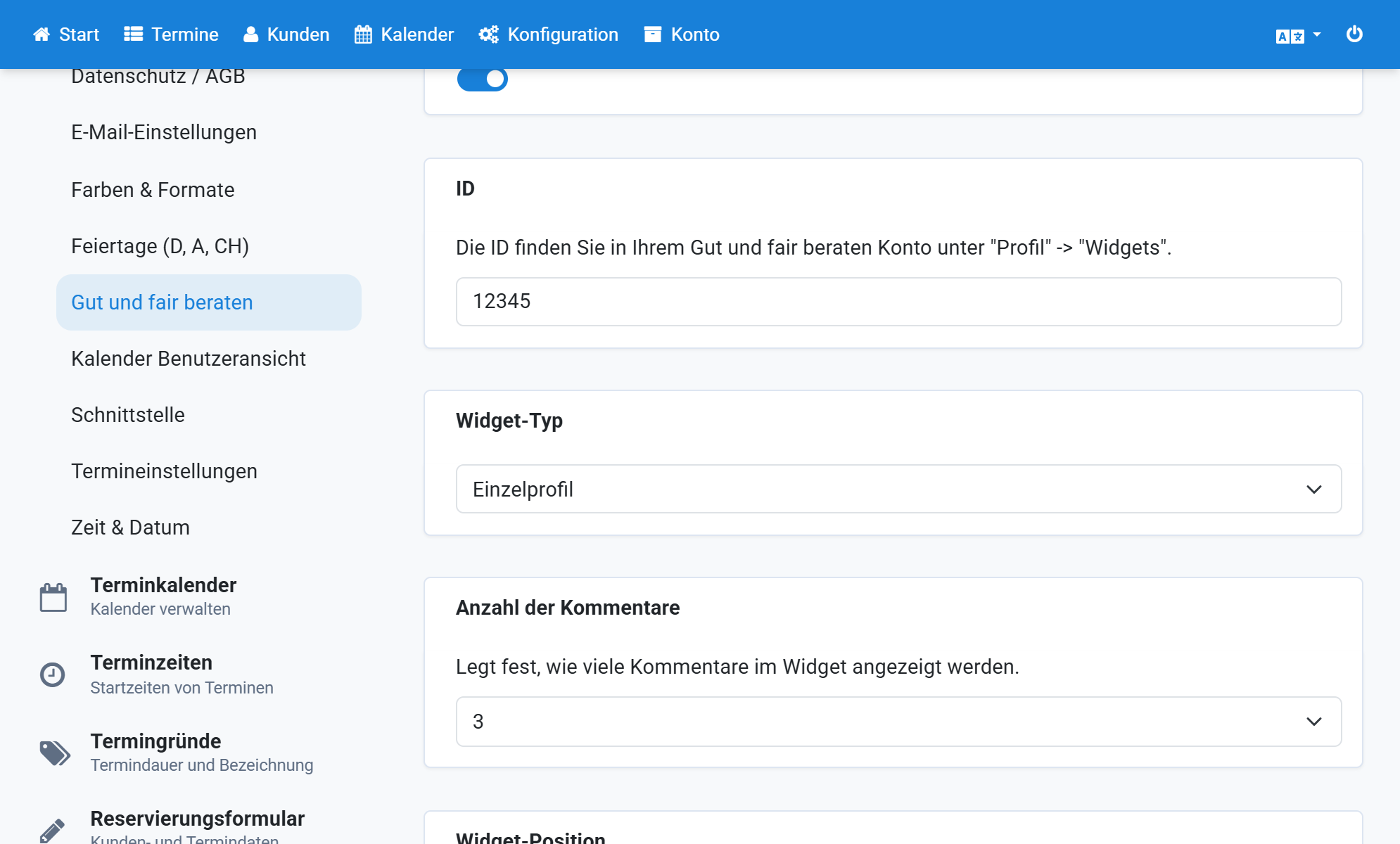
Set the number of displayed comments
10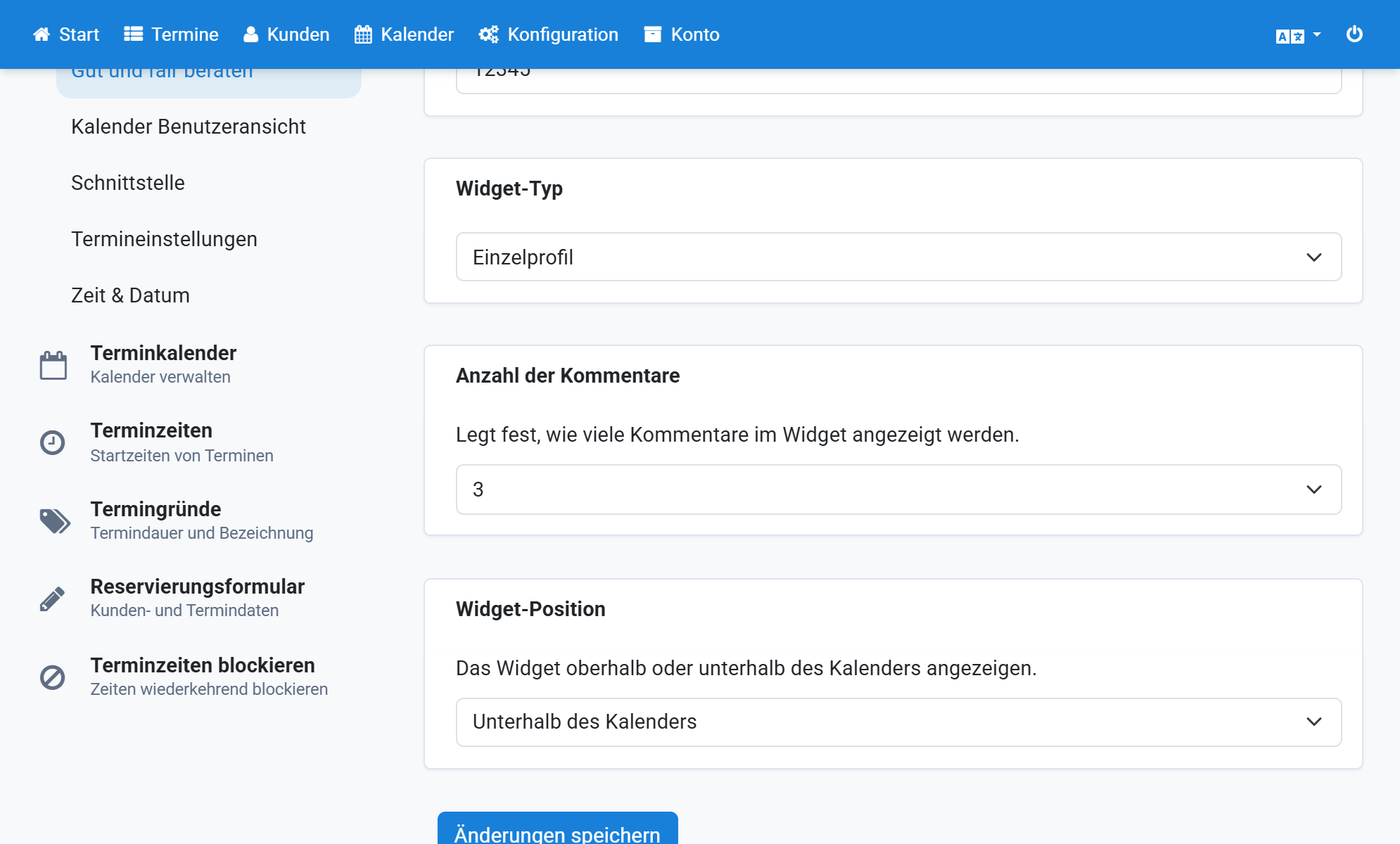
Choose the widget position
11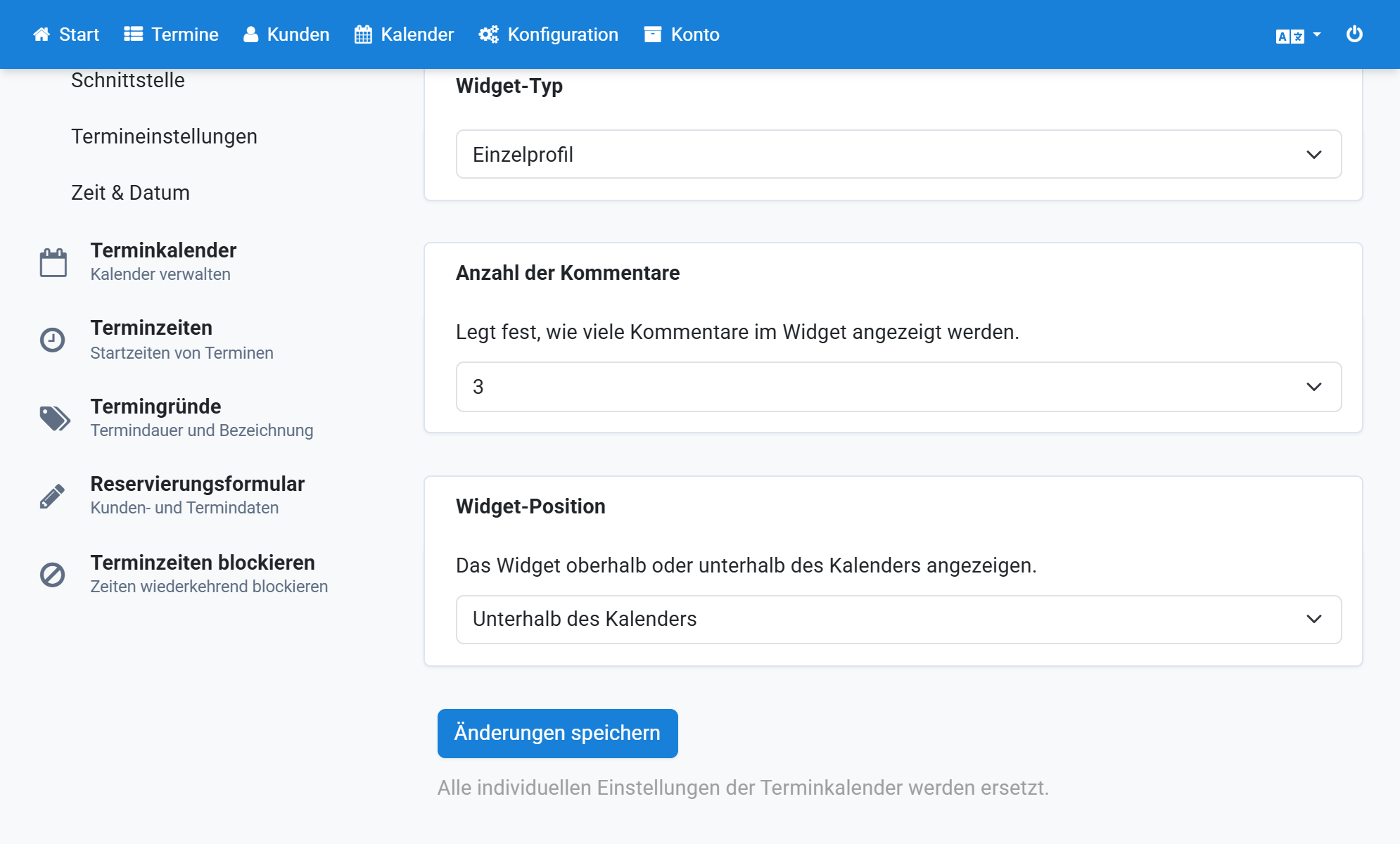
Save the changes
12