Set a longer lead time for new customers
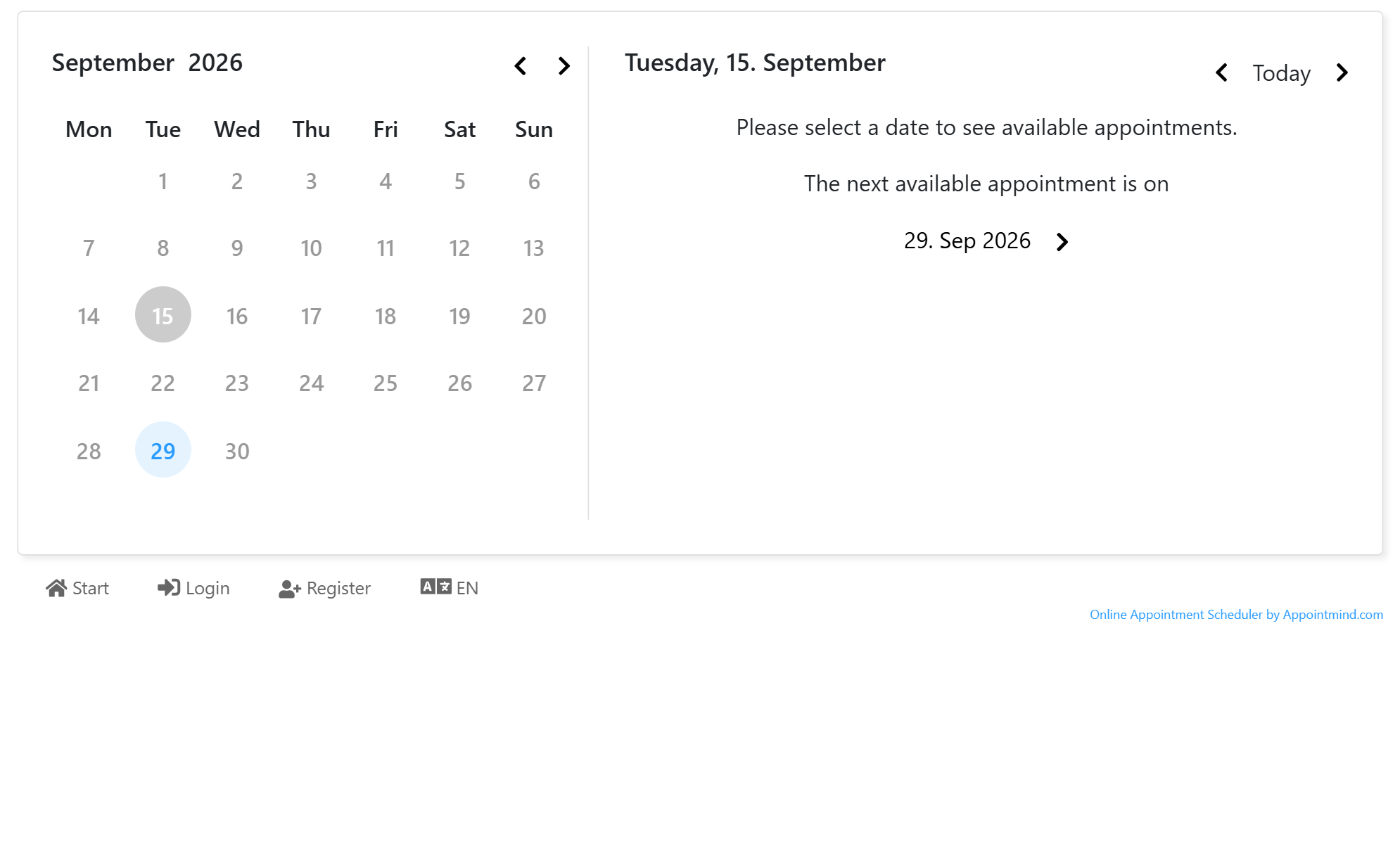
With a longer lead time for new customers, short-notice appointments stay free for your existing customers. New customers can only book from the day you set, in this guide from the 14th day after today.
- Click Configuration in the navigation bar.
- Click General settings.
- Click Calendar User View in the sidebar.
- Switch on Longer lead time for new customers.
- Select 14 days at Lead time in days for new customers.
- Open your booking page and click Select next to the calendar you want.
- Click Select next to No, I am a new customer.
- Click Select next to the reservation reason you want.
- The next available appointment for new customers is 14 days ahead.
Screenshots
Click Configuration in the navigation bar
1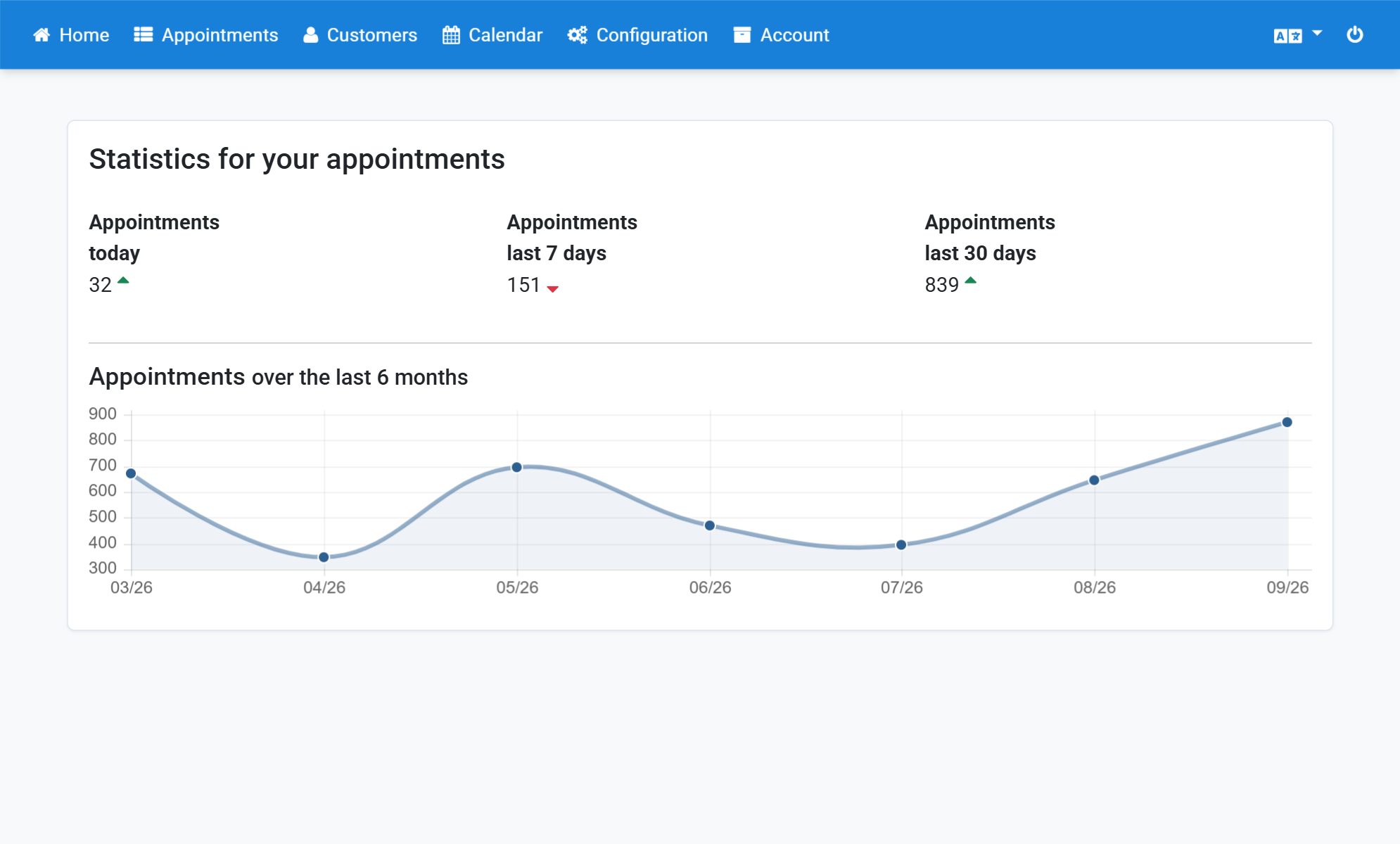
Click General settings
2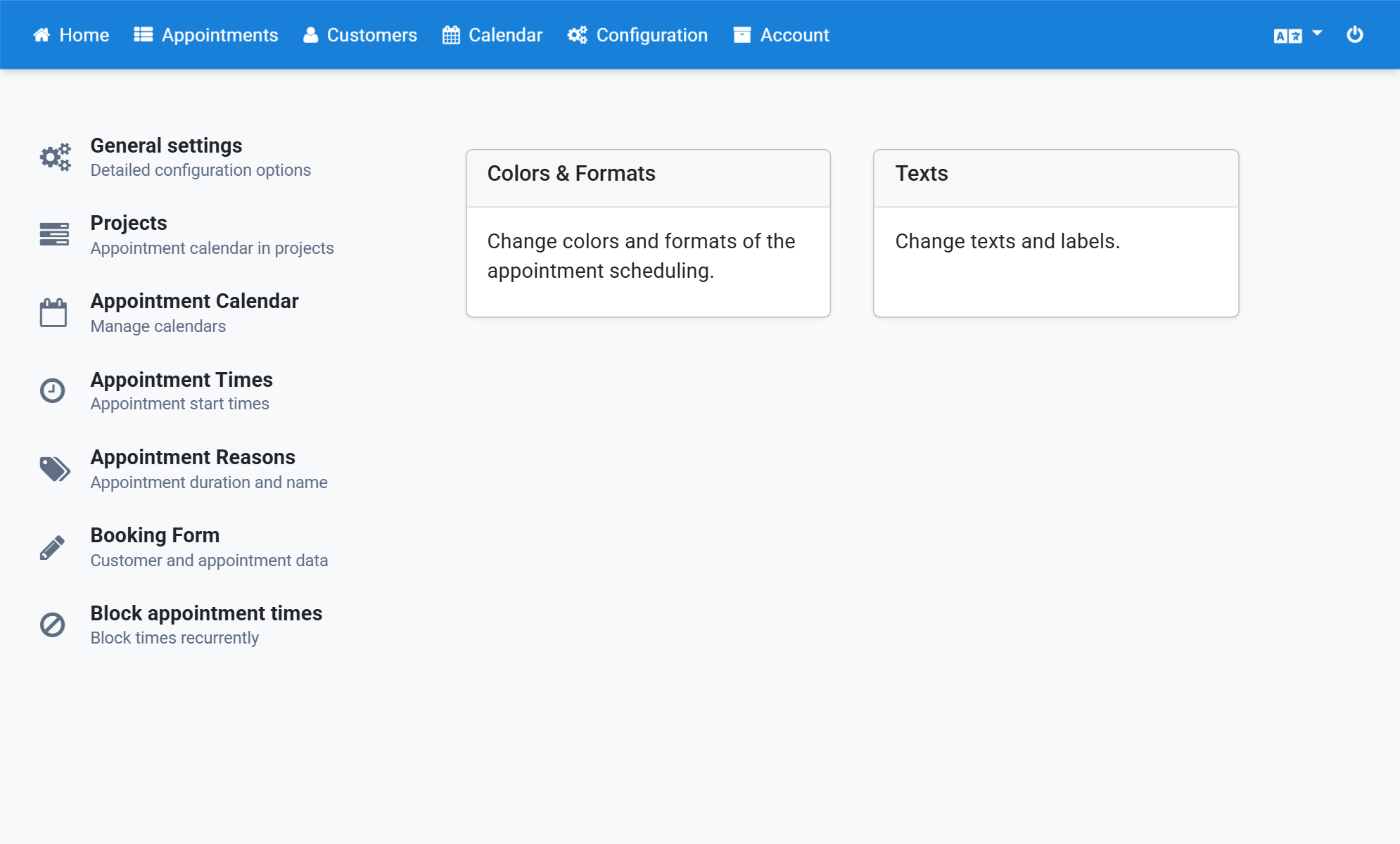
Click Calendar User View in the sidebar
3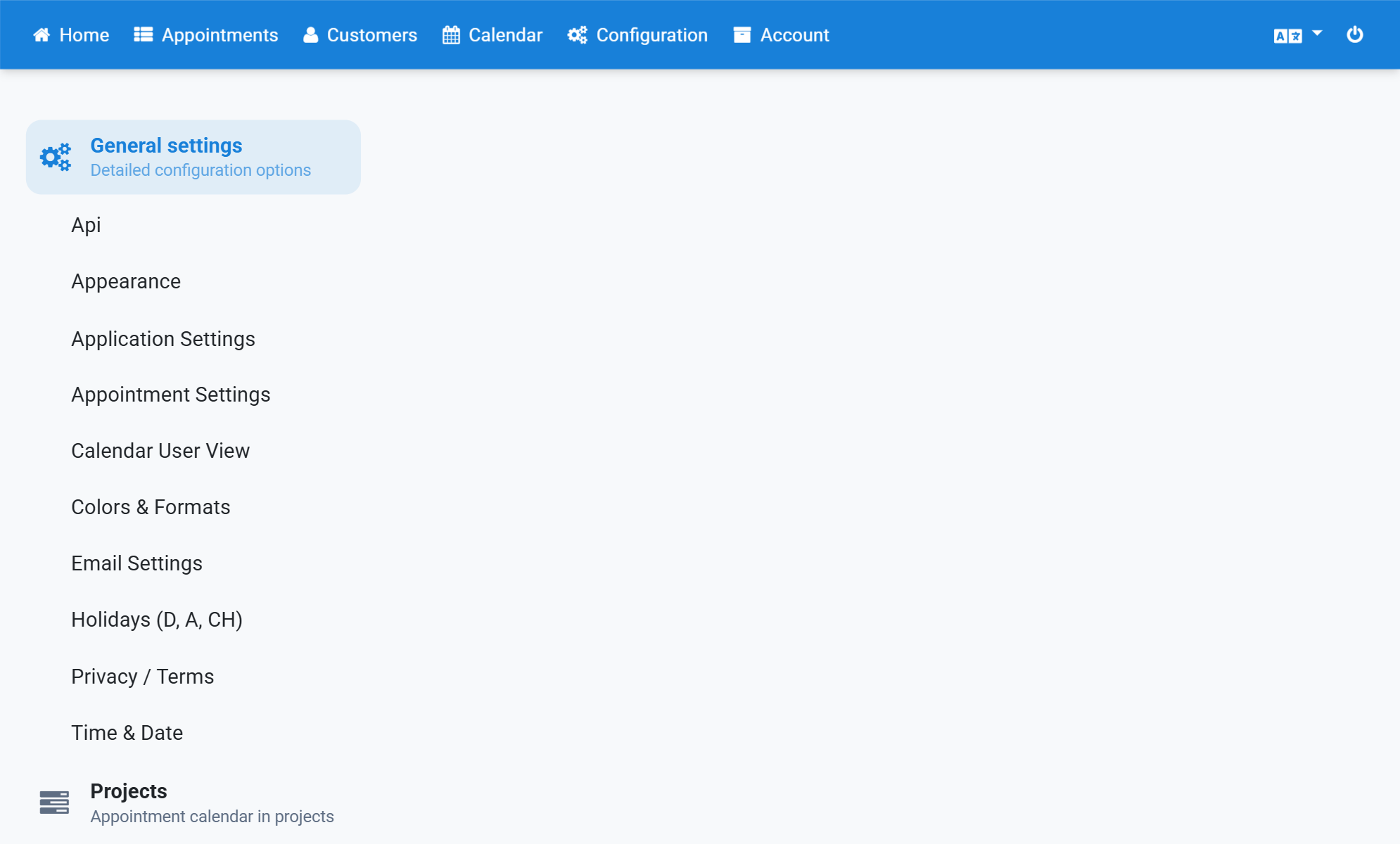
Switch on Longer lead time for new customers
4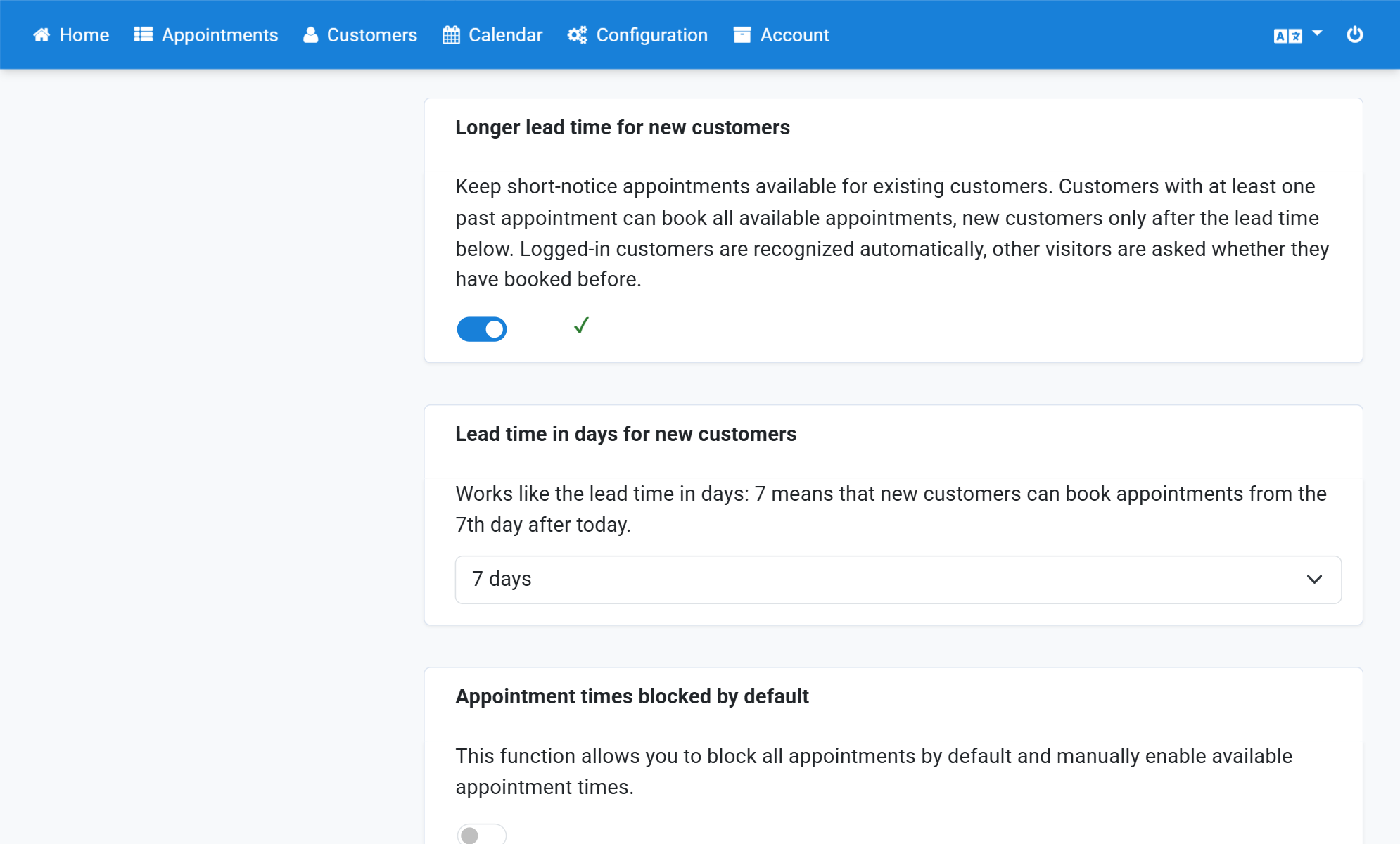
Select 14 days at Lead time in days for new customers
5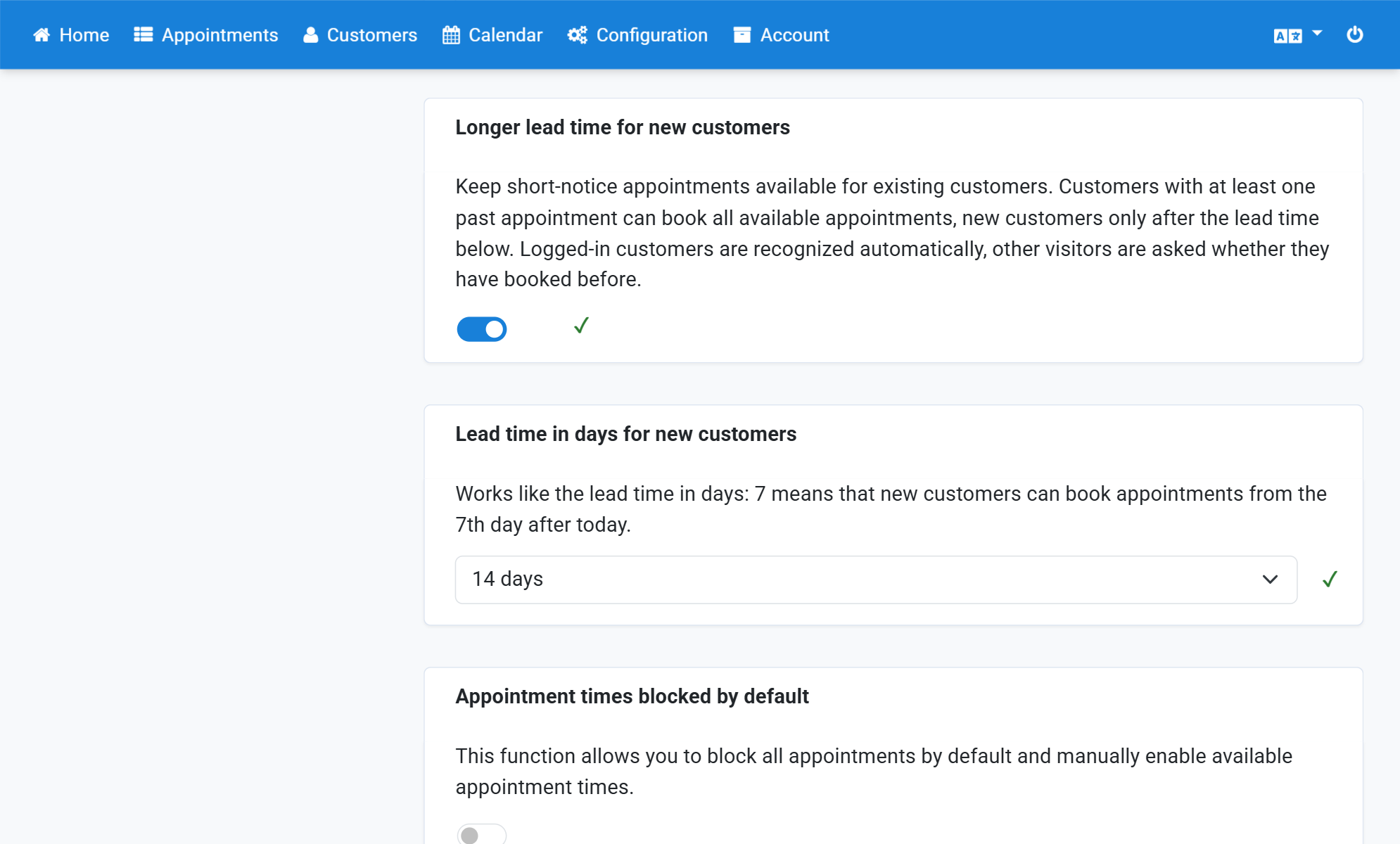
Open your booking page and click Select next to the calendar you want
6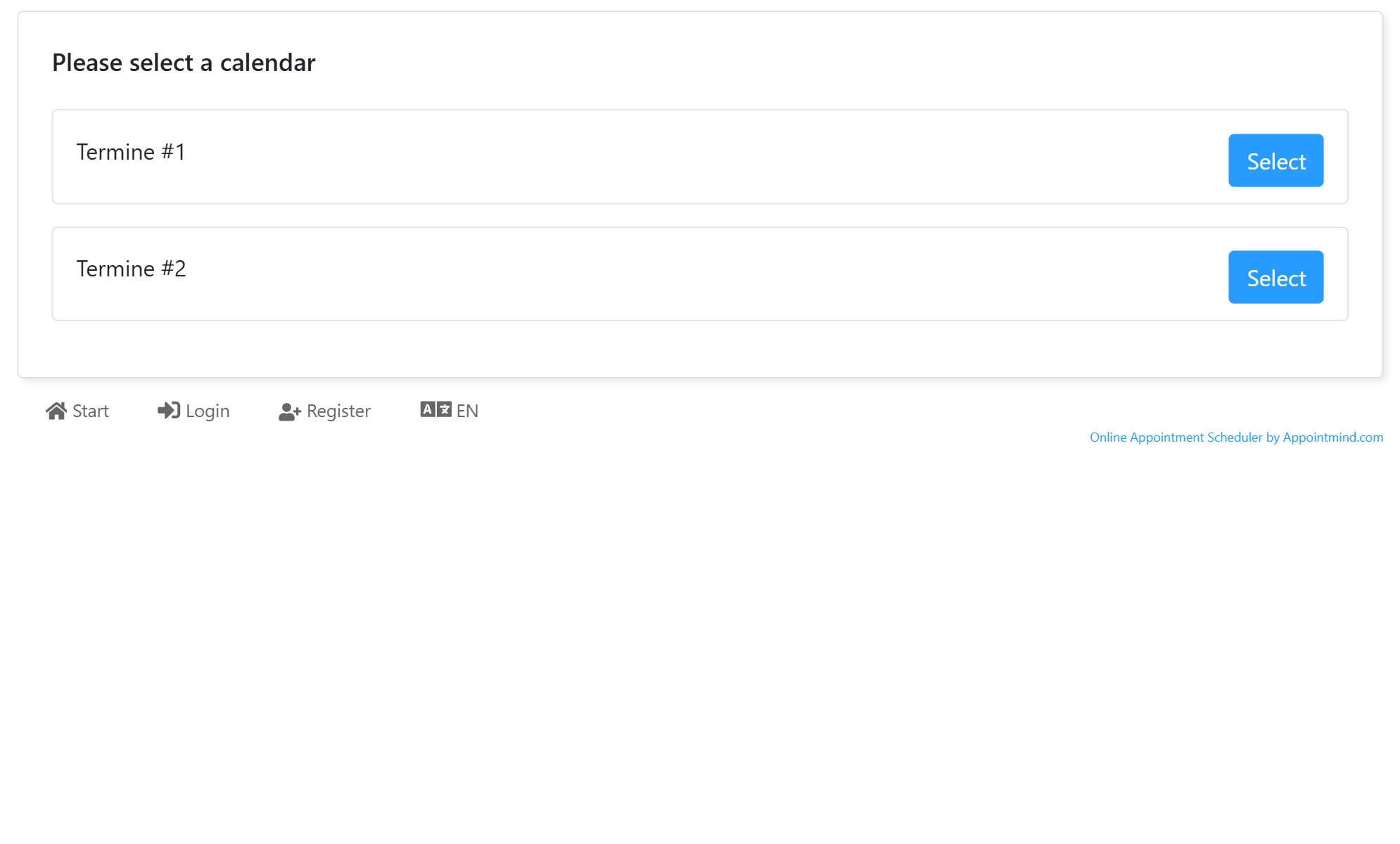
Click Select next to No, I am a new customer
7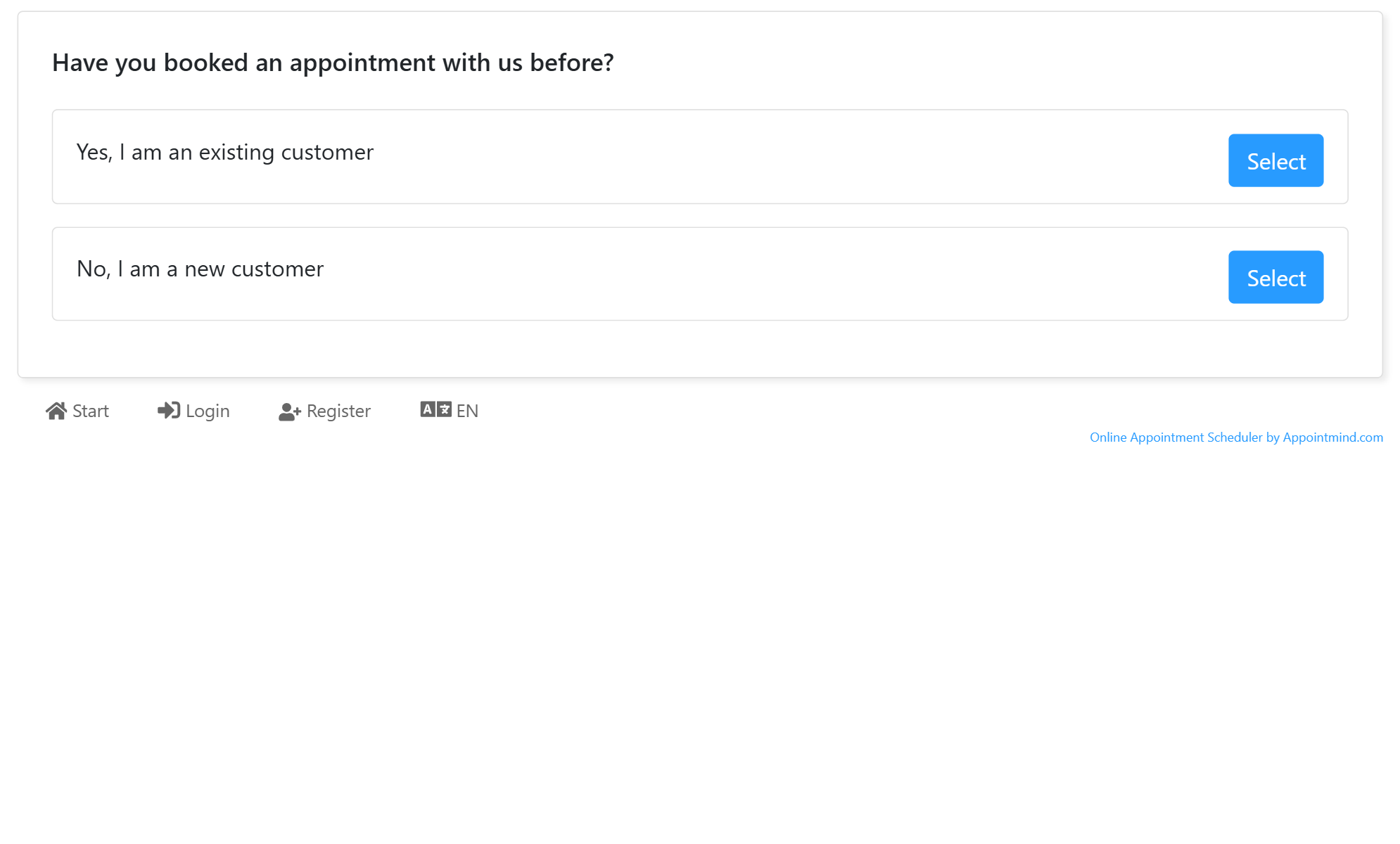
Click Select next to the reservation reason you want
8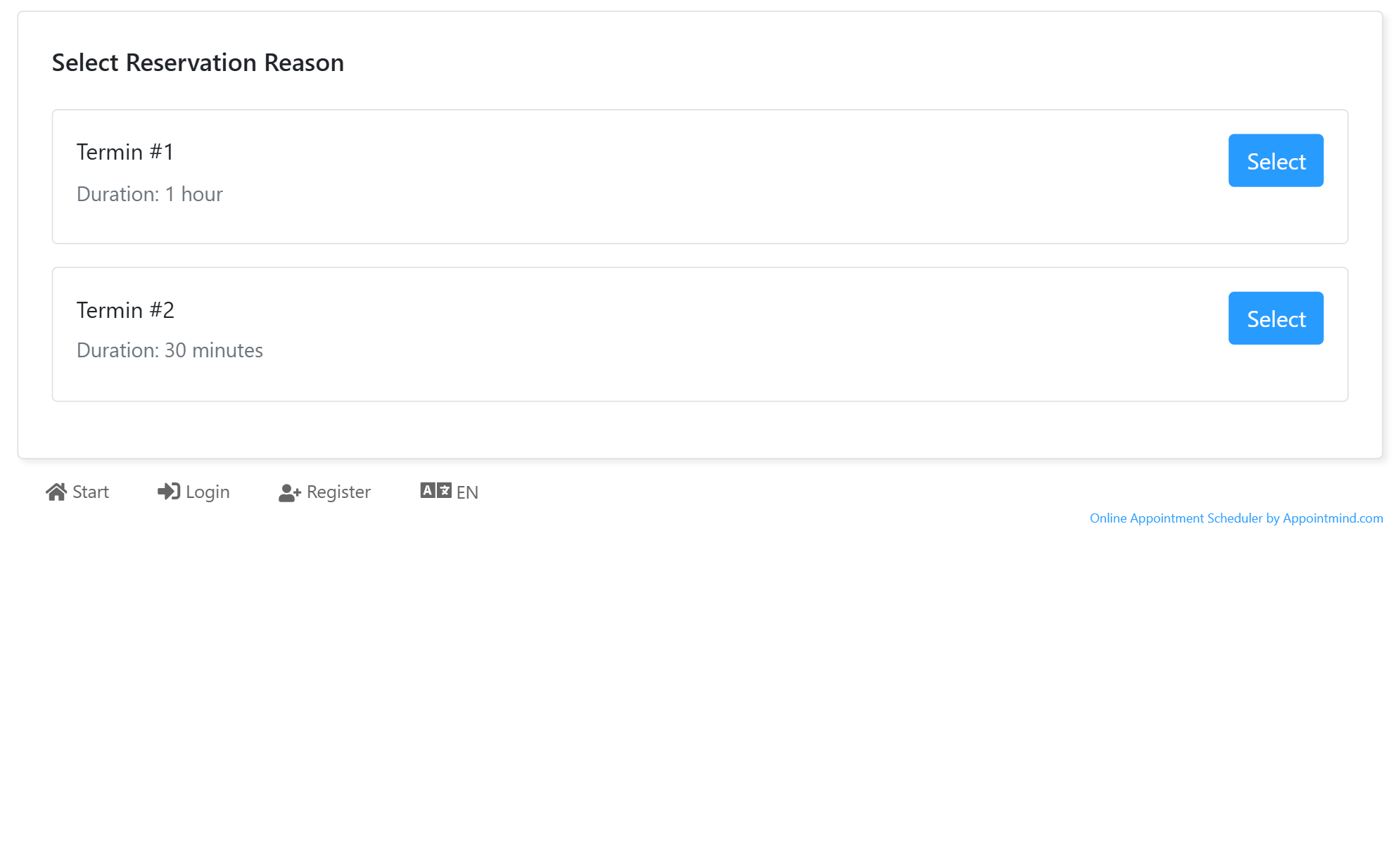
The next available appointment for new customers is 14 days ahead
9