Create and Send Mailings
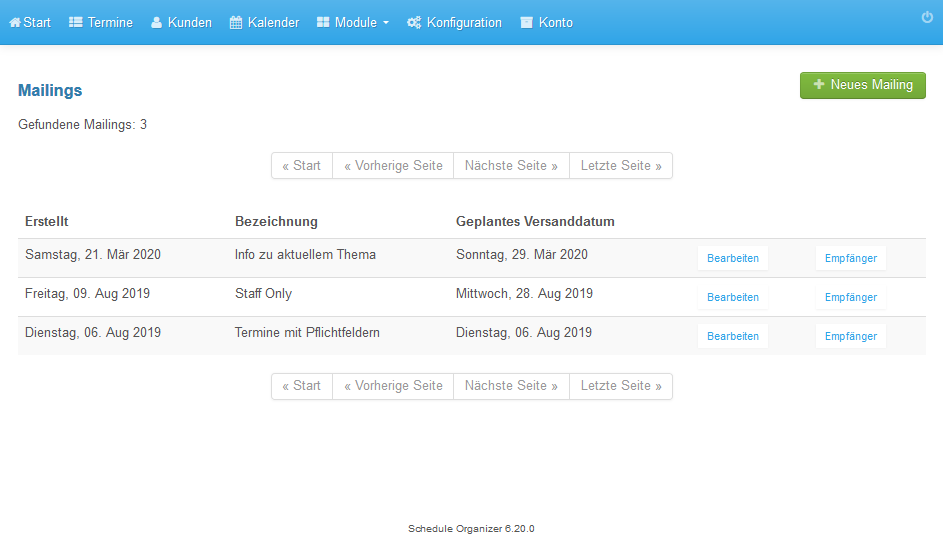
- Open Modules / Mailings.
- Click New mailing.
- Enter an internal name.
- Enter the email subject.
- Enter the email text.
- Select the send date.
- Enter the send time.
- Set the status to Ready to send.
- Click Save mailing.
- Return to the list.
- Click Recipients.
- Select All users and click Add recipients.
- The recipients are listed.
- Click Test to preview the emails.
- Emails are sent gradually at the scheduled time.
Screenshots
Open Modules / Mailings
1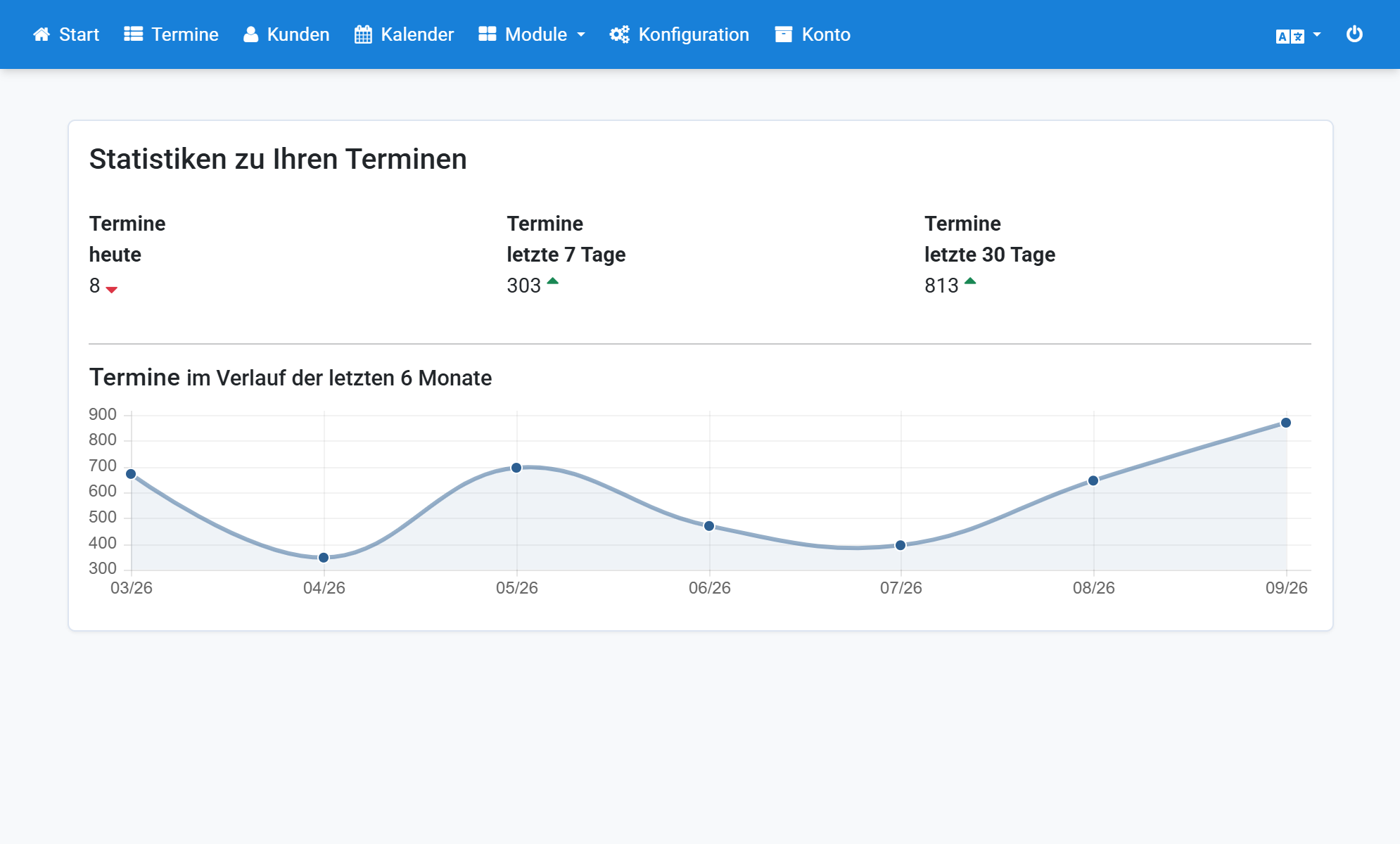
Click New mailing
2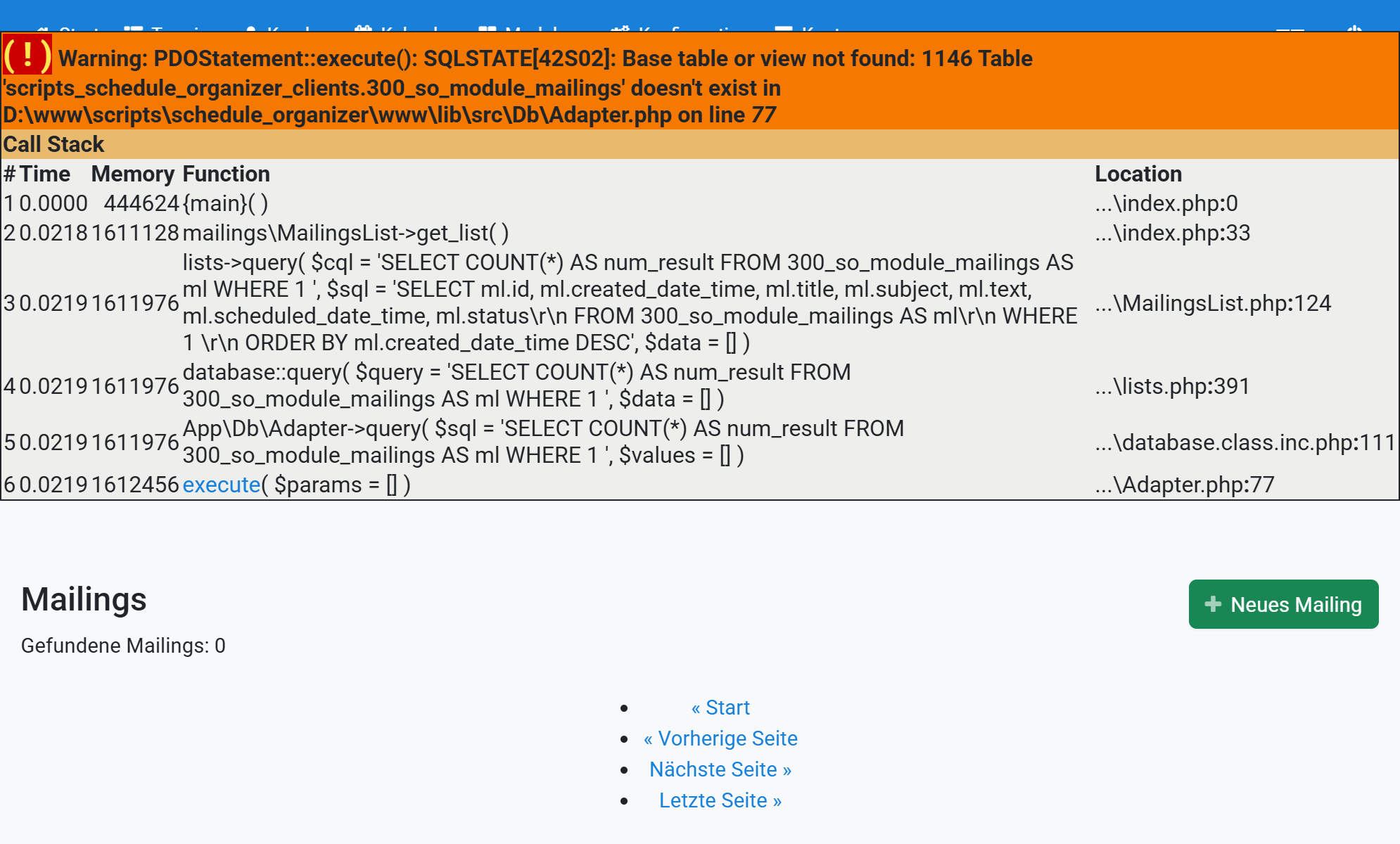
Enter an internal name
3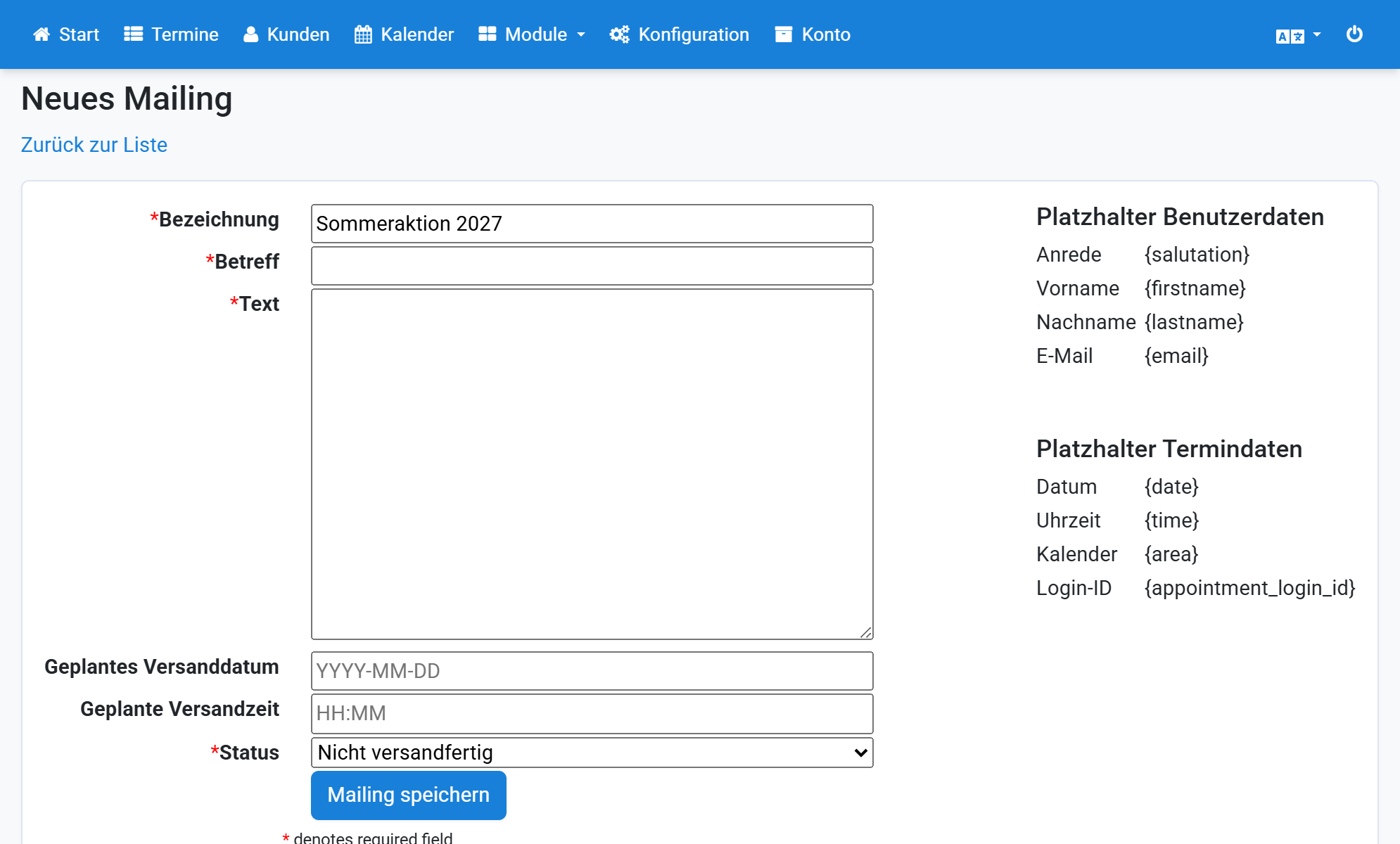
Enter the email subject
4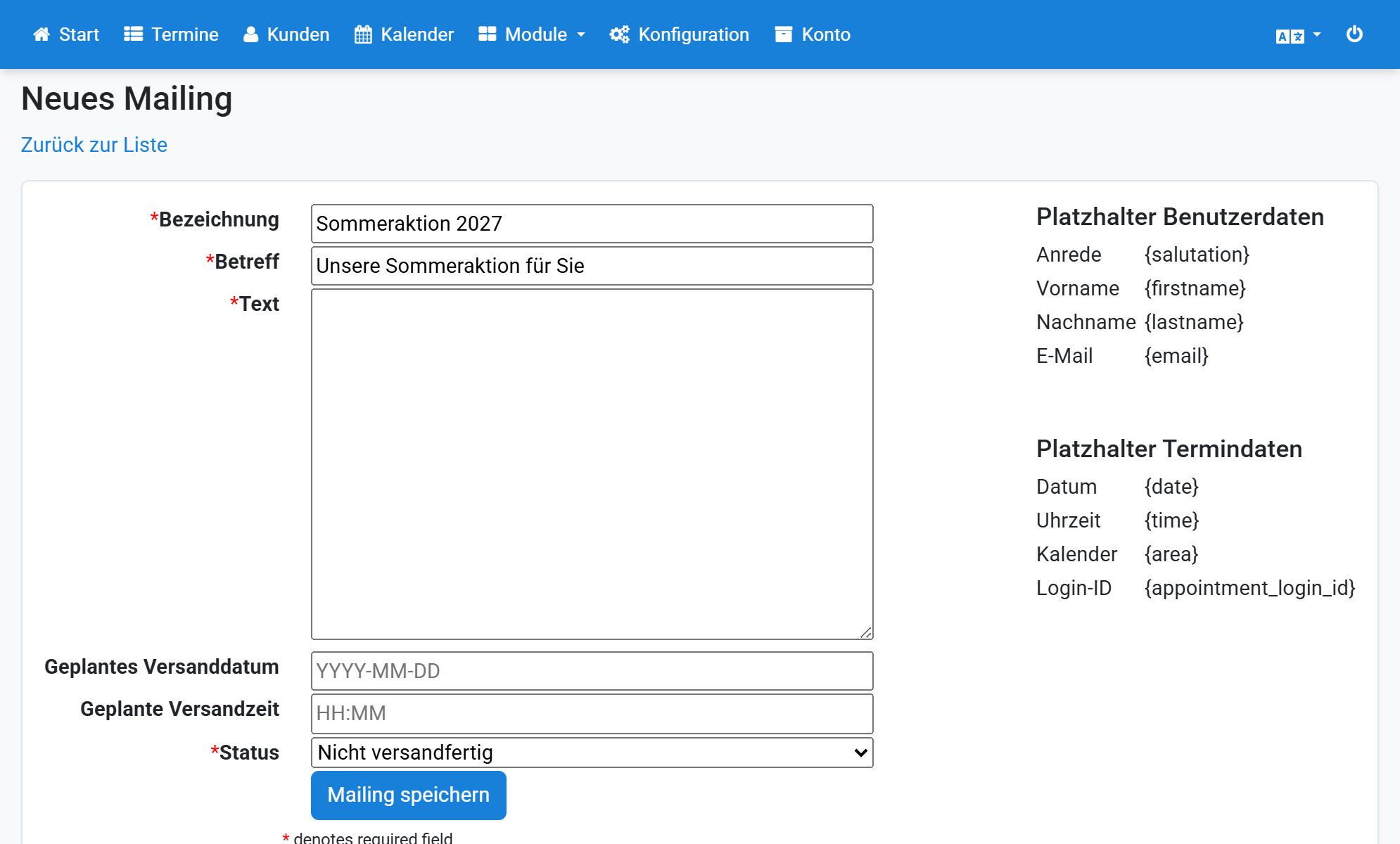
Enter the email text
5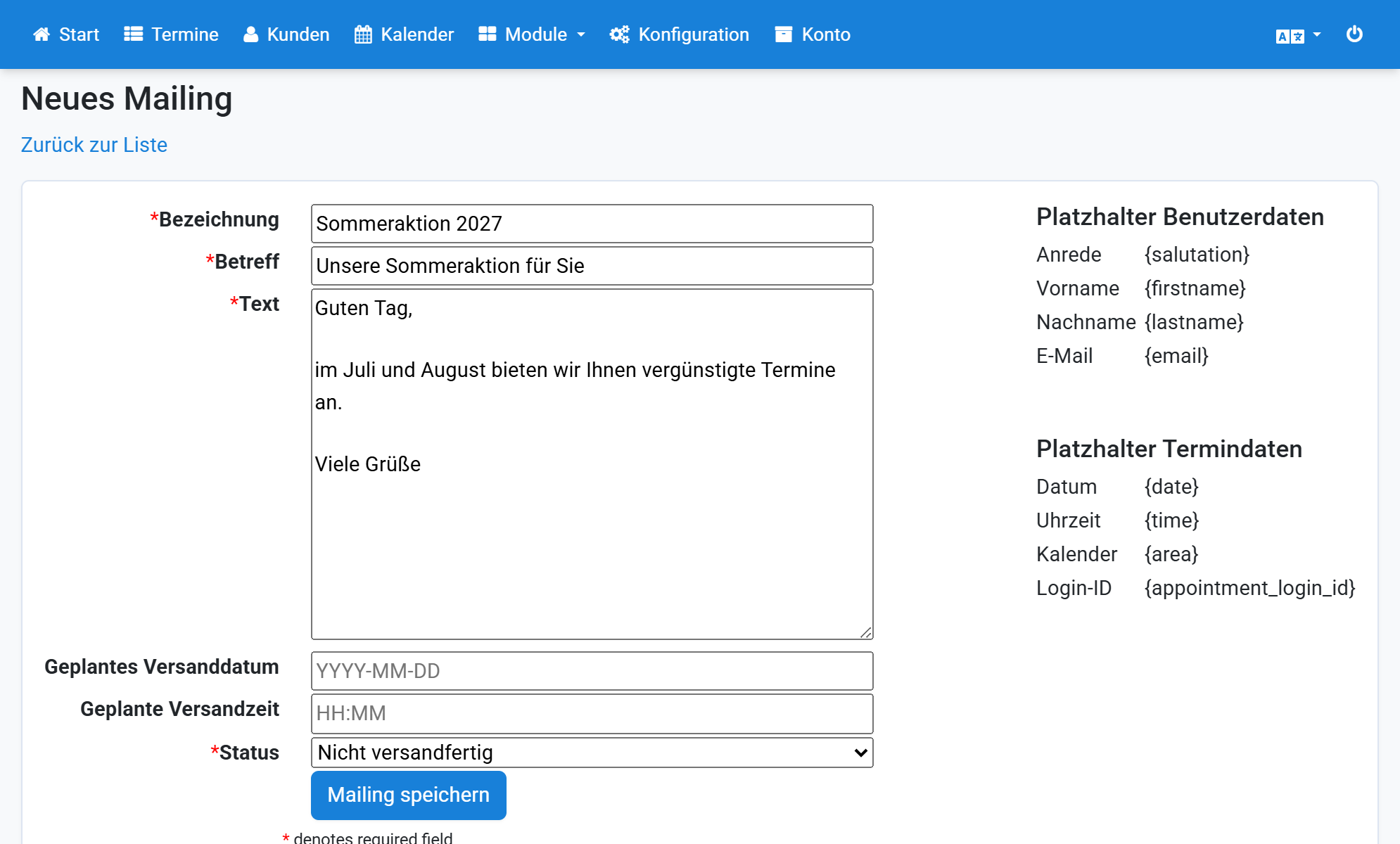
Select the send date
6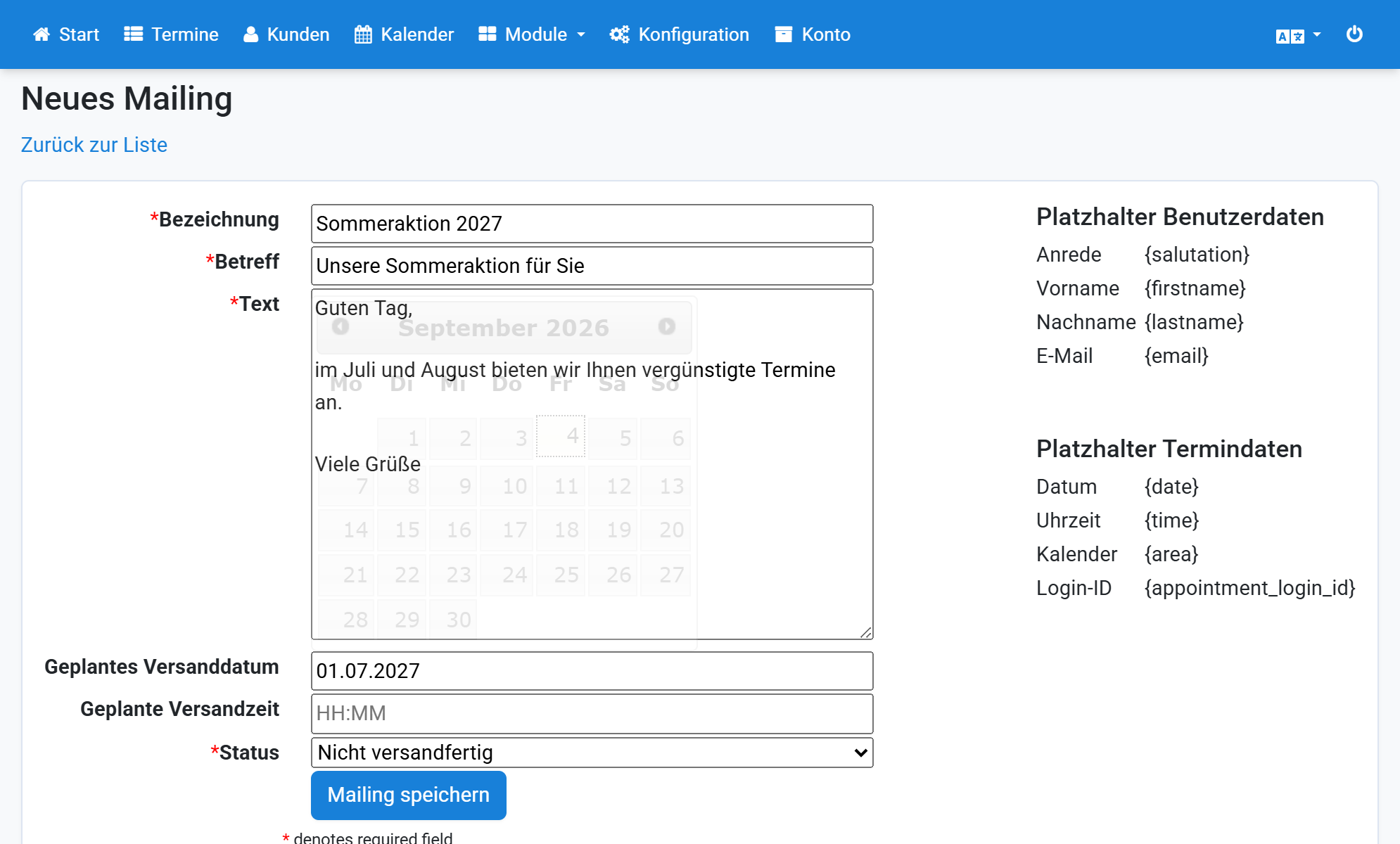
Enter the send time
7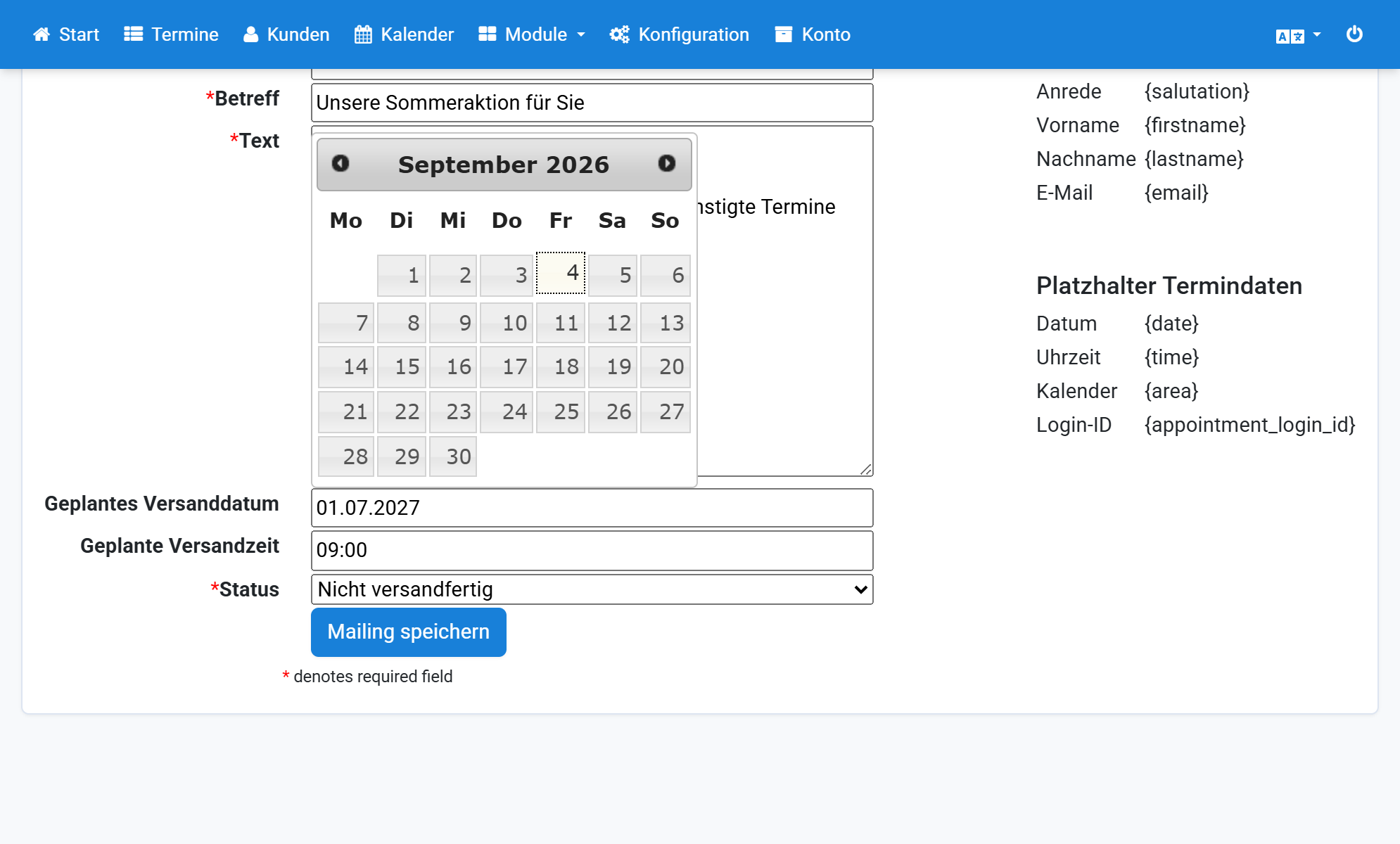
Set the status to Ready to send
8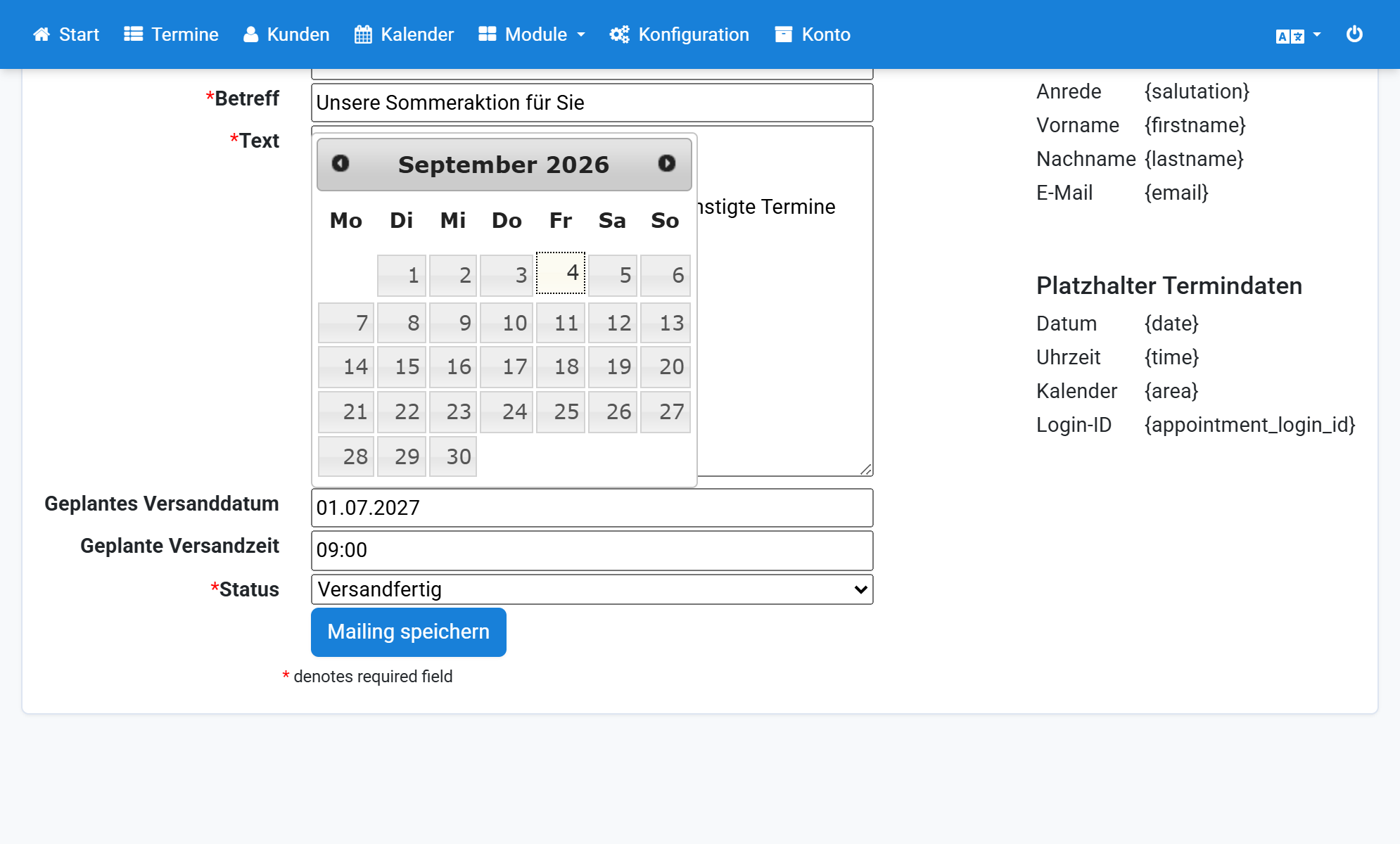
Click Save mailing
9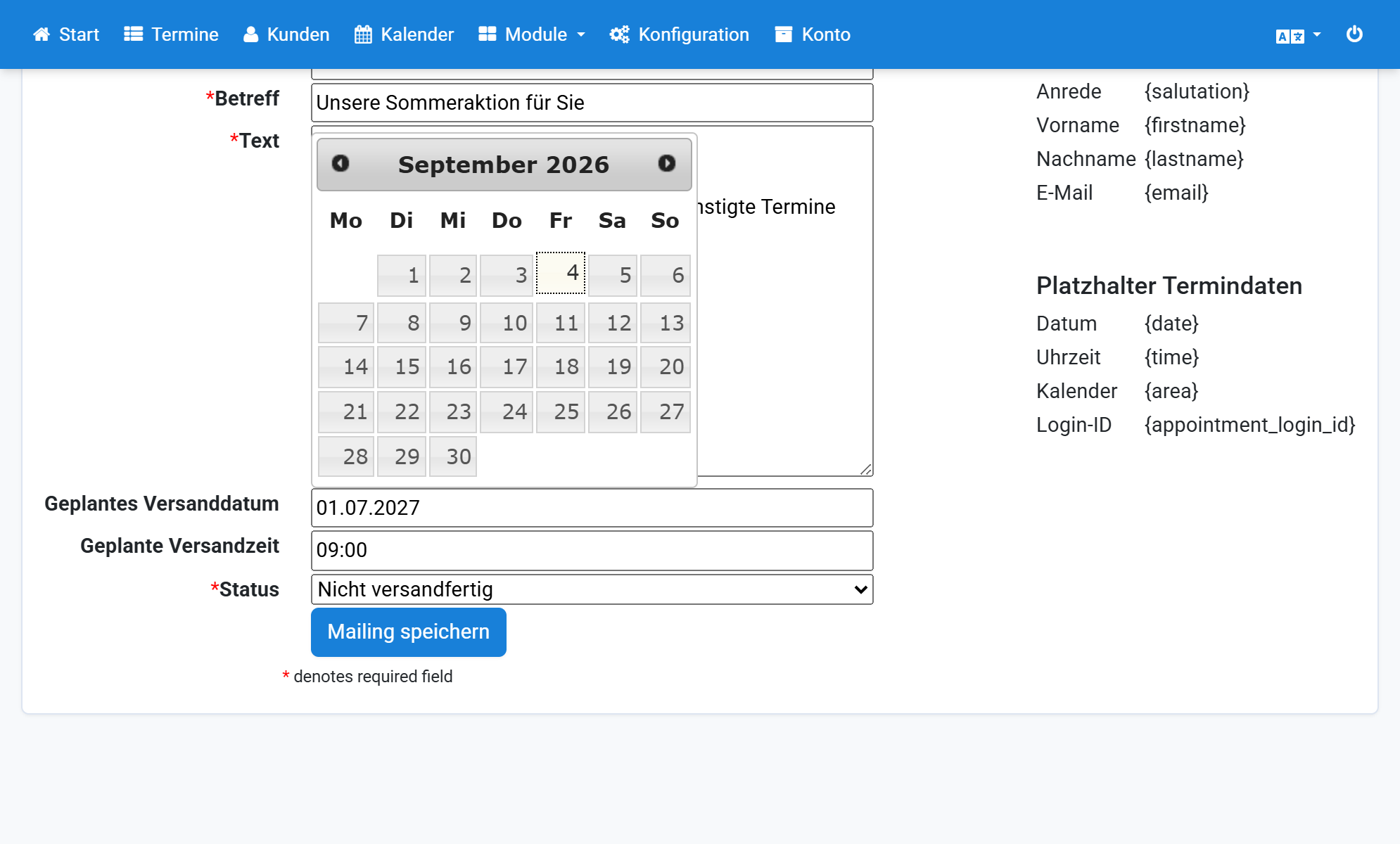
Return to the list
10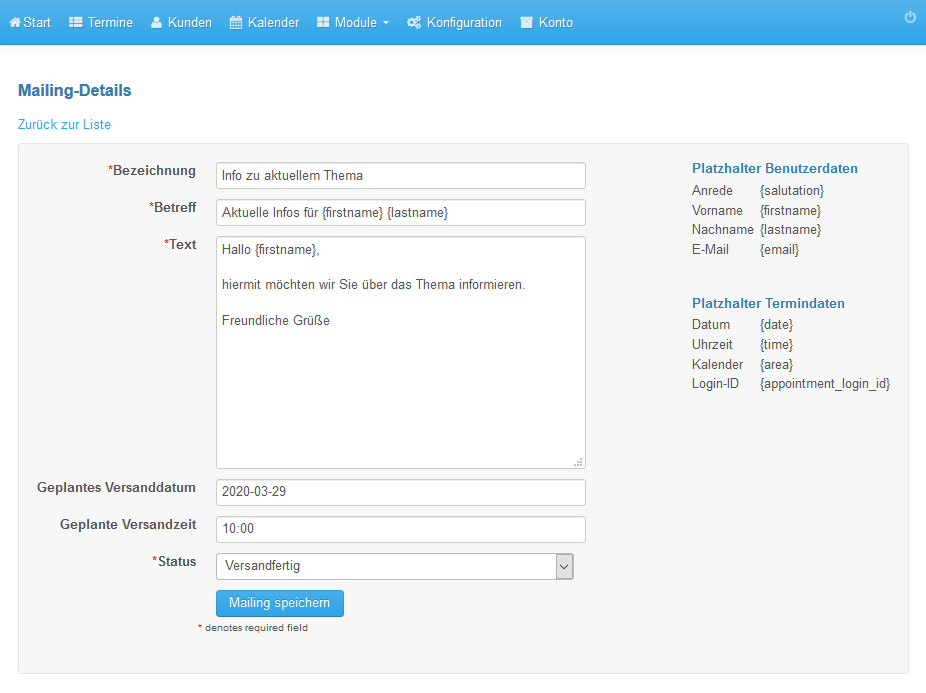
Click Recipients
11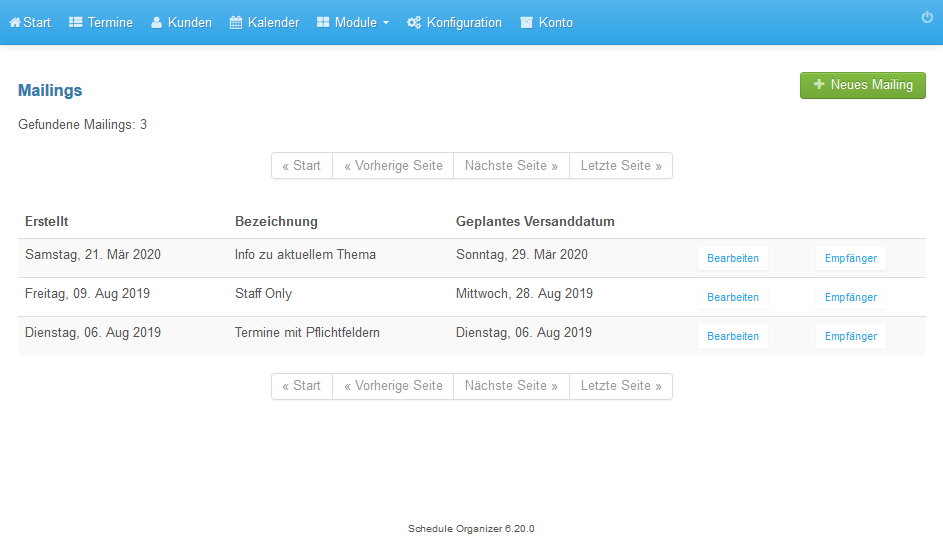
Select All users and click Add recipients
12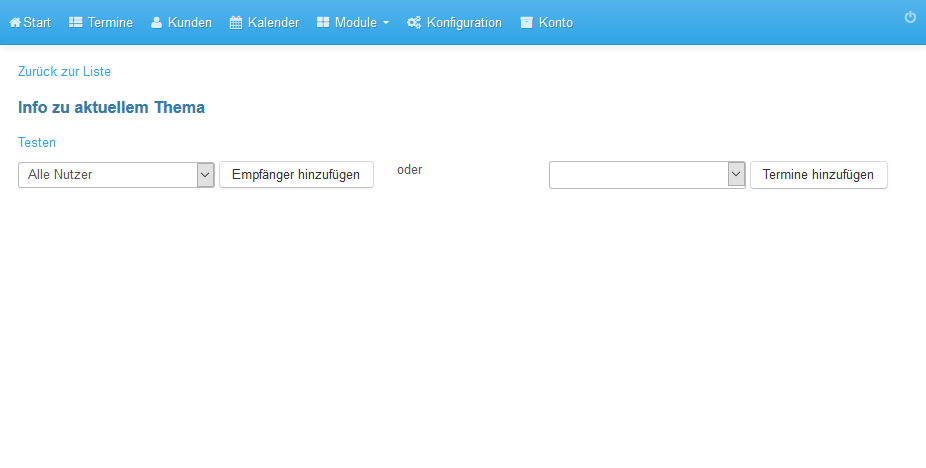
The recipients are listed
13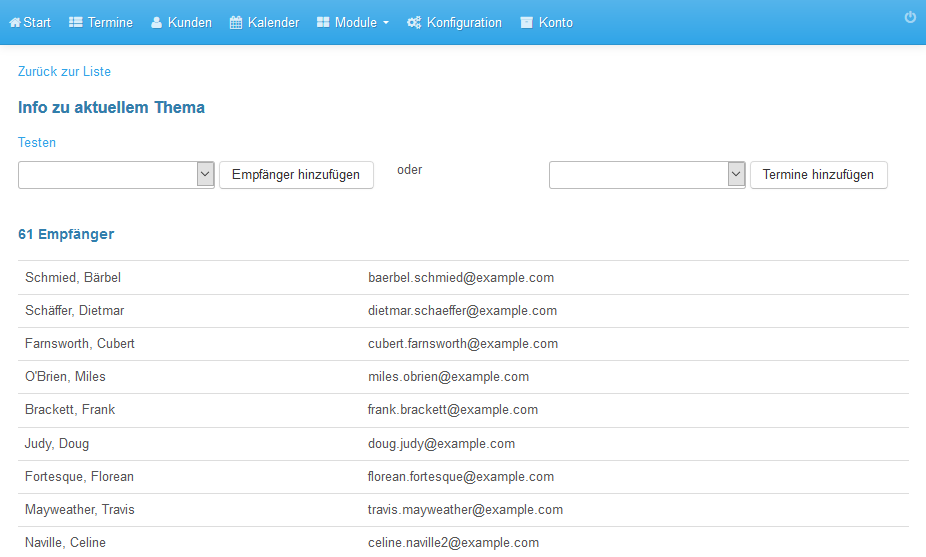
Click Test to preview the emails
14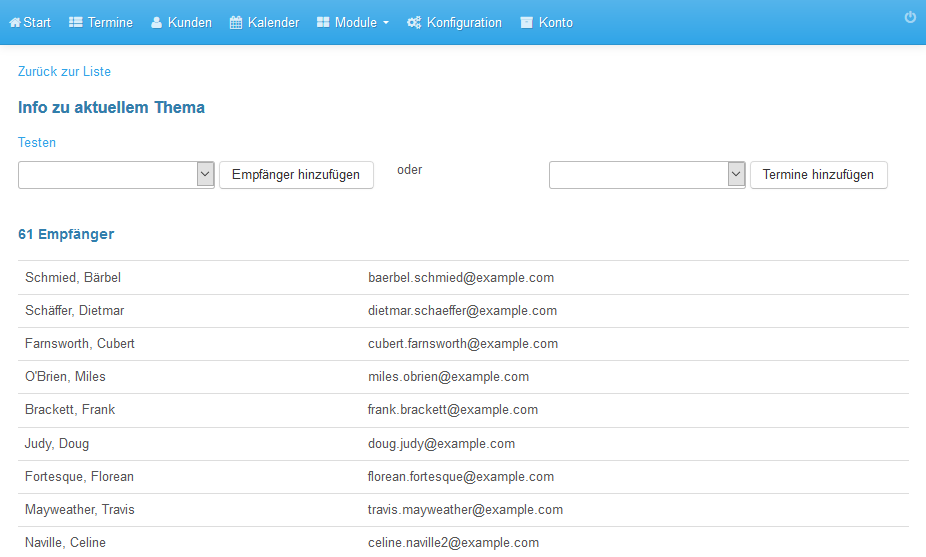
Emails are sent gradually at the scheduled time
15