Outlook Calendar Synchronization for Staff
To follow this guide, your administrator must provide a website URL in the format https://your-company.appointmind.net/modules/outlookcalendar/auth/.
- Open the website URL in your browser and log in.
- Log in to Microsoft and allow Appointmind to access your calendar.
- Select the Outlook calendar to synchronize with the Appointmind calendar.
- Finally, click Änderungen speichern.
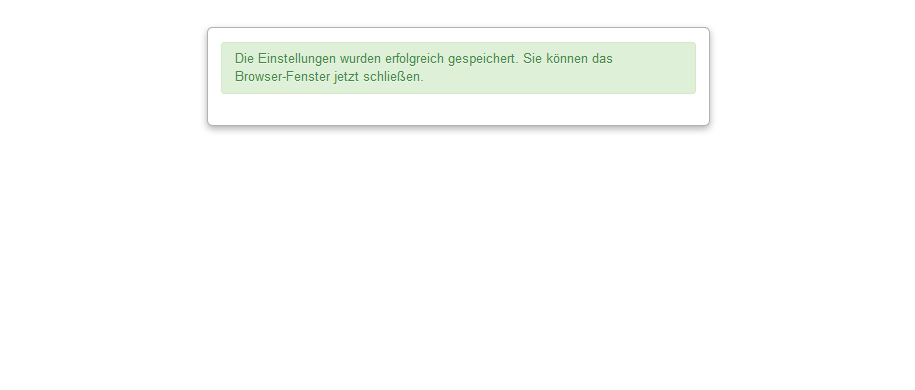
- You can now close the web browser.
Screenshots
Open the website URL in your browser and log in
1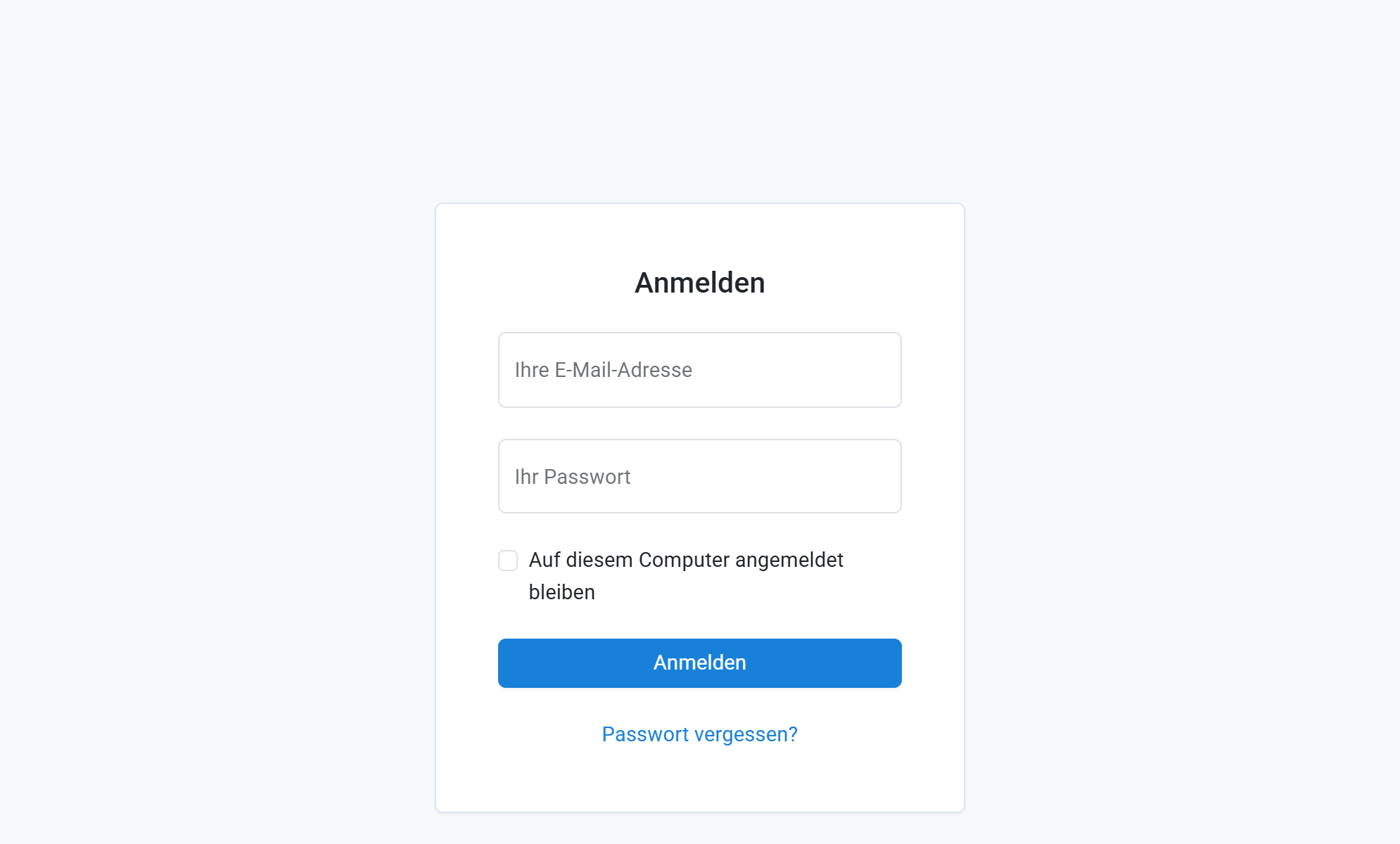
Log in to Microsoft and allow Appointmind to access your calendar
2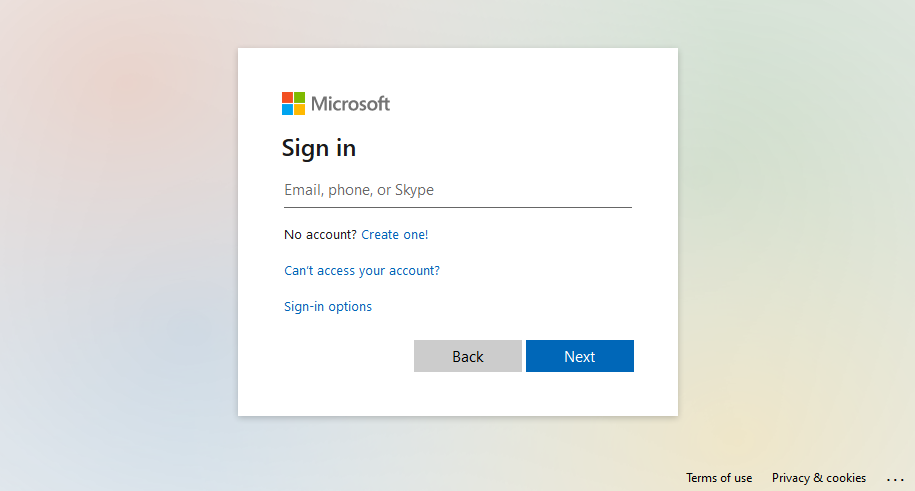
Select the Outlook calendar to synchronize with the Appointmind calendar
3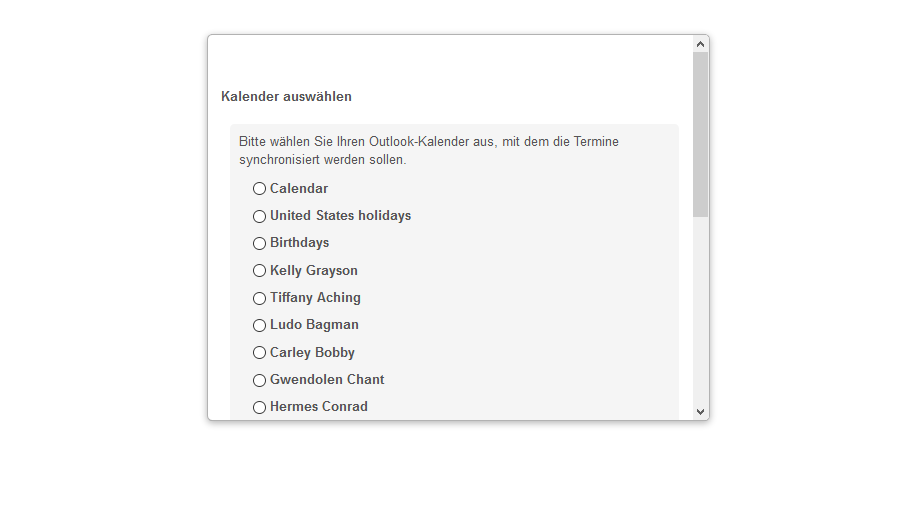
Finally, click Änderungen speichern
4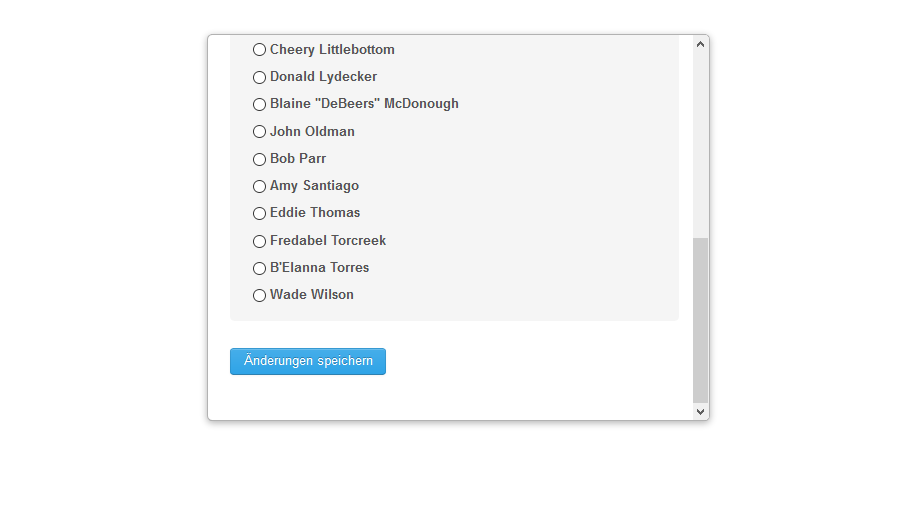
You can now close the web browser
5