Select the Calendar by Appointment Reason
If all calendars in the project have different appointment reasons, you can let the appointment reason select the calendar. This spares the customer the choice of calendar.
- Click Configuration in the navigation bar.
- Click Projects in the subnavigation bar.
- Click the project.
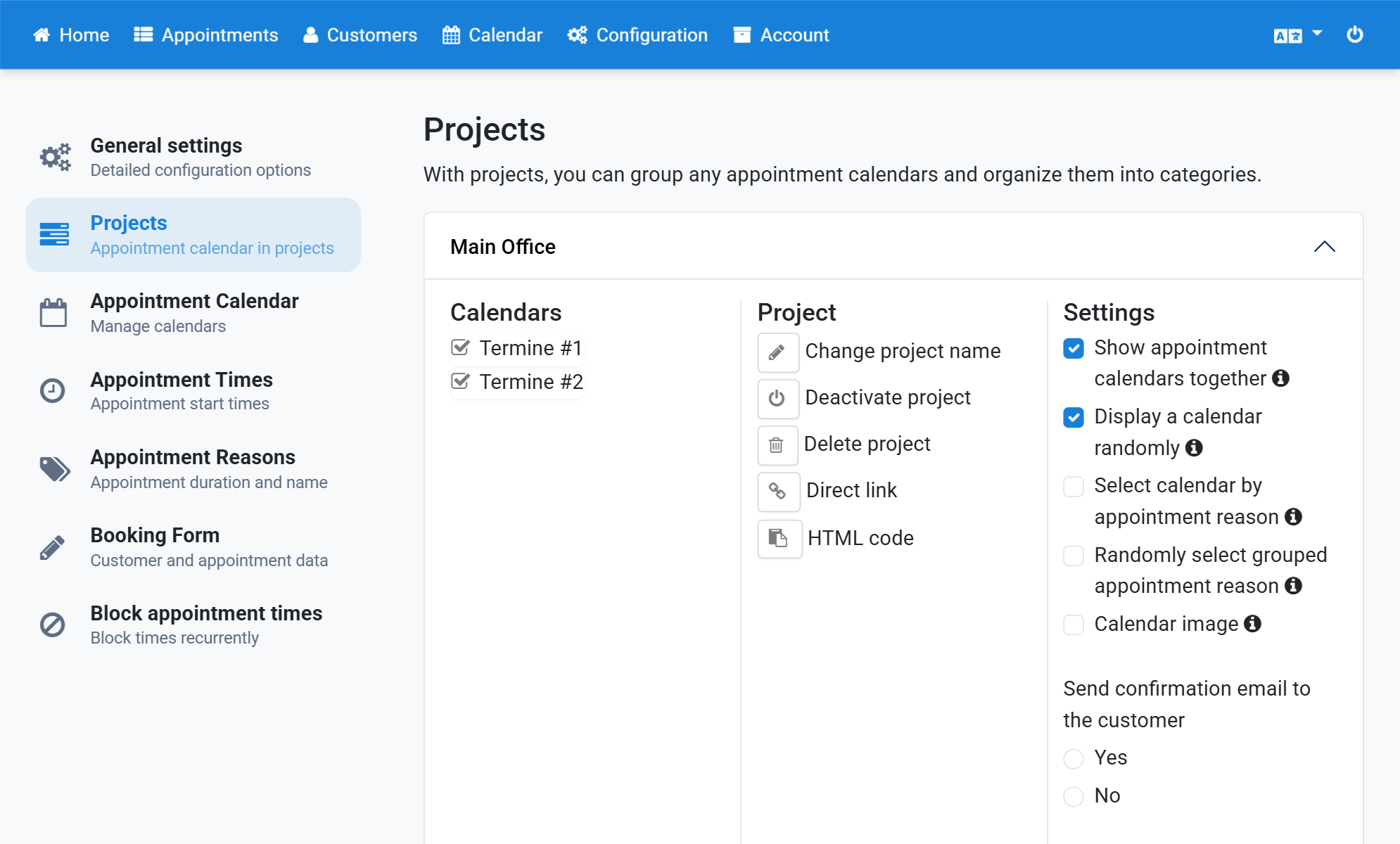
- Tick Show appointment calendars together.
- Tick Display a calendar randomly.
- Tick Select calendar by appointment reason.
Screenshots
Click Configuration in the navigation bar
1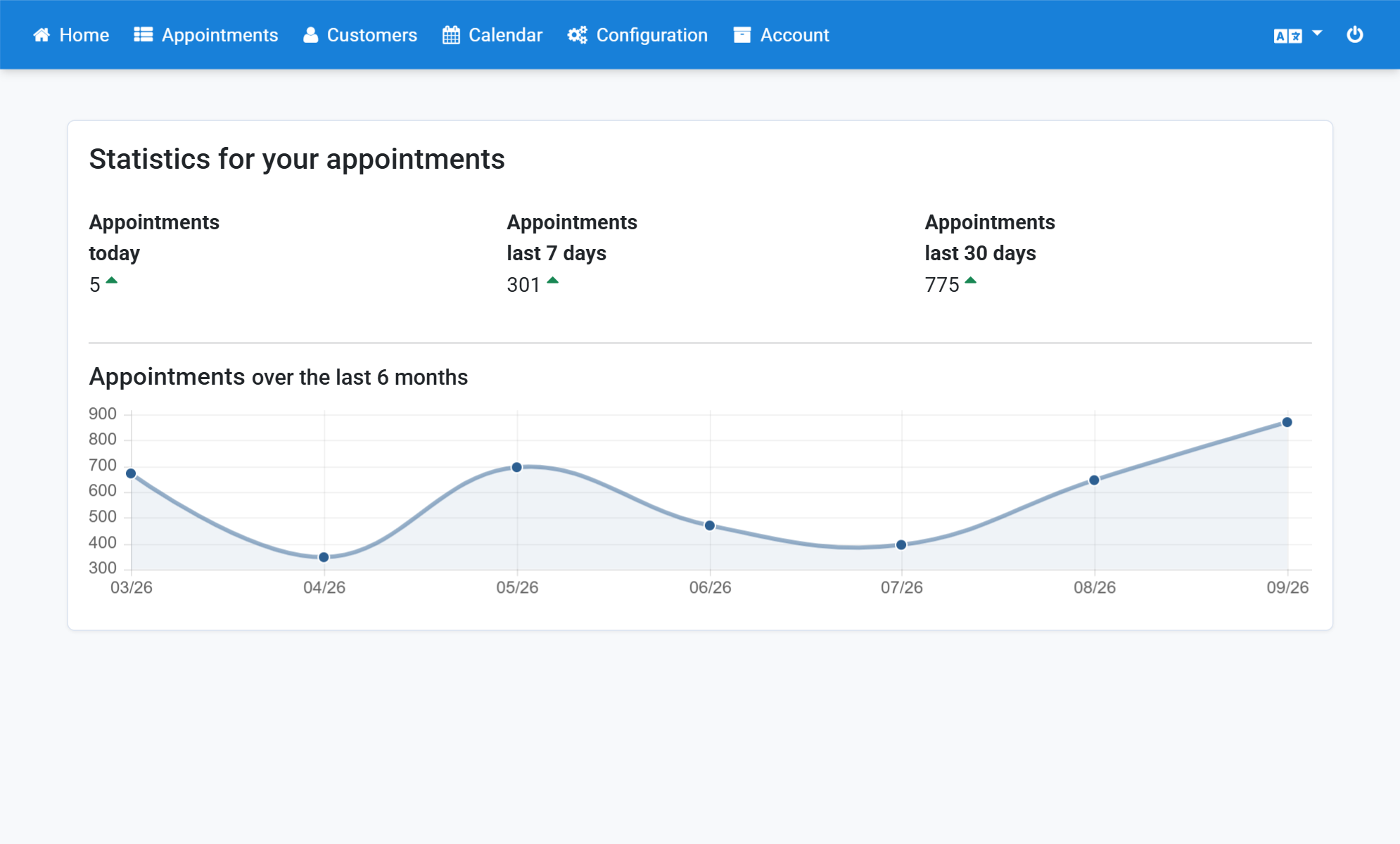
Click Projects in the subnavigation bar
2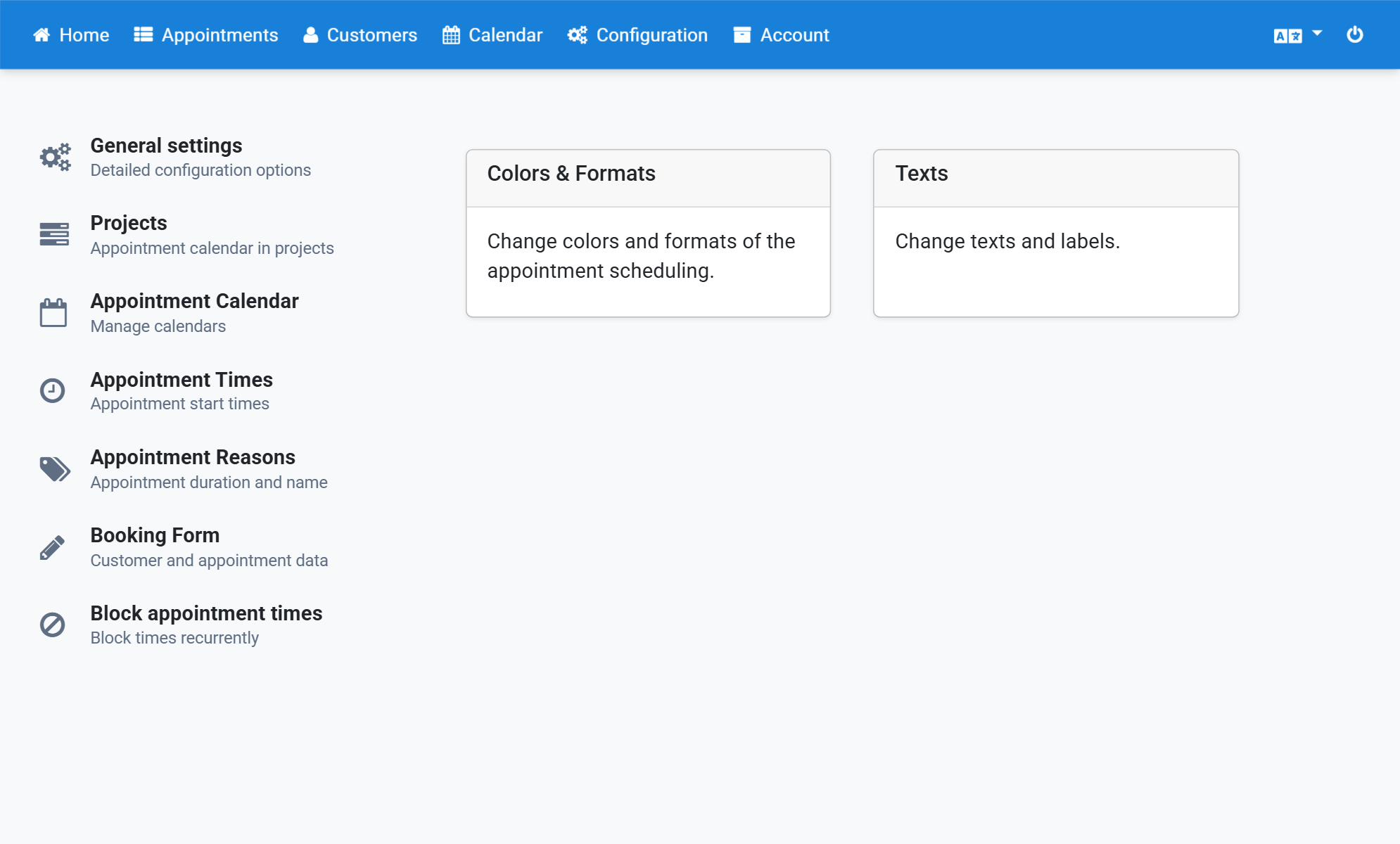
Click the project
3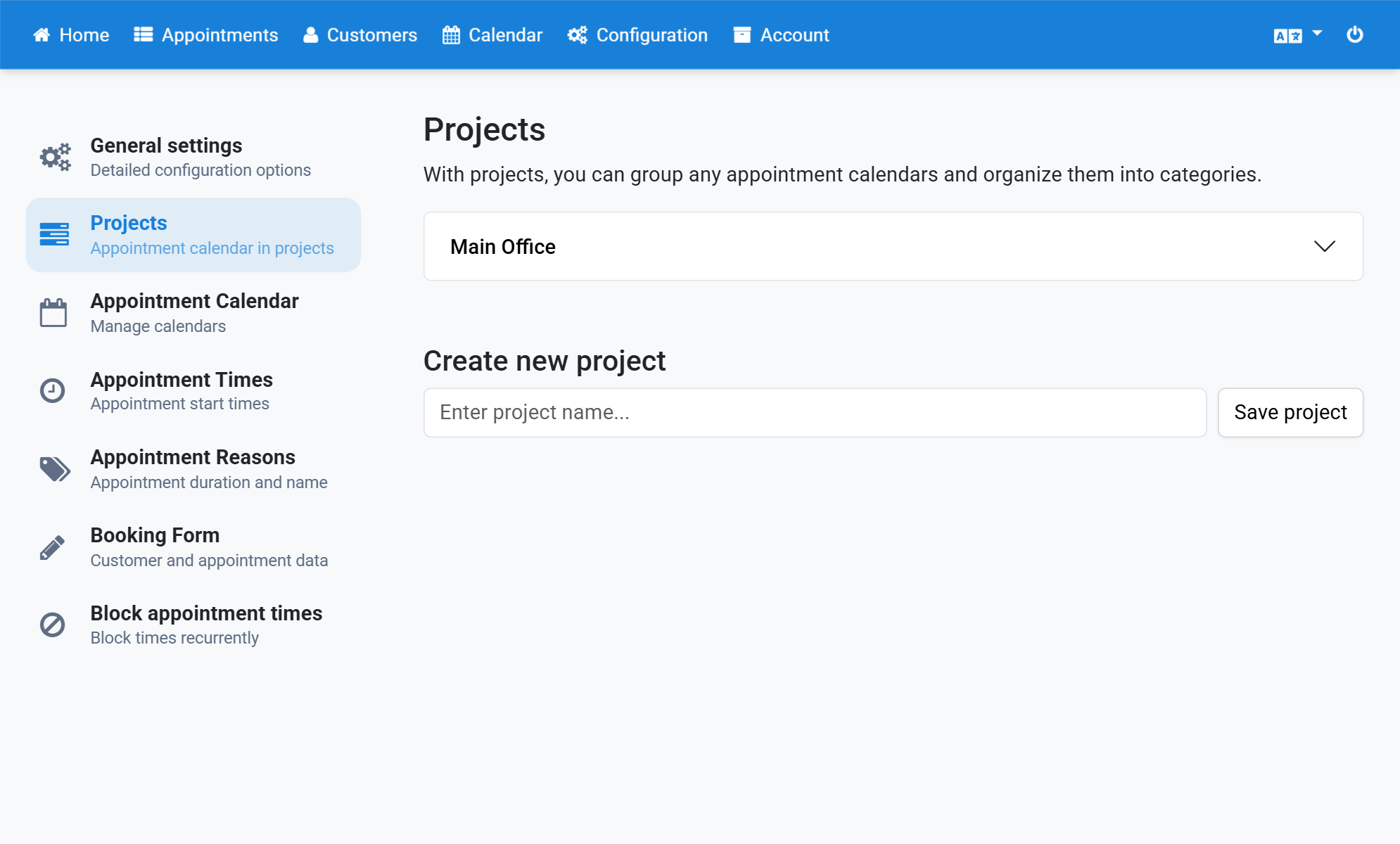
Tick Show appointment calendars together
4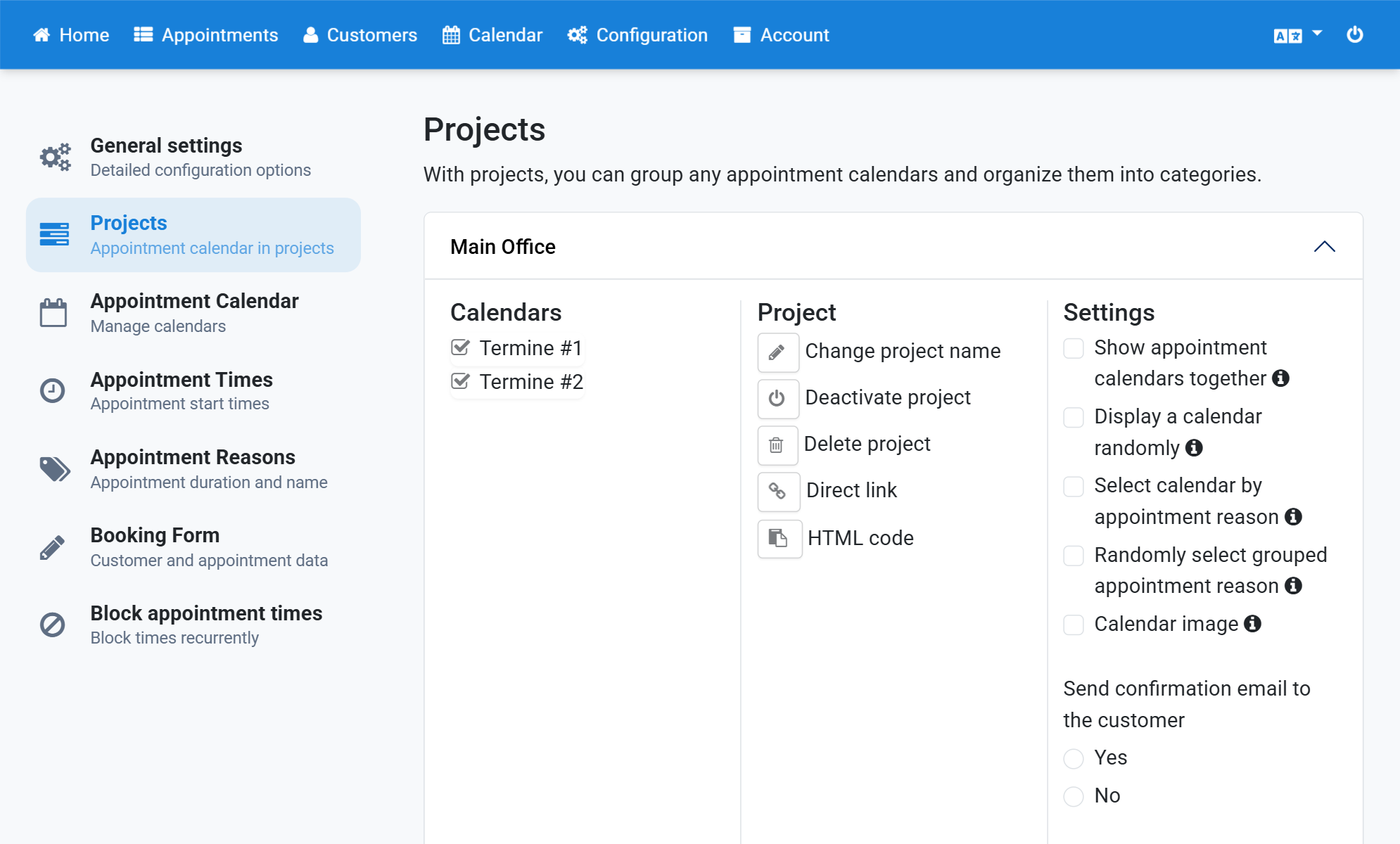
Tick Display a calendar randomly
5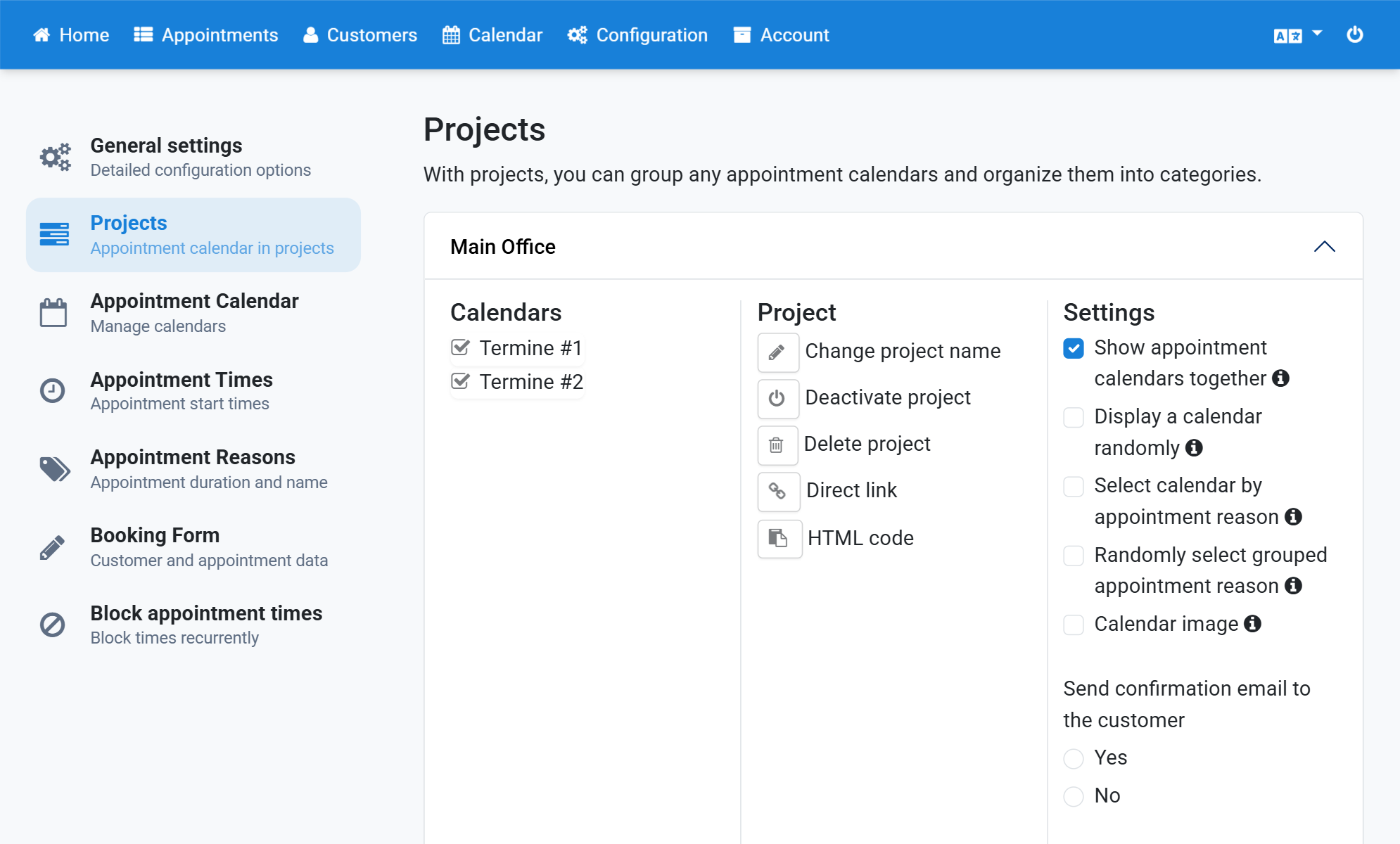
Tick Select calendar by appointment reason
6