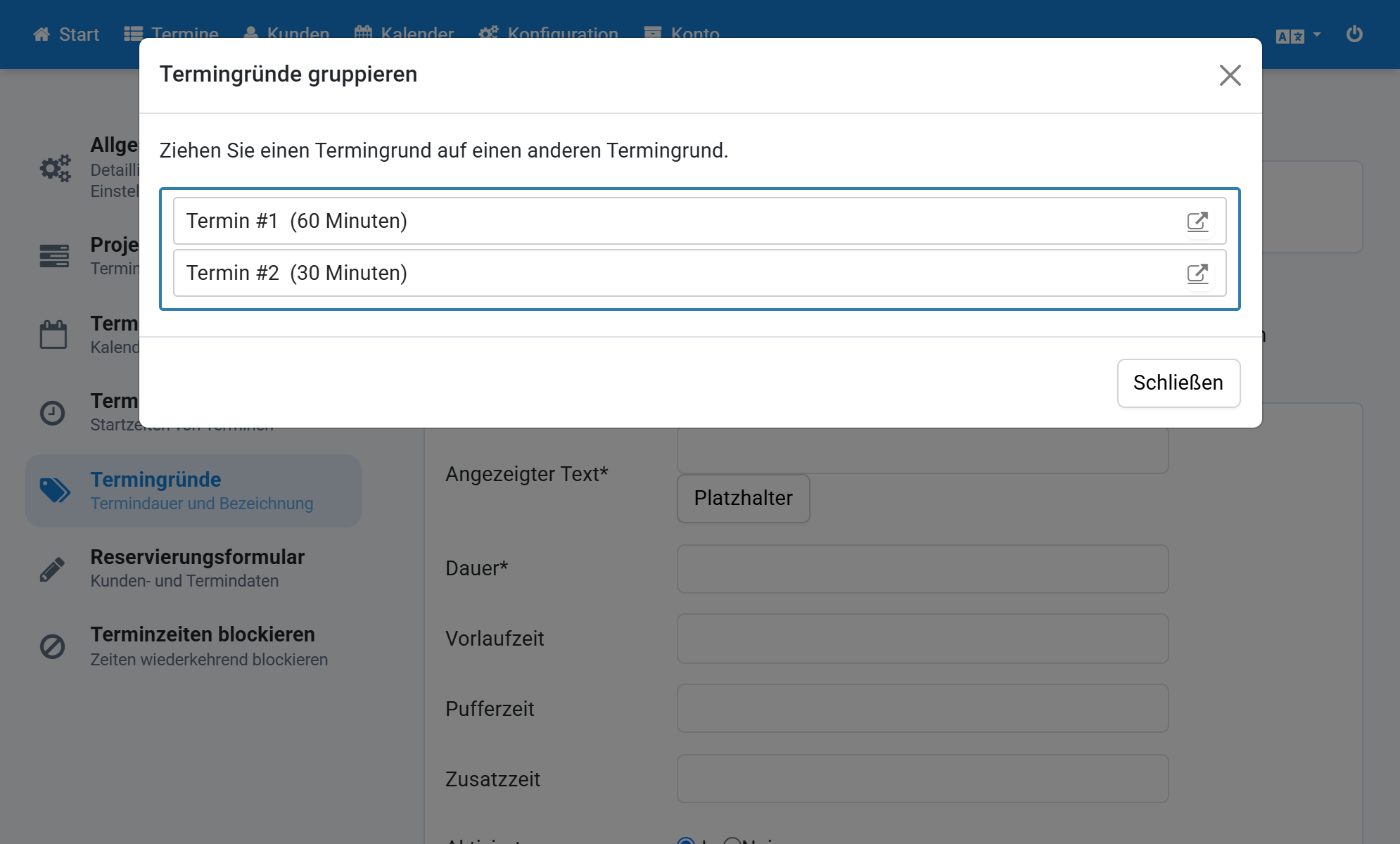
Group Appointment Reasons in a Project
- Click Configuration in the navigation.
- Click Projects in the submenu.
- Click the project.
- Check Show appointment calendars together.
- Check Show one calendar randomly.
- Check Select calendar by appointment reason.
- Check Select a random grouped appointment reason.
- Click Appointment reasons in the submenu.
- Scroll down and click Group appointment reasons.
- Drag one appointment reason onto another.
- All related appointment reasons are now grouped.
Screenshots
Click Configuration in the navigation
1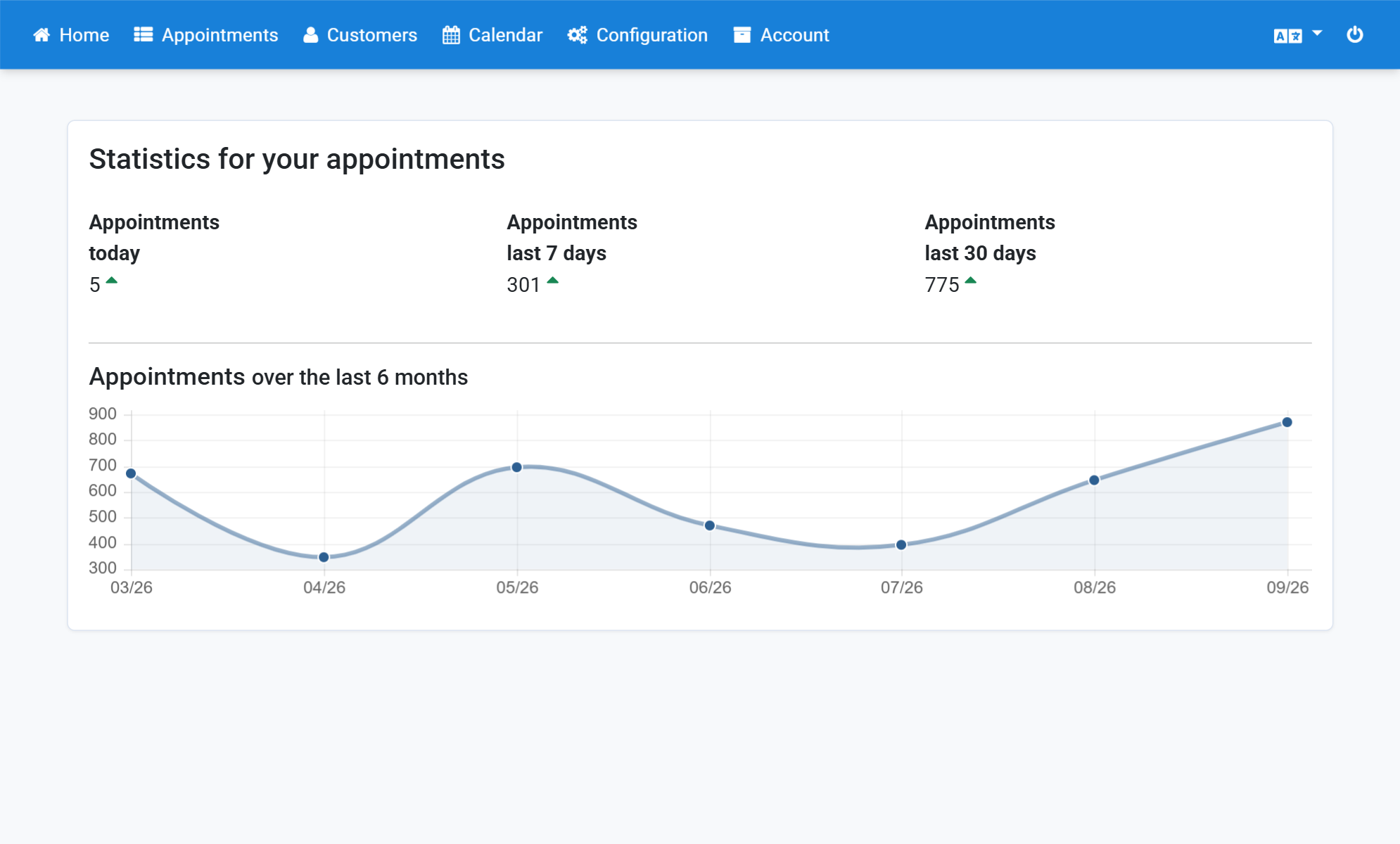
Click Projects in the submenu
2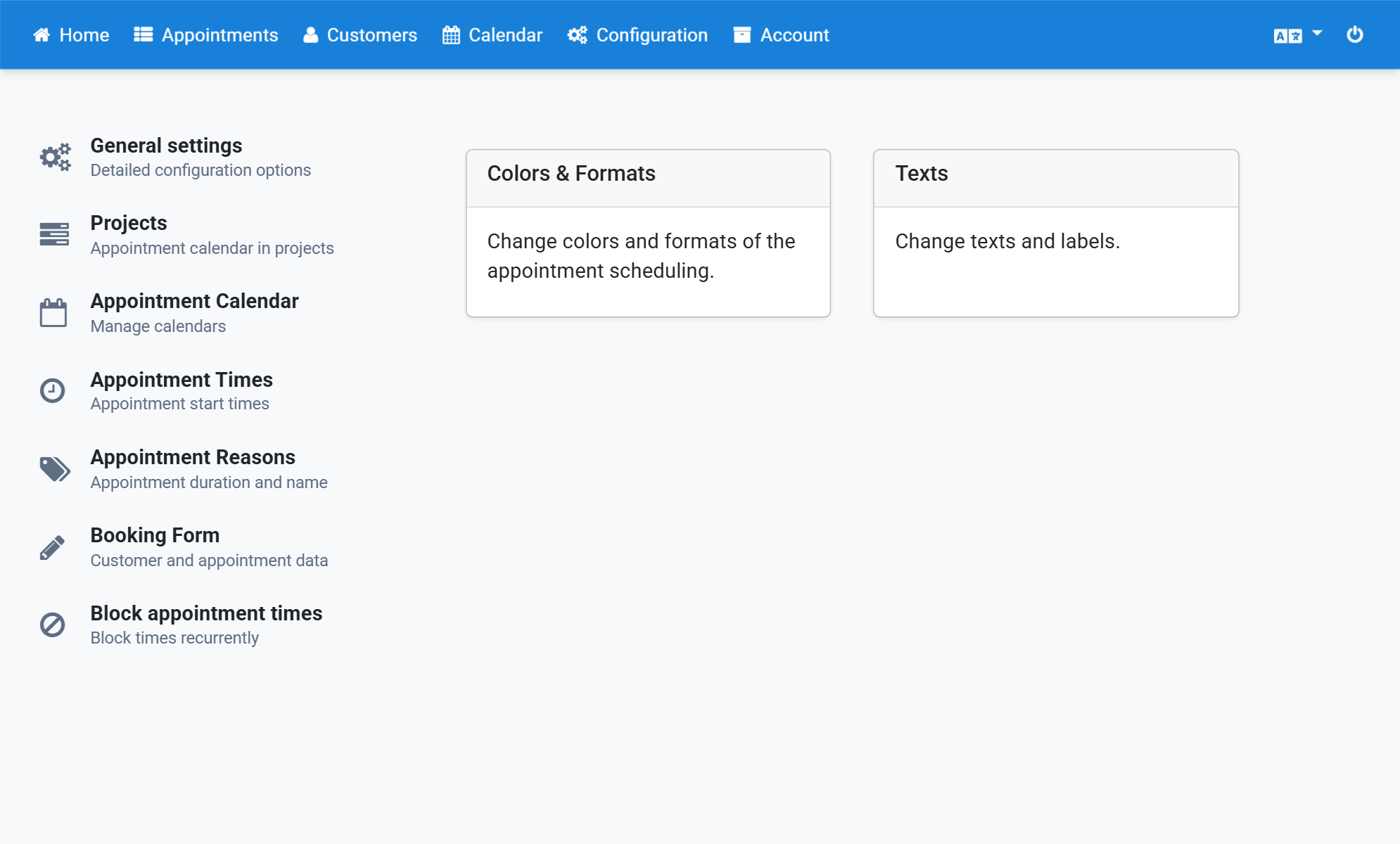
Click the project
3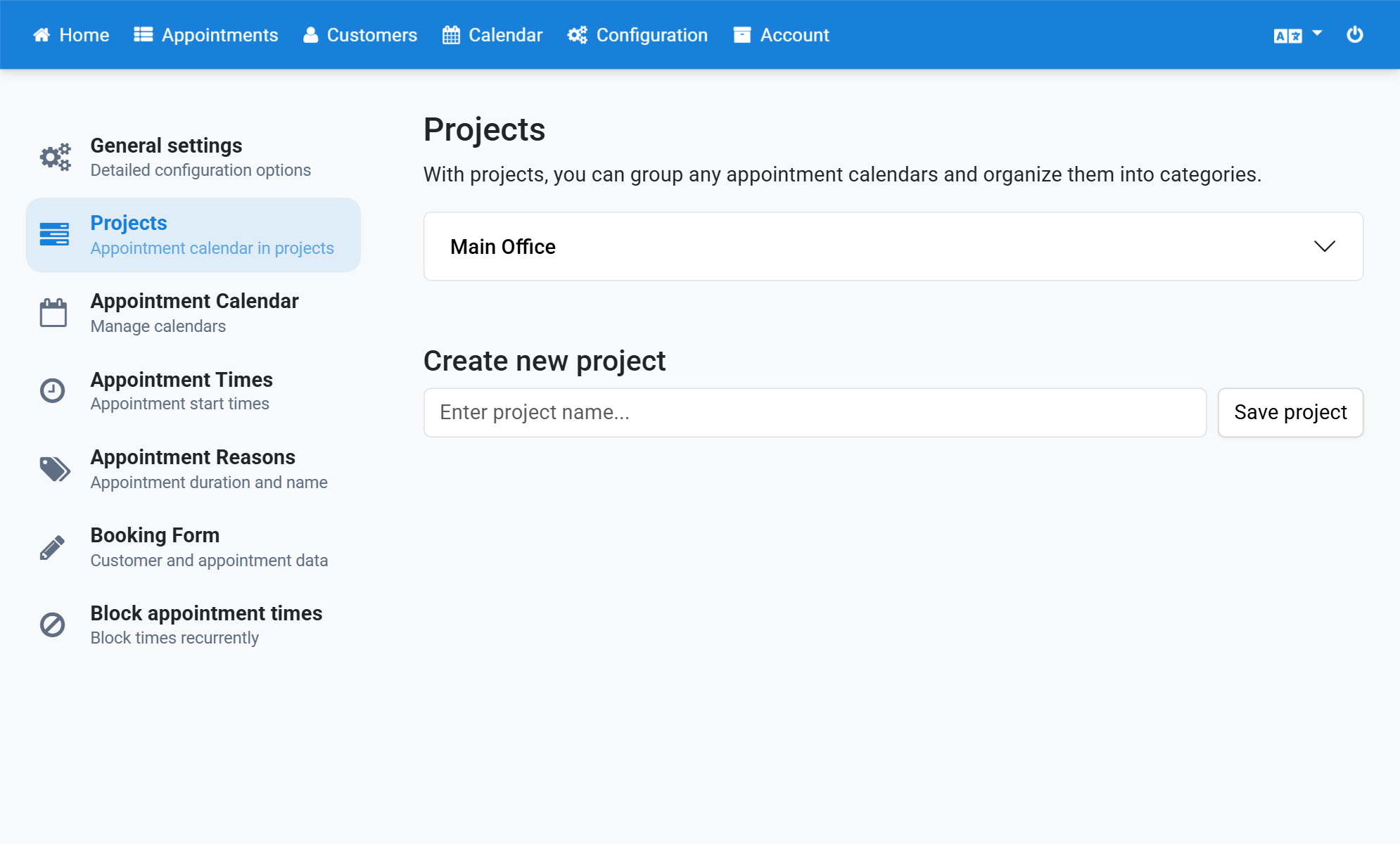
Check Show appointment calendars together
4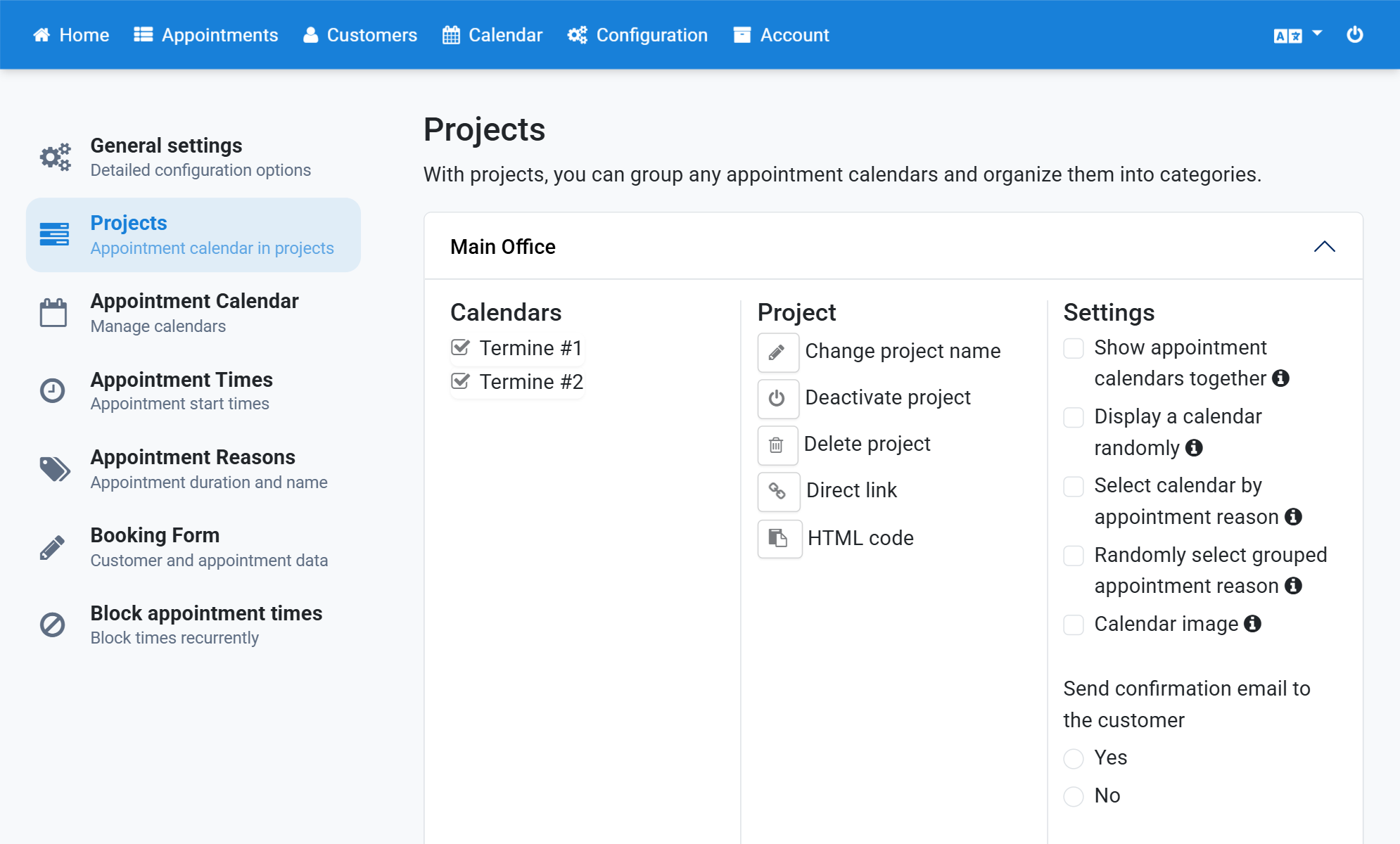
Check Show one calendar randomly
5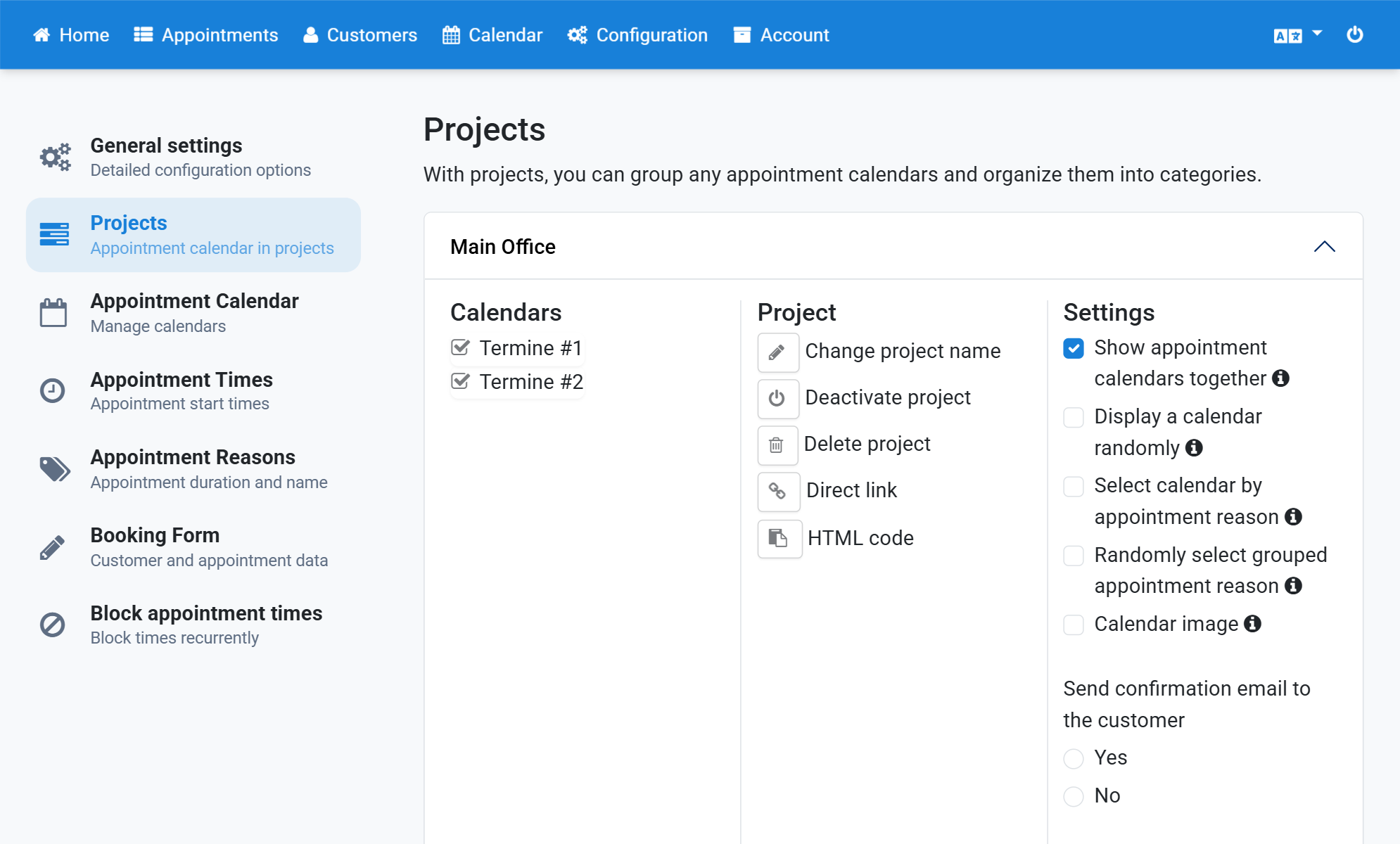
Check Select calendar by appointment reason
6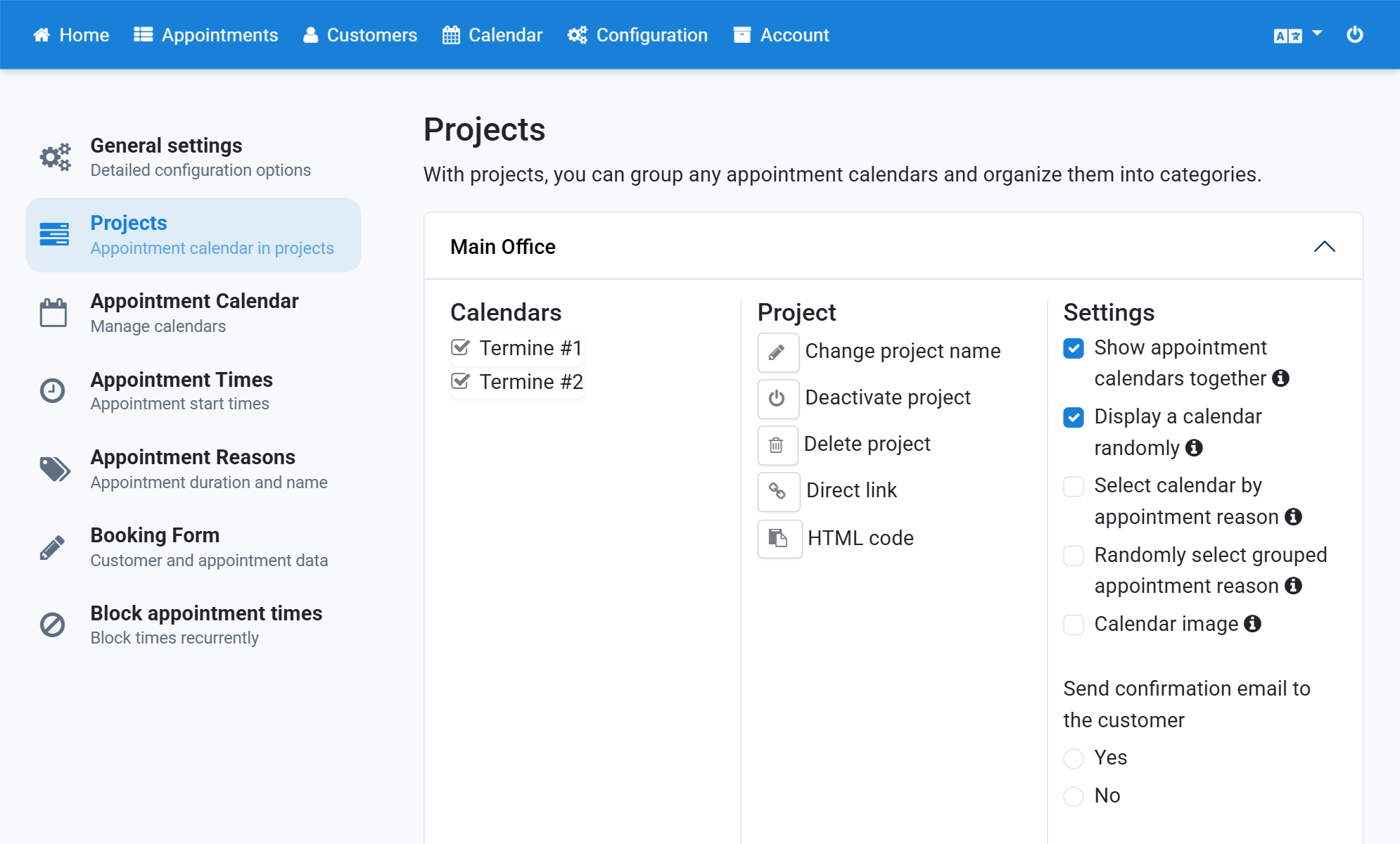
Check Select a random grouped appointment reason
7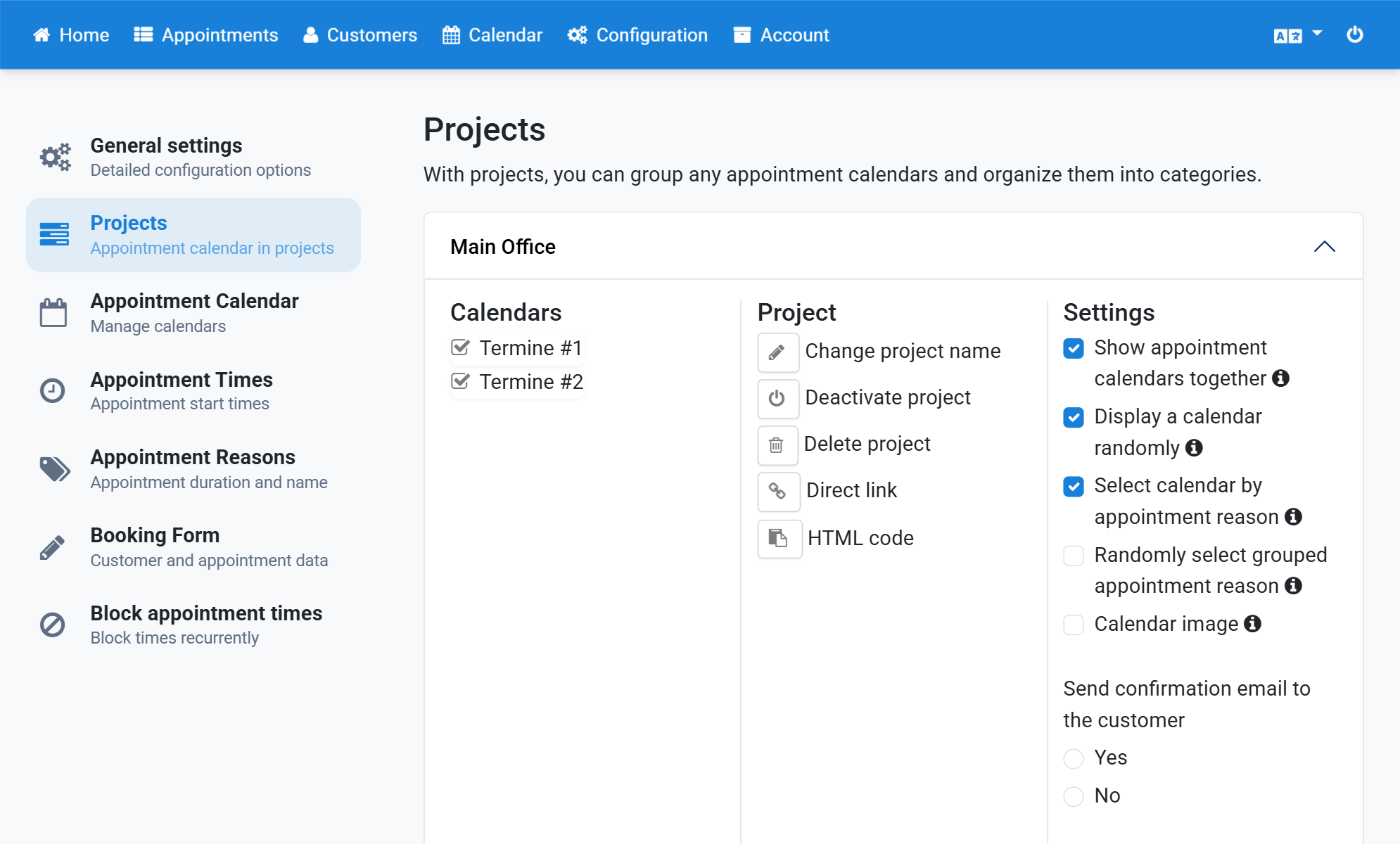
Click Appointment reasons in the submenu
8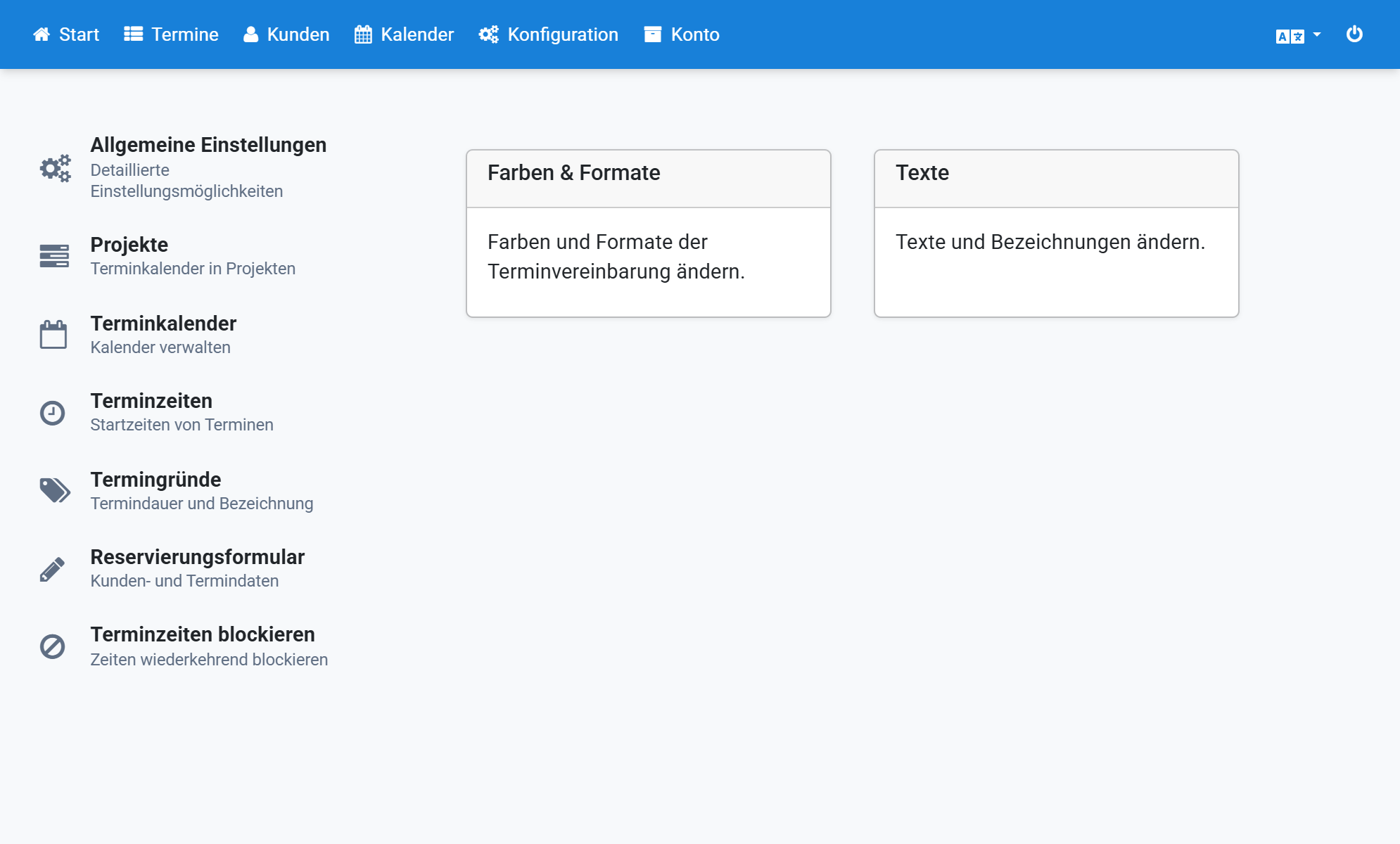
Scroll down and click Group appointment reasons
9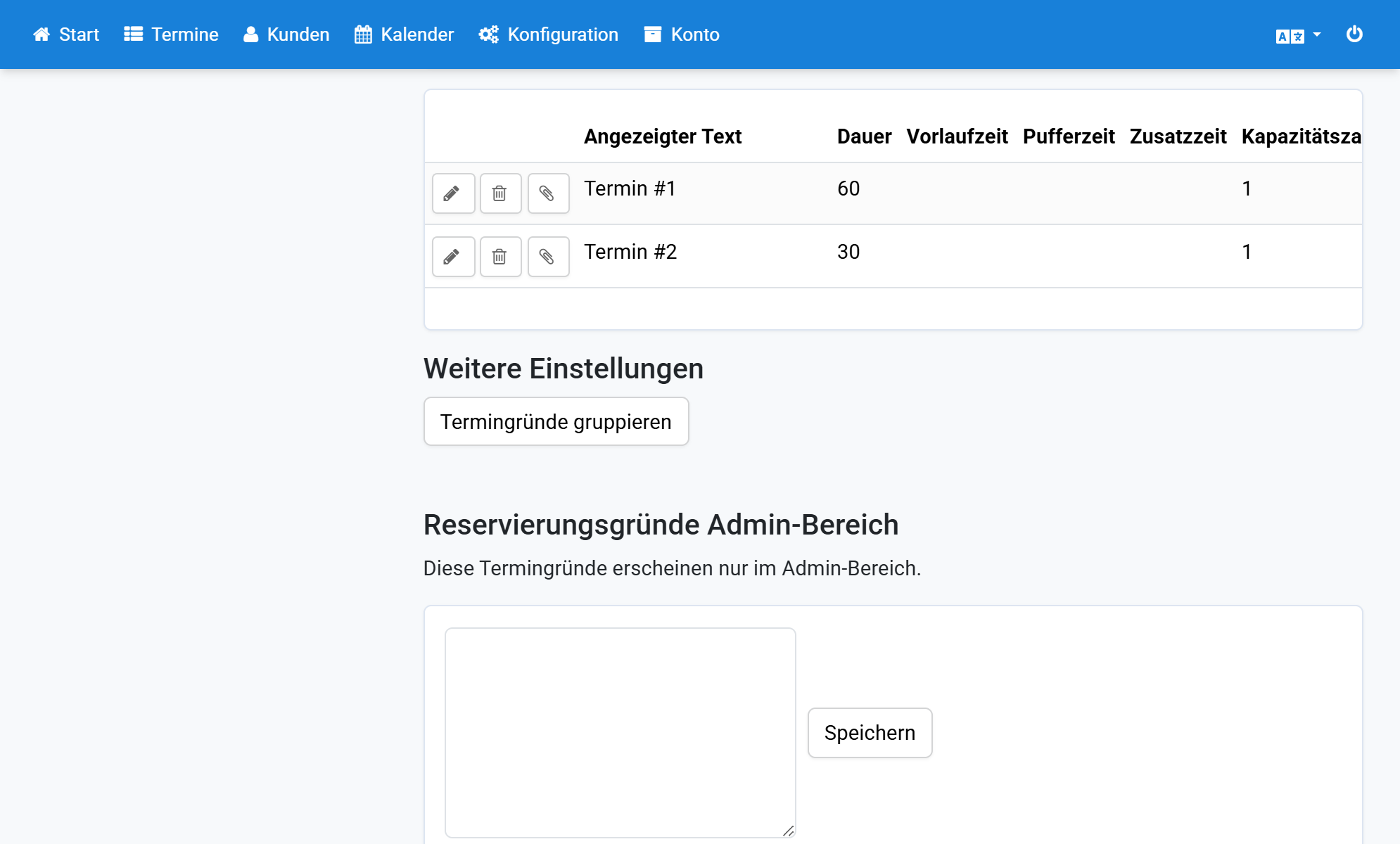
Drag one appointment reason onto another
10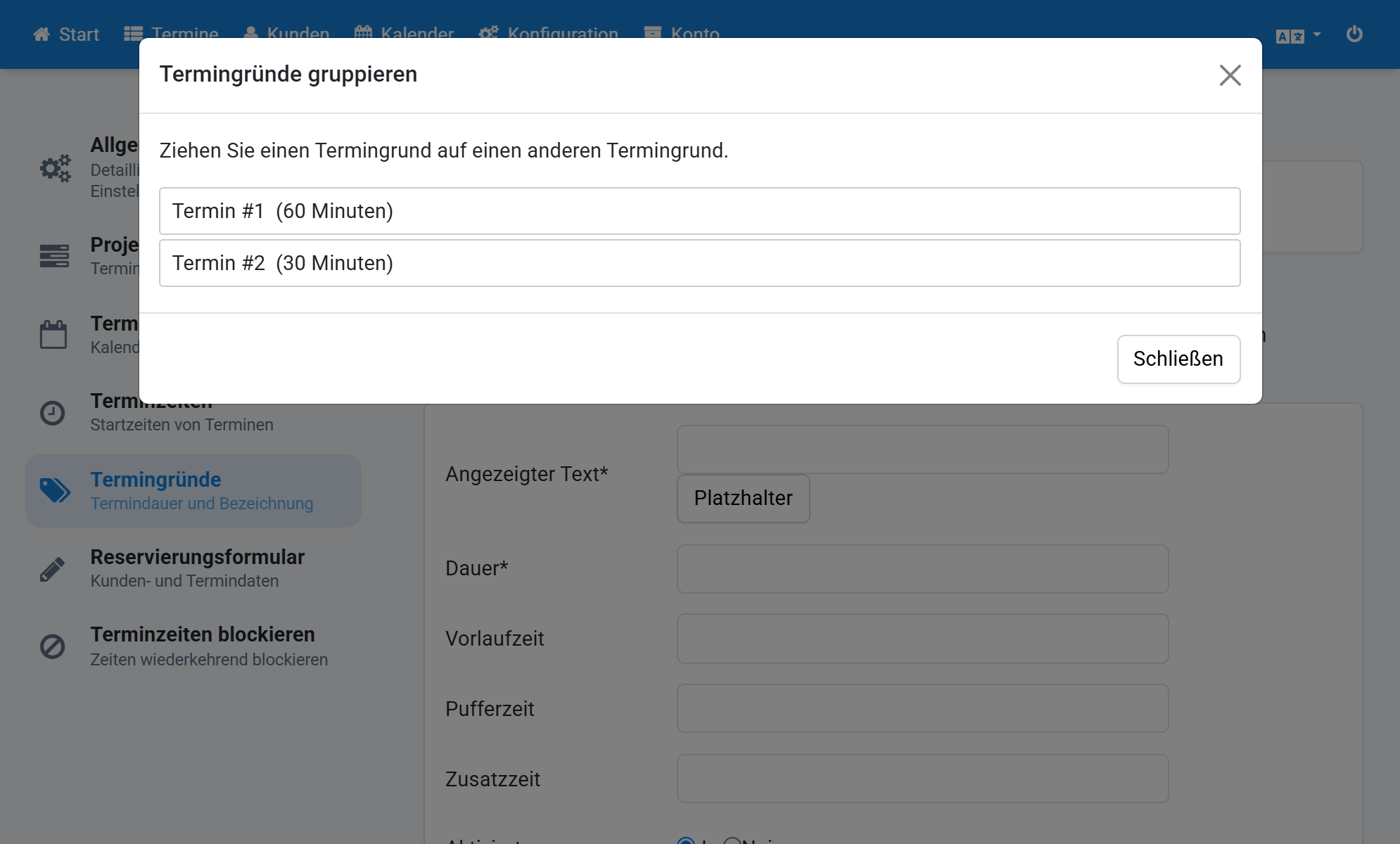
All related appointment reasons are now grouped