Use the Settings Assistant
The settings assistant finds the right setting when you describe in your own words what you want to change. You change the value directly in the search result and decide whether it applies to all calendars or only to individual ones.
- Click Configuration in the navigation bar.
- Describe in the Settings assistant which setting you are looking for.
- Click Search.
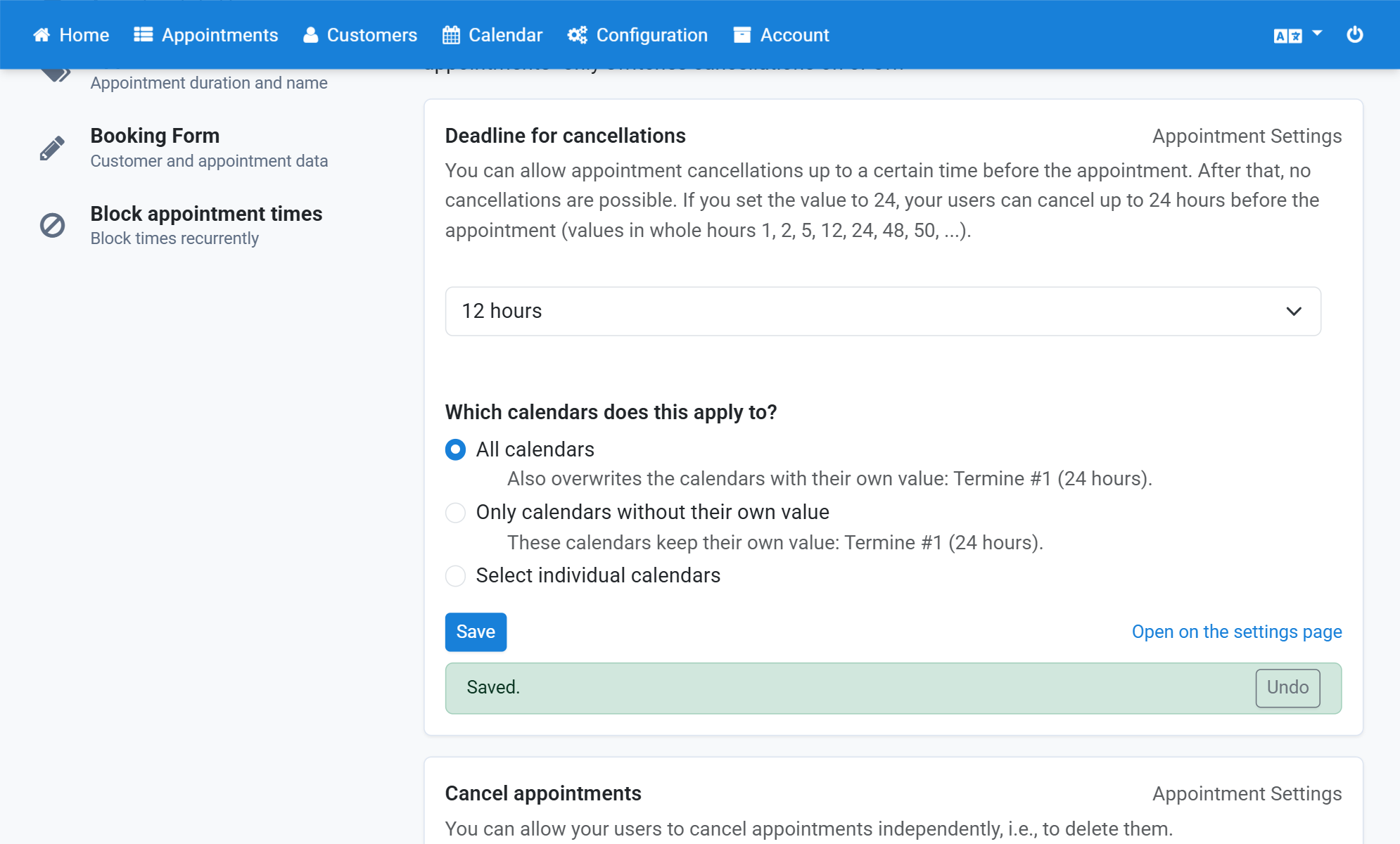
- Set Deadline for cancellations to 24 hours.
- Click Set for individual calendars instead.
- Select the calendar the deadline applies to.
- Click Save.
- The deadline now applies to the selected calendar only.
Screenshots
Click Configuration in the navigation bar
1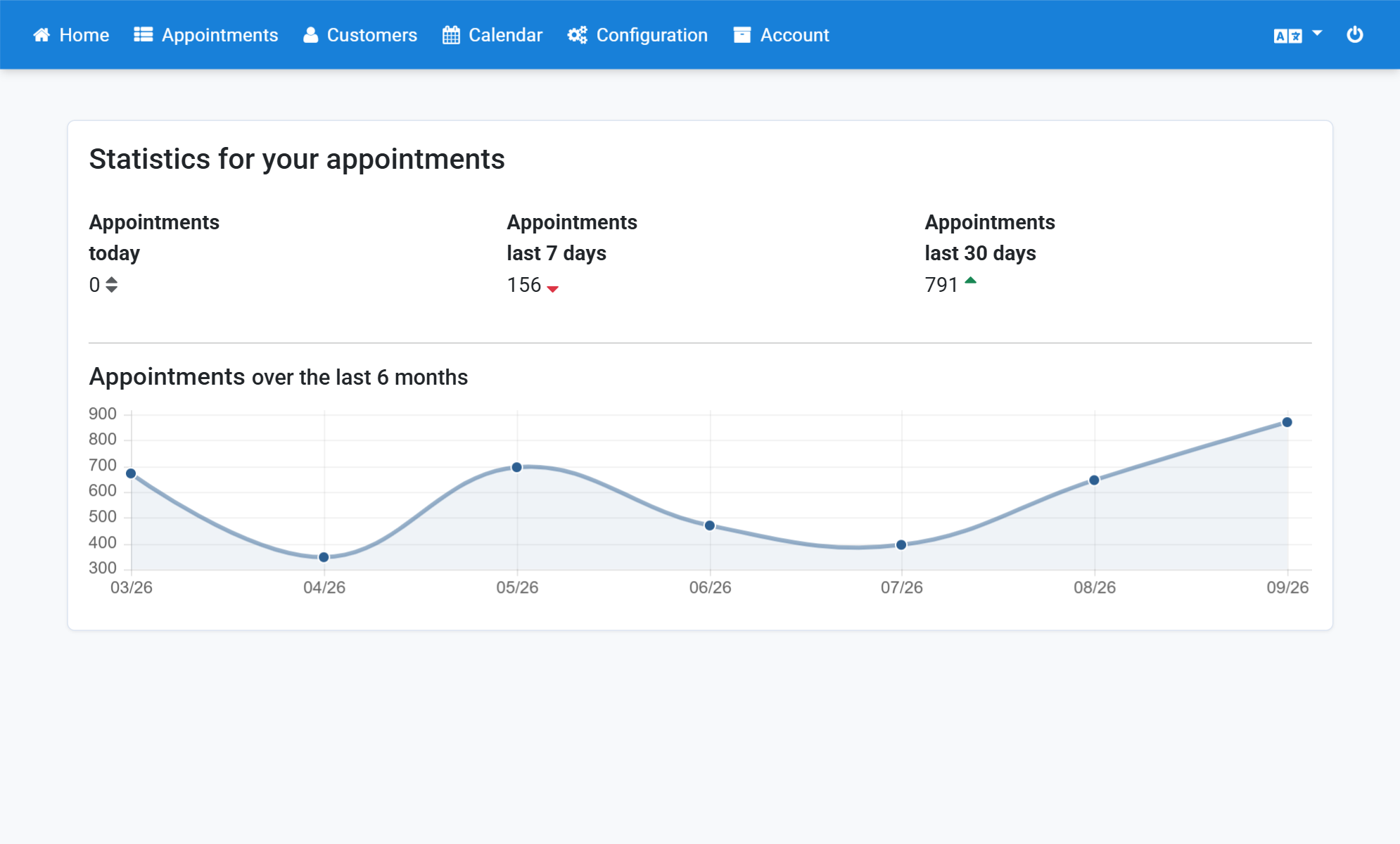
Describe in the Settings assistant which setting you are looking for
2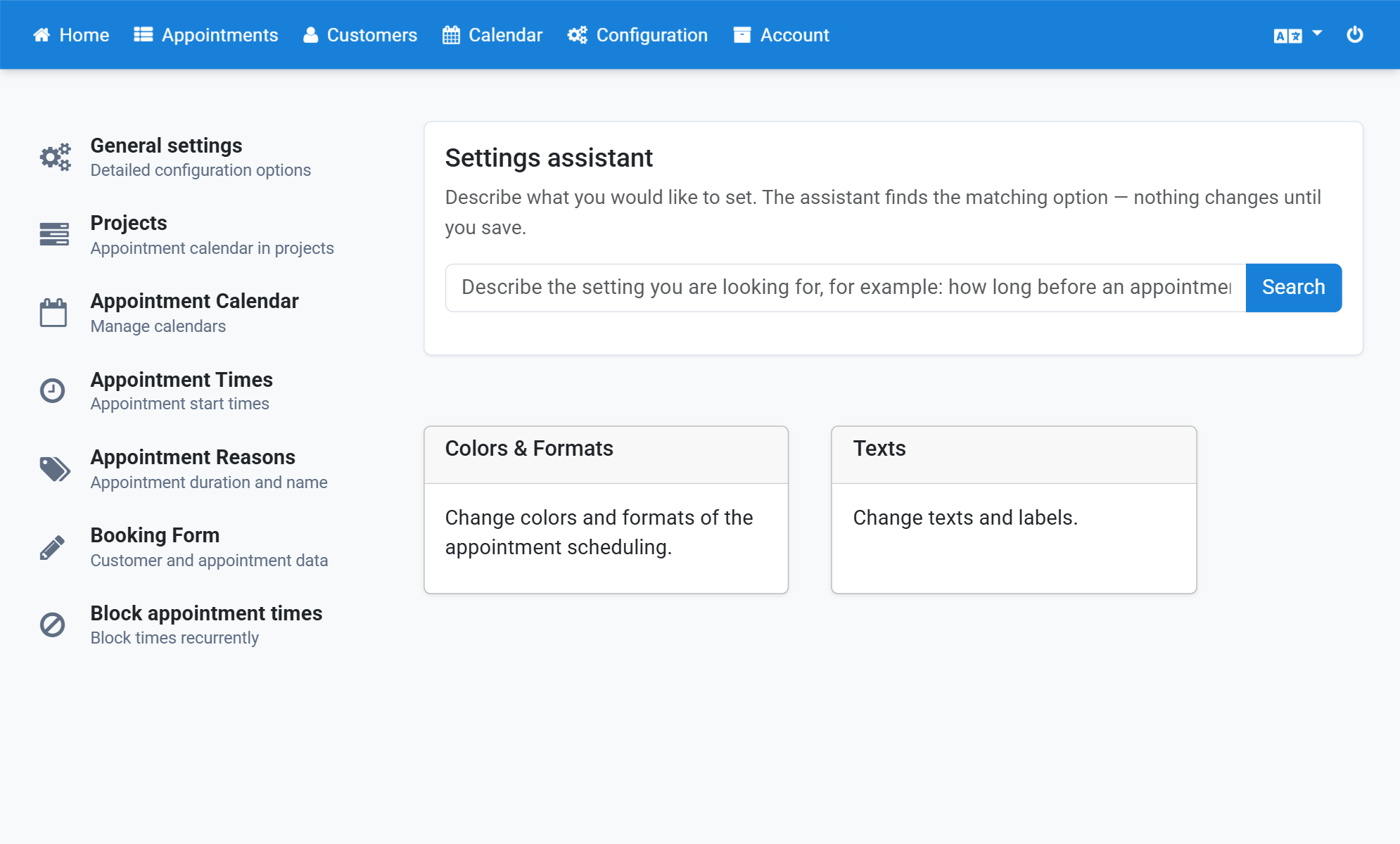
Click Search
3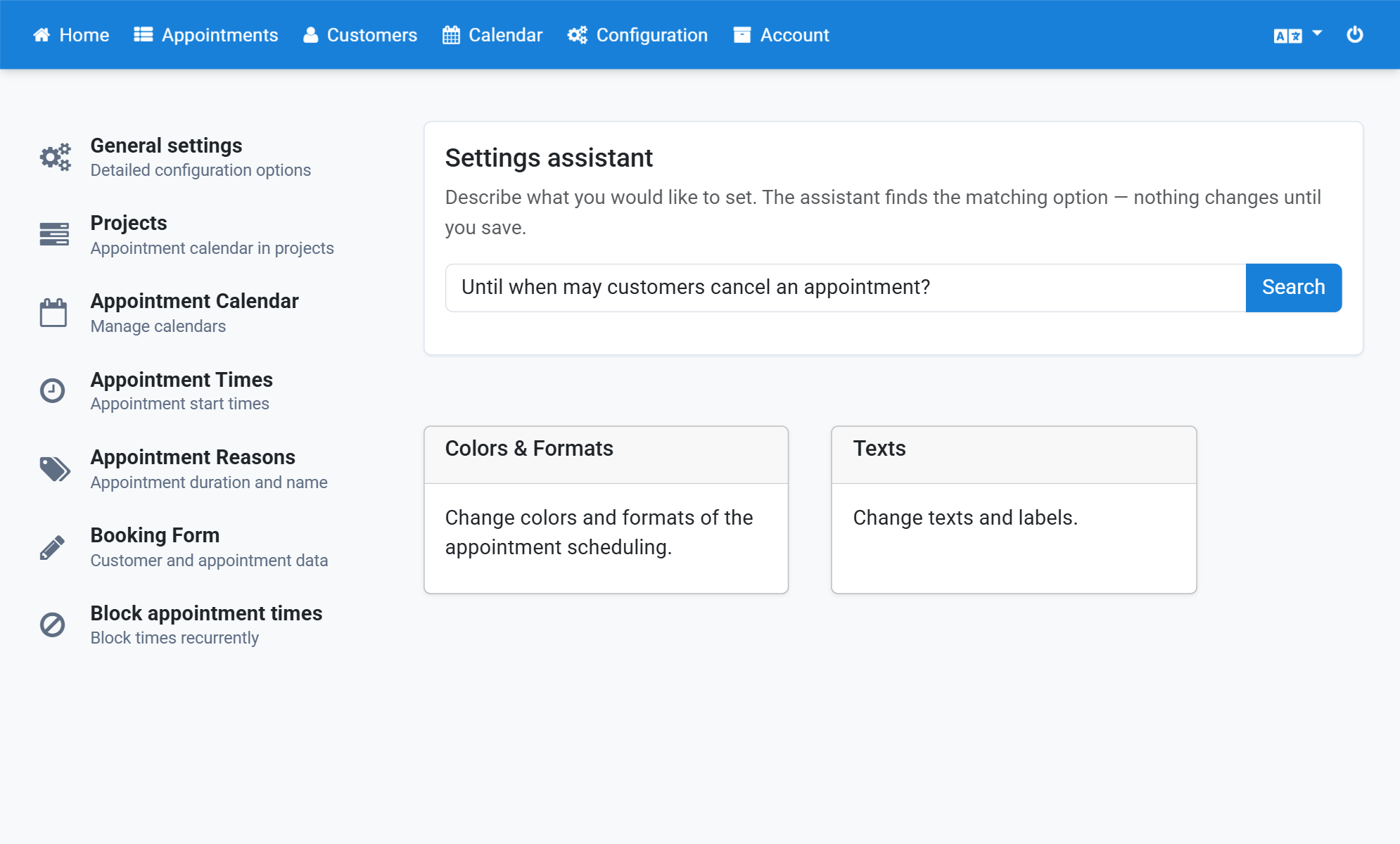
Set Deadline for cancellations to 24 hours
4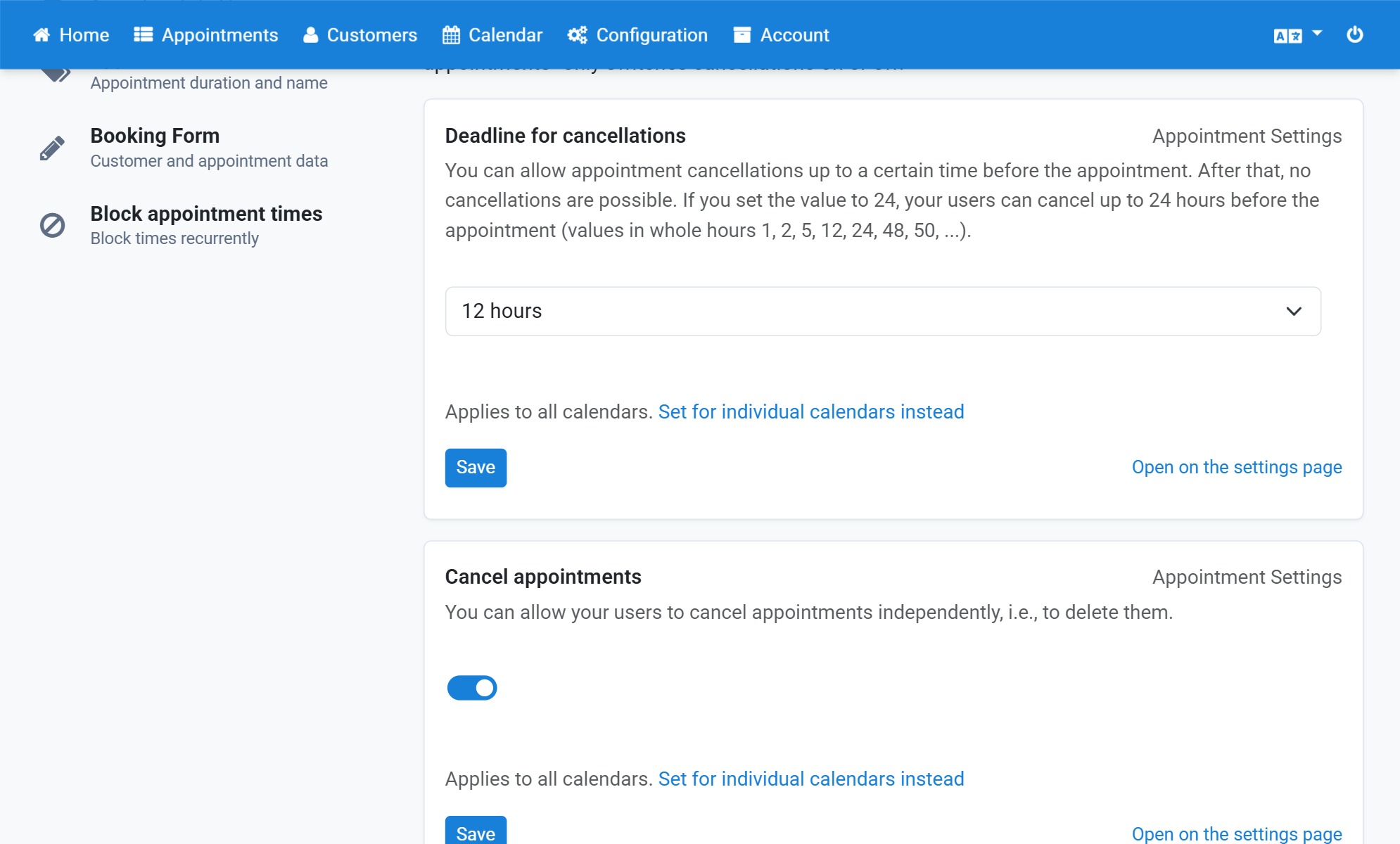
Click Set for individual calendars instead
5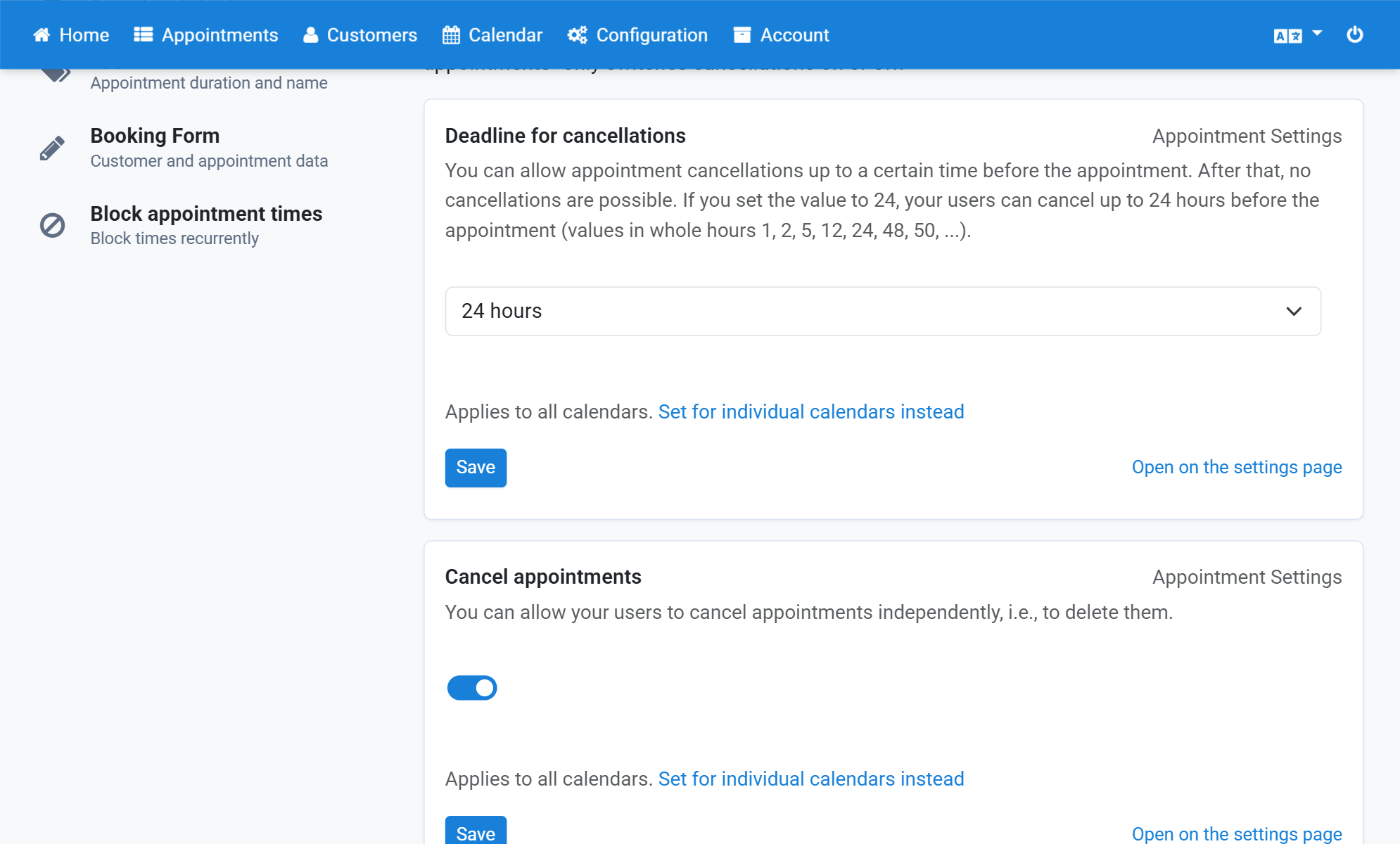
Select the calendar the deadline applies to
6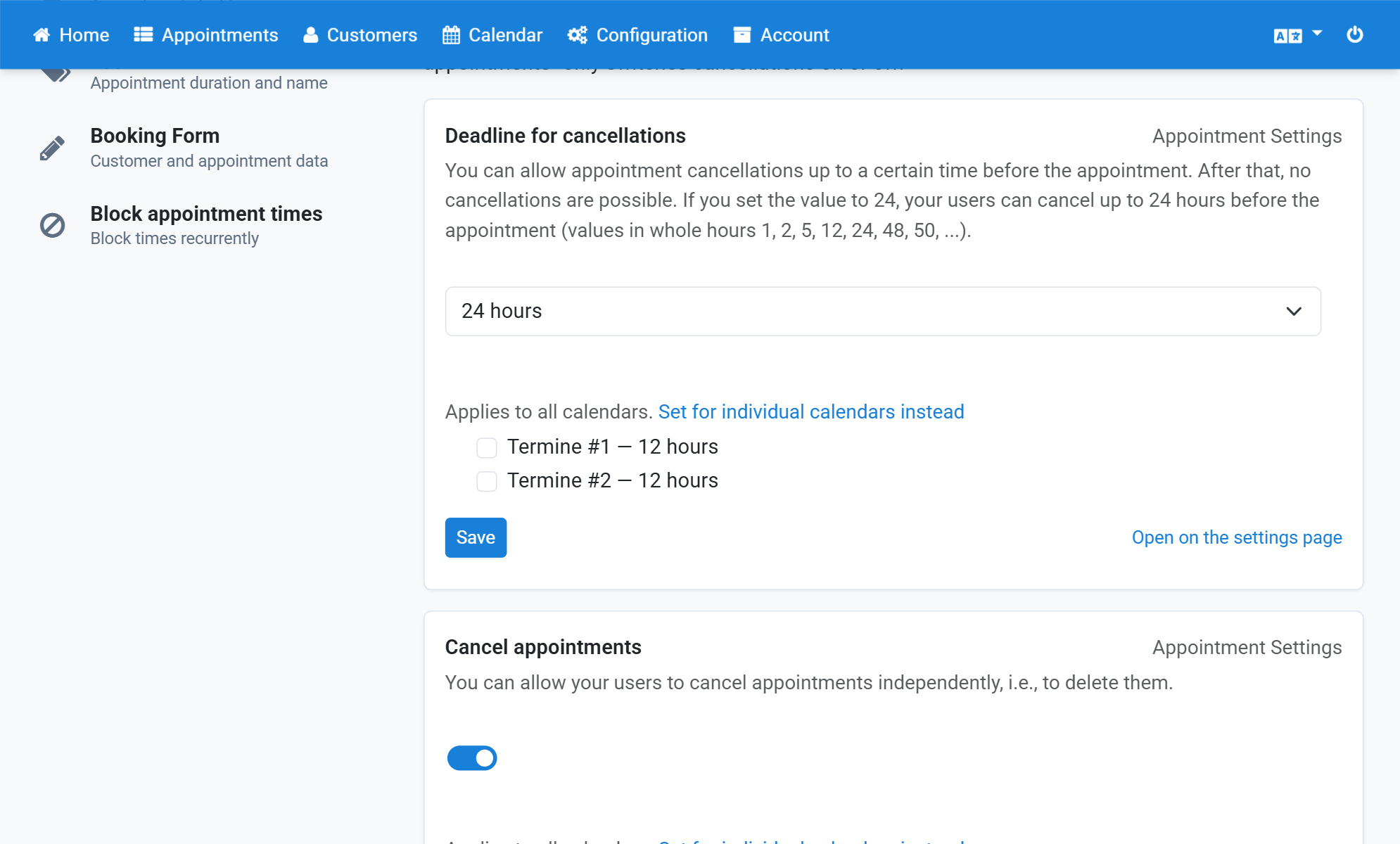
Click Save
7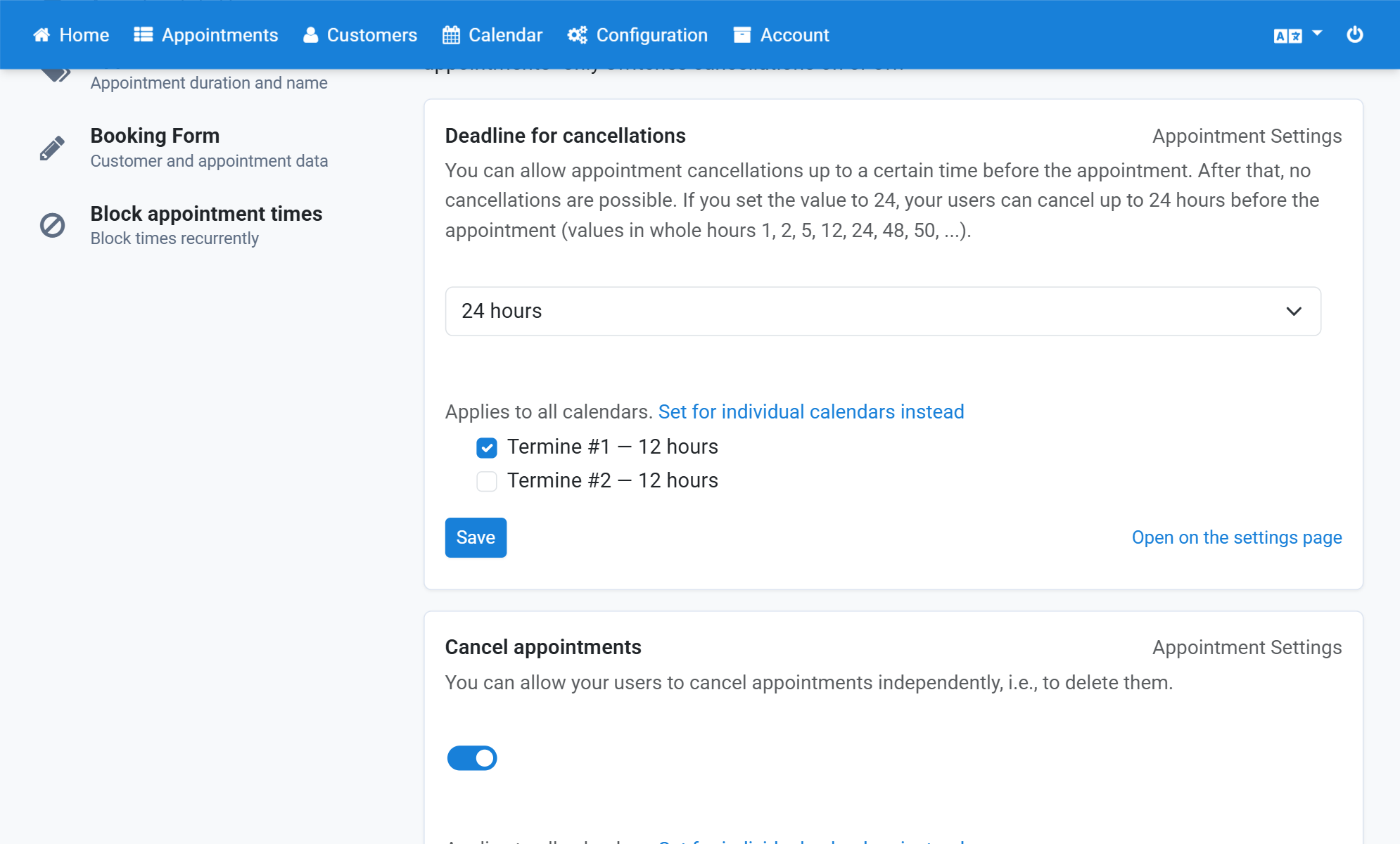
The deadline now applies to the selected calendar only
8